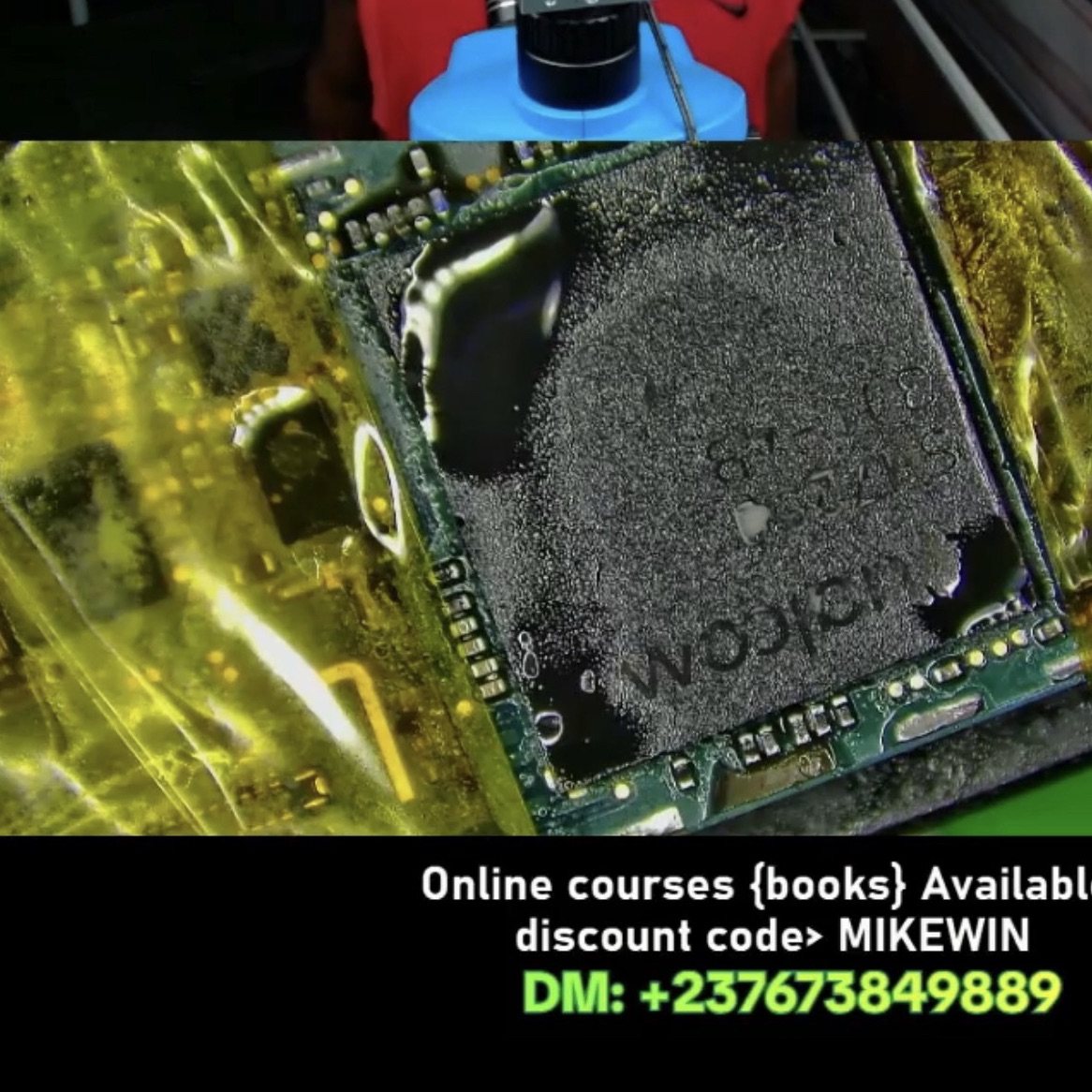
How to repair google pixel 5 that’s not powering on
In this video you will watch and learn how to repair a dead mobile phone using just your dc power supply to detect where the fault is coming from. #mobilerepair
This is a preview of a rewarded PlayFix lesson. Sign in to see its viewing options; playback is not available on this preview page.
Open lesson on PlayFixGoogle Pixel repair
Google Pixel phones fail in recognisable ways: dead boots after a short on the main supply rail, CPU or RAM faults on stacked boards, and charging faults on the USB-C port, VBUS line or charging IC. Board-level diagnosis with a DC power supply finds the fault faster than swapping parts.
What a technician checks
- Read the current draw on a DC power supply while pressing power
- Check VPH / VDD_MAIN for a short before anything else
- Measure VBUS and the charging current on charging faults
- Inspect CPU and RAM areas for heat or signs of previous rework