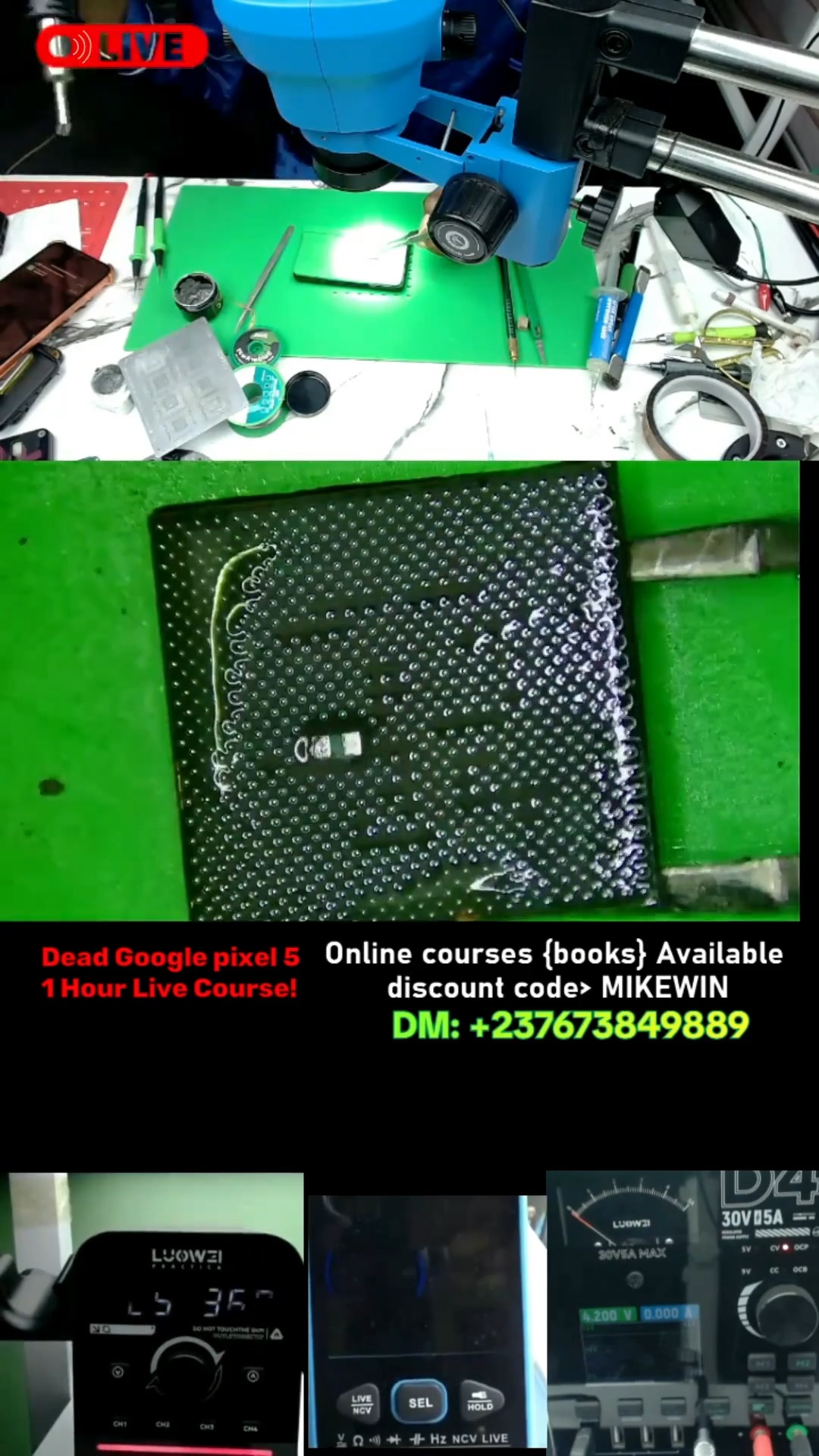
Google Pixel 5 Dead Boot Repair - Short Video
3:18 · Short circuit troubleshooting on phone boards
Google Pixel phones fail in recognisable ways: dead boots after a short on the main supply rail, CPU or RAM faults on stacked boards, and charging faults on the USB-C port, VBUS line or charging IC. Board-level diagnosis with a DC power supply finds the fault faster than swapping parts.
Start a dead Pixel on a DC power supply instead of the battery and read the current: an instant high draw means a short on the main rail, no draw points to the power key, battery lines or power IC, and a draw that rises then falls back points to the boot chain (CPU, RAM, storage).
Pixel boards are dense and many arrive from other shops already worked on, so inspect under a microscope for lifted pads, missing parts or poor reballing before replacing chips. Compare readings with a known-good board of the same model.
For charging faults, separate the port from the board: a USB ammeter shows whether the phone draws current at all, and diode mode on VBUS shows a short from the over-voltage protection or a filter capacitor.
3:18 · Short circuit troubleshooting on phone boards
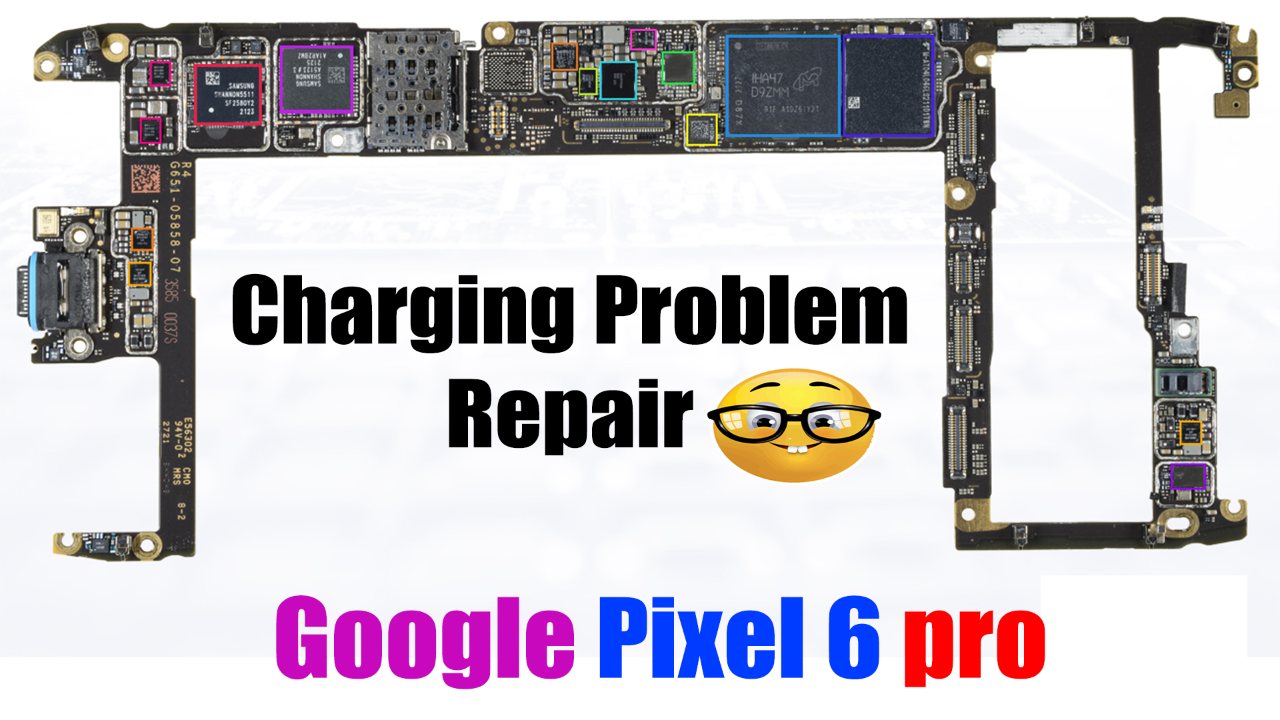
5:34 · Phone not charging repair

13:33 · Dead phone repair (no power, no boot)
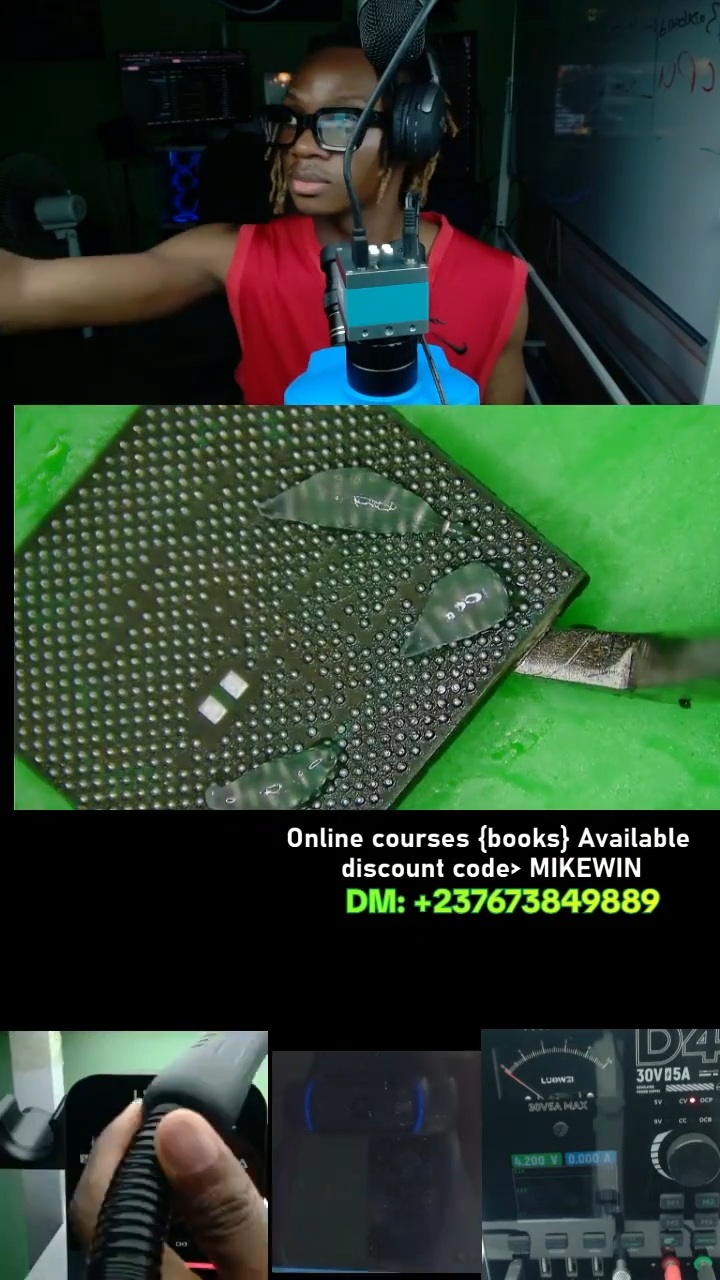
4:07 · Dead phone repair (no power, no boot)

3:46 · Short circuit troubleshooting on phone boards
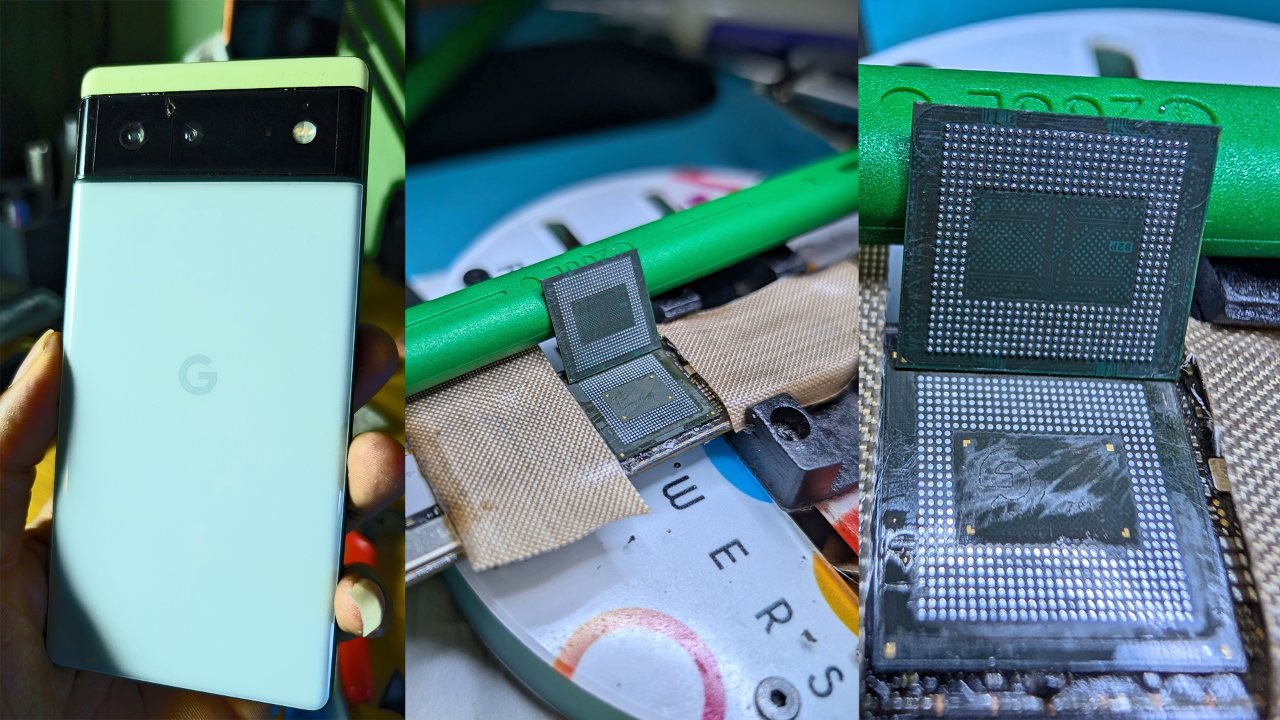
12:43 · Short circuit troubleshooting on phone boards
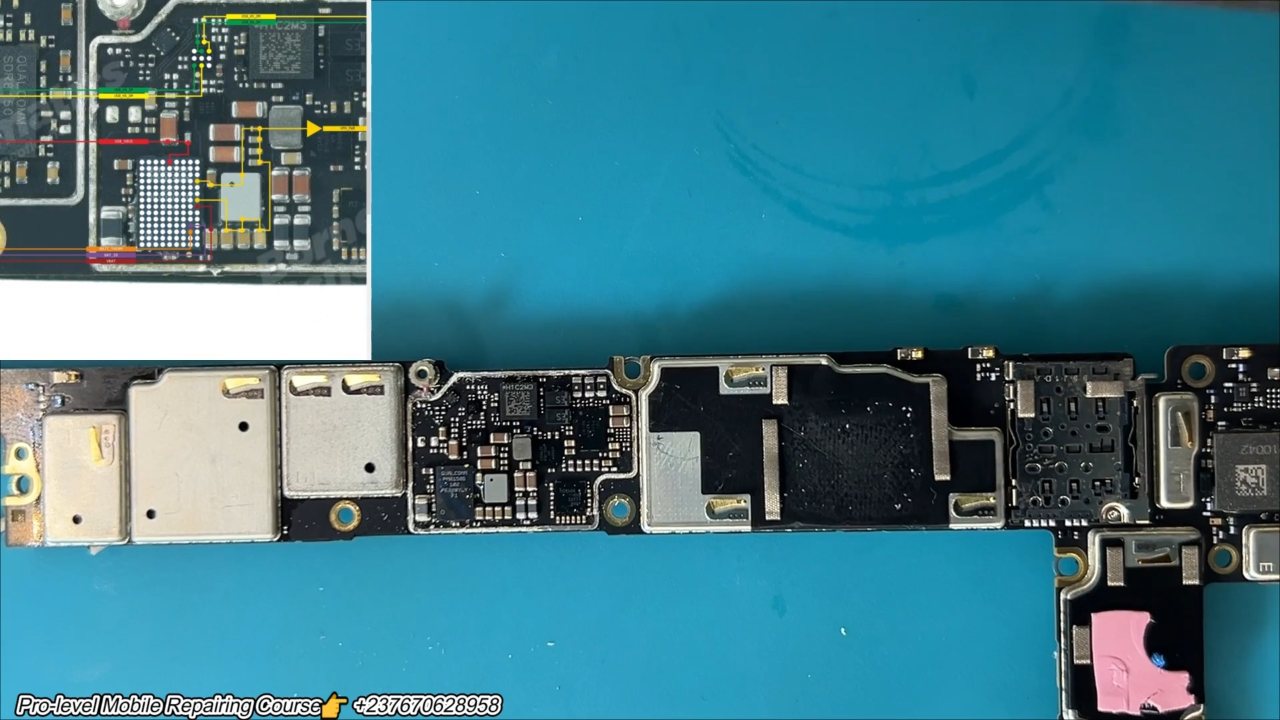
19:47 · Short circuit troubleshooting on phone boards
English repair videos with English and French PDF learning materials.

Advanced English video training for professional mobile repair work.
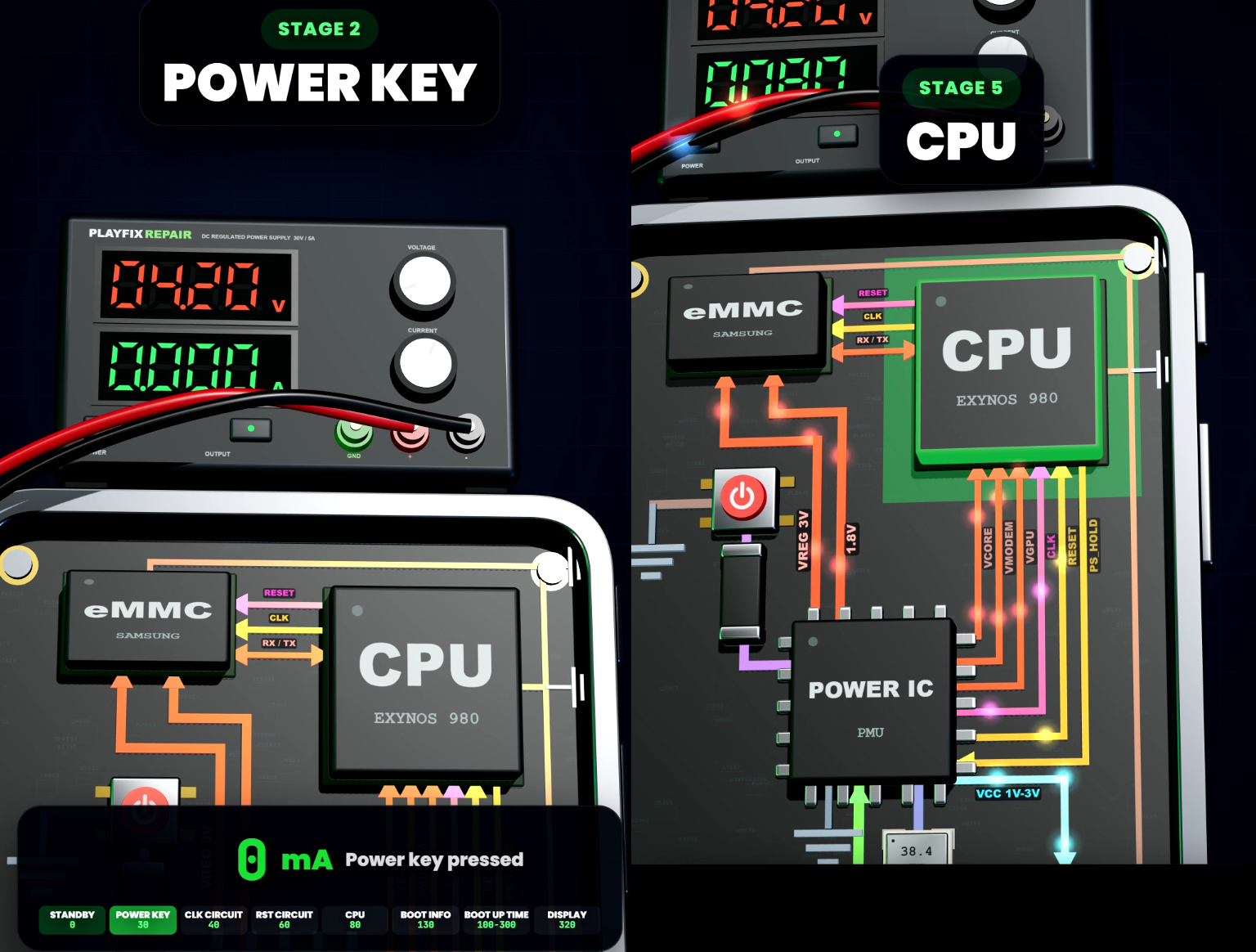
Learn how mobile-phone block diagrams connect ICs, power supplies, outputs and enable signals through clear 3D circuit animations.

All PlayFix courses and the Block Diagram Master Book in one lifetime purchase.
Google Pixel phones fail in recognisable ways: dead boots after a short on the main supply rail, CPU or RAM faults on stacked boards, and charging faults on the USB-C port, VBUS line or charging IC. Board-level diagnosis with a DC power supply finds the fault faster than swapping parts.
Read the current draw on a DC power supply while pressing power. Check VPH / VDD_MAIN for a short before anything else. Measure VBUS and the charging current on charging faults. Inspect CPU and RAM areas for heat or signs of previous rework.