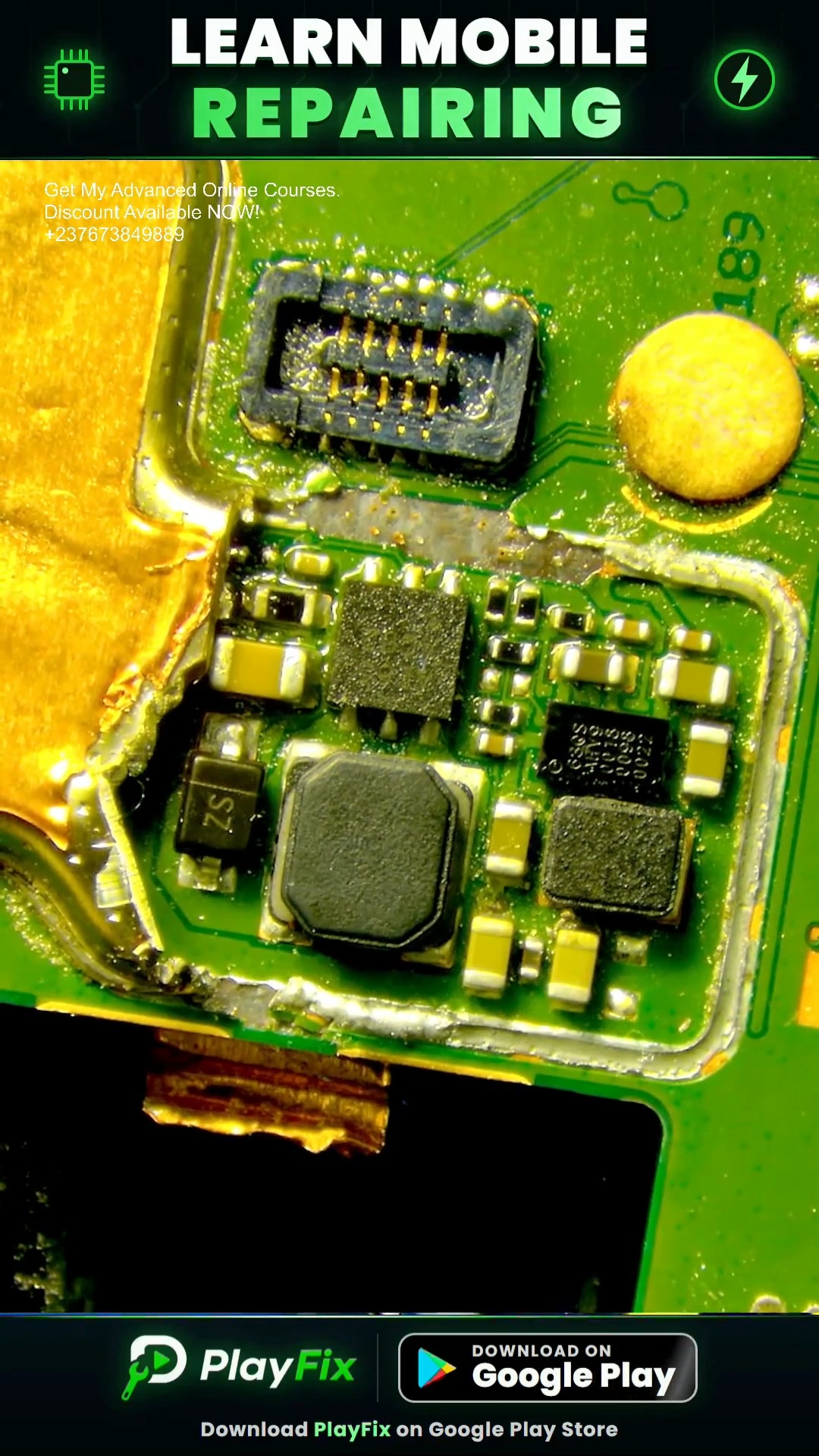
How to Fix Phone Backlight Problem in 2 Minutes
2:05 · No display and backlight repair
Display problems include no image, a blank or blue screen, a dim backlight, graphics corruption and touch failure. They can come from the screen itself, the display connector, the display filters or the backlight circuit (boost coil, diode, capacitor and backlight IC).
Always confirm the screen first with a known-good display. If you can see a faint image with a torch, the panel is working and the backlight is off; if there is no image at all, the fault can be the display power lines, the data lines or the connector.
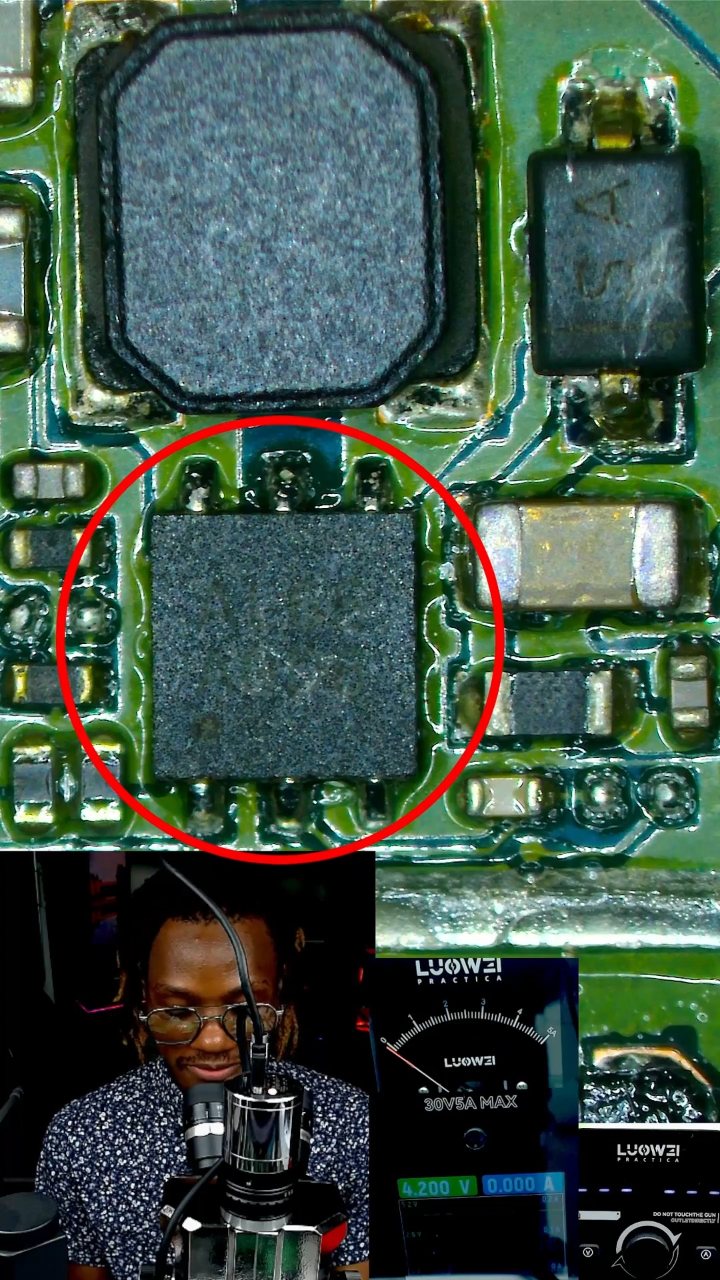
The backlight circuit is a boost converter: the backlight IC switches a coil, a diode rectifies the output and a capacitor smooths it to a high voltage for the LEDs. A burned coil, shorted diode or capacitor, or a failed backlight IC are typical causes of a dark or dim screen.
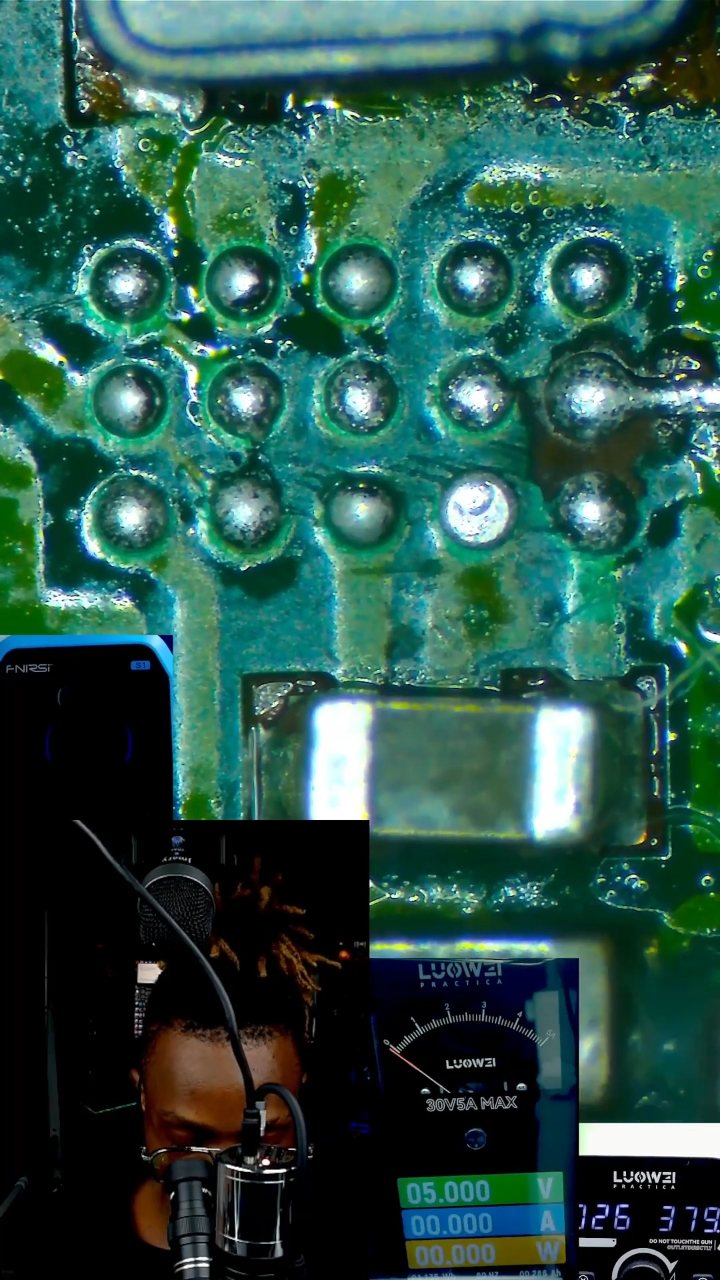
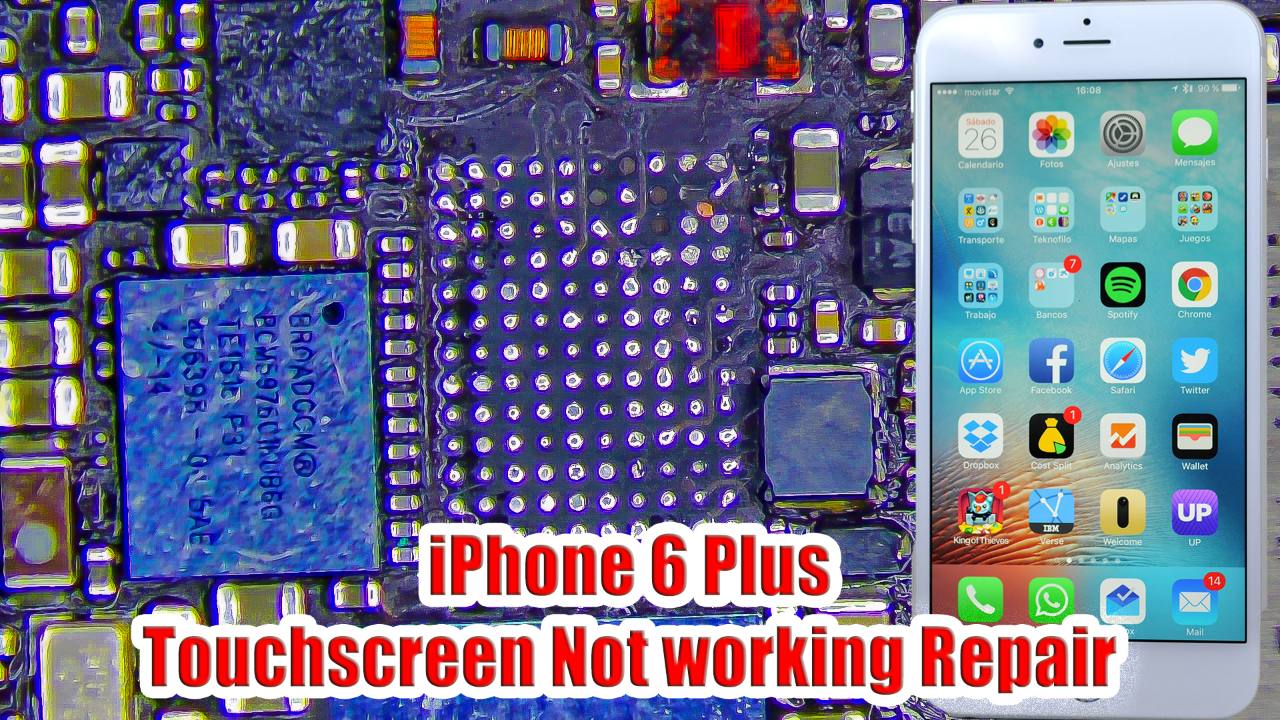
Display connector damage and corroded filters next to the connector cause lines, flicker and graphic problems. Measure each filter for continuity and check the display supply voltages against the schematic.
2:05 · No display and backlight repair
2:06 · No display and backlight repair
4:13 · No display and backlight repair
4:14 · No display and backlight repair

4:53 · No display and backlight repair

7:47 · No display and backlight repair

7:00 · No display and backlight repair
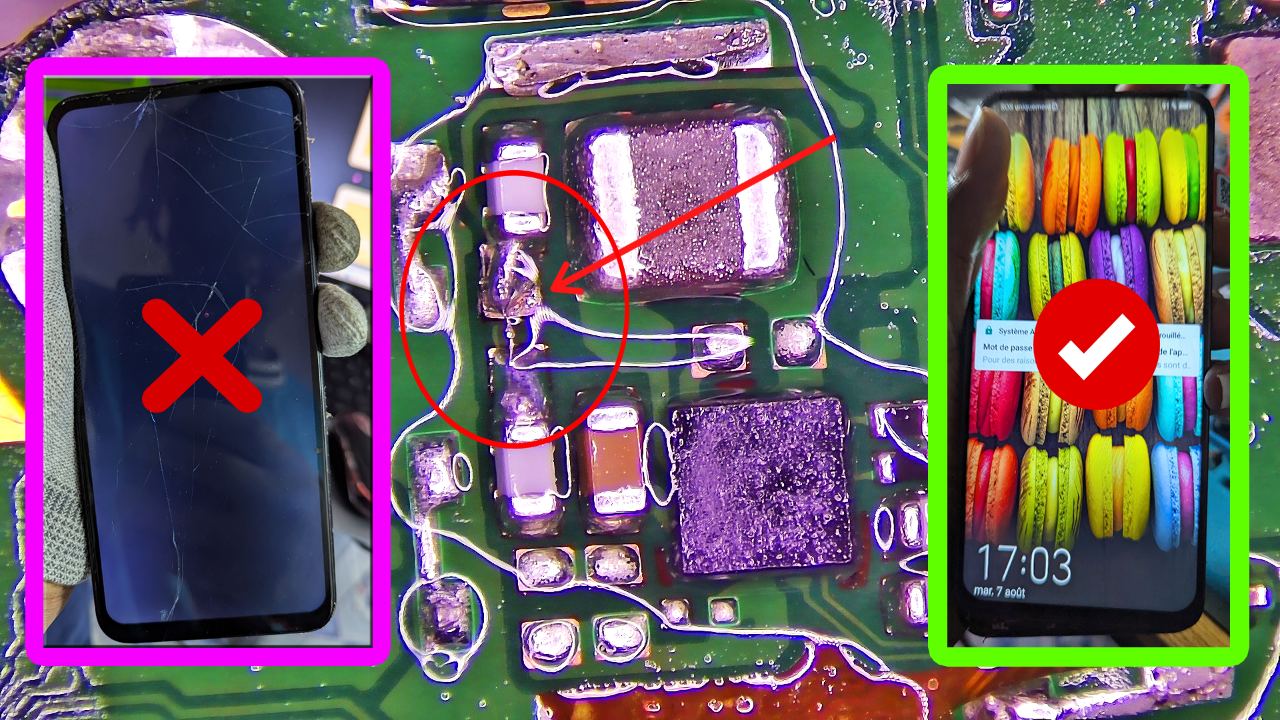
2:02 · No display and backlight repair

6:40 · No display and backlight repair

10:46 · No display and backlight repair
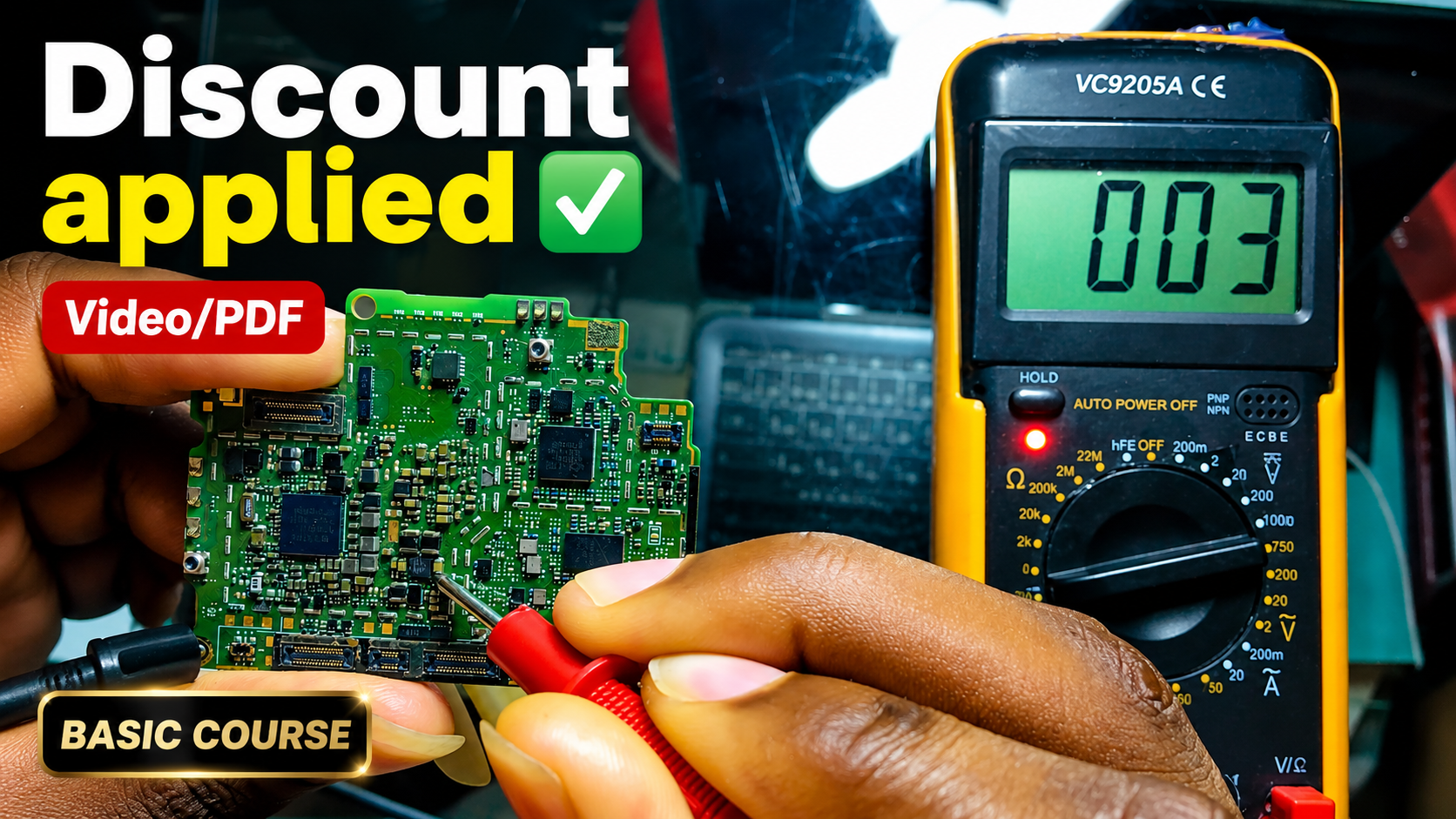
English repair videos with English and French PDF learning materials.

Advanced English video training for professional mobile repair work.
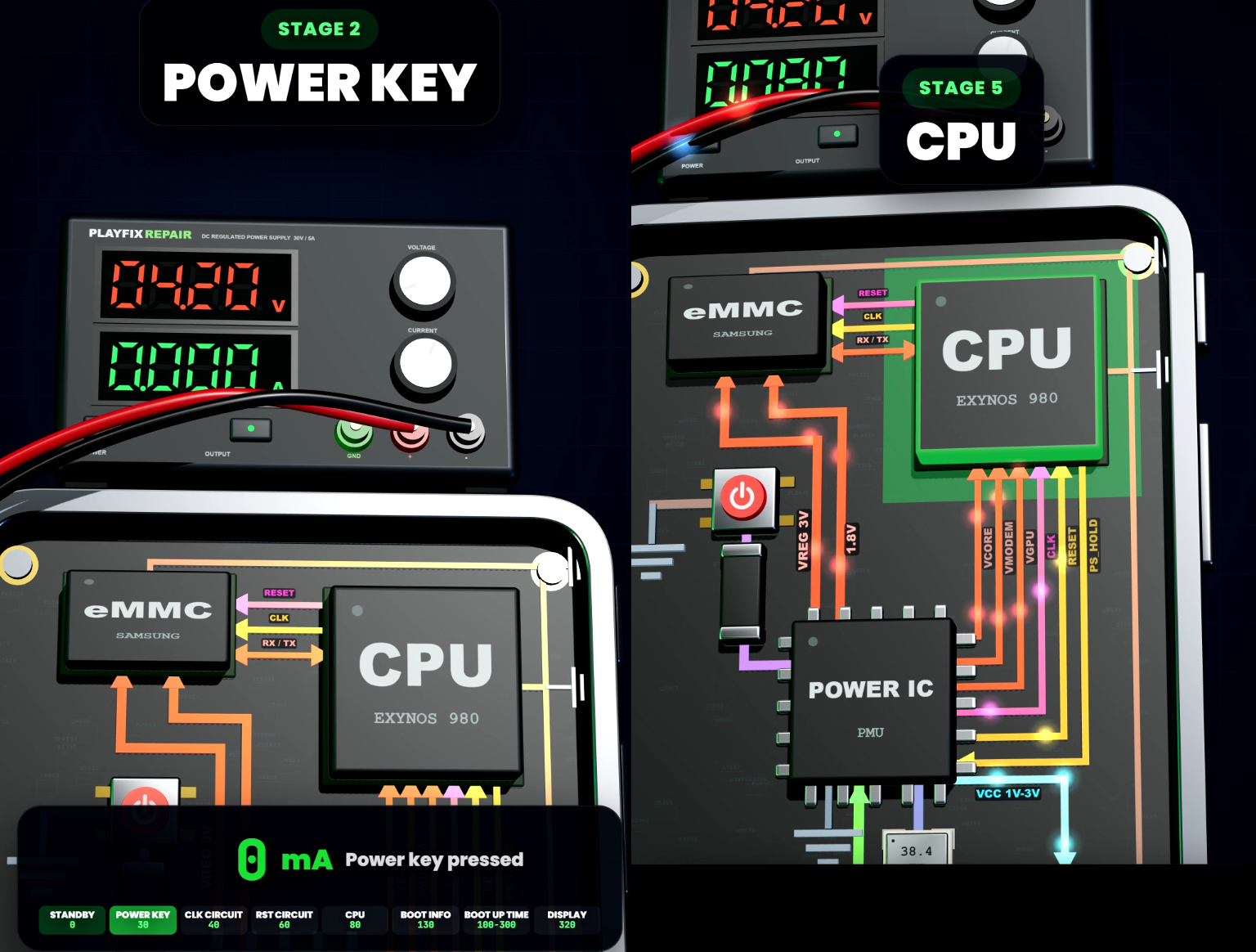
Learn how mobile-phone block diagrams connect ICs, power supplies, outputs and enable signals through clear 3D circuit animations.
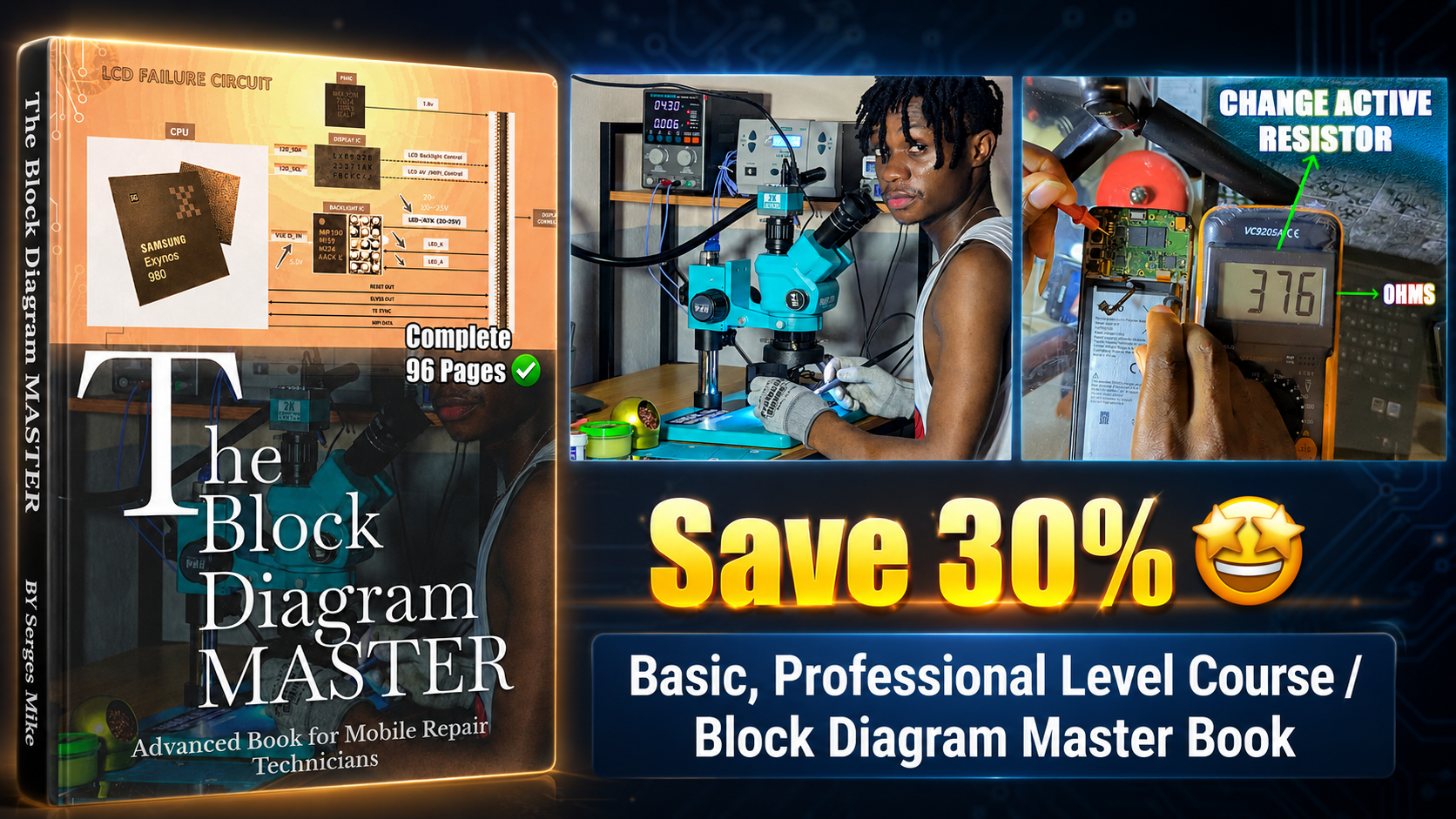
All PlayFix courses and the Block Diagram Master Book in one lifetime purchase.
Display problems include no image, a blank or blue screen, a dim backlight, graphics corruption and touch failure. They can come from the screen itself, the display connector, the display filters or the backlight circuit (boost coil, diode, capacitor and backlight IC).
Test with a known-good screen first. Check the display connector and its filters for damage. Measure the backlight boost circuit output. Inspect the backlight IC, coil and diode for burns.