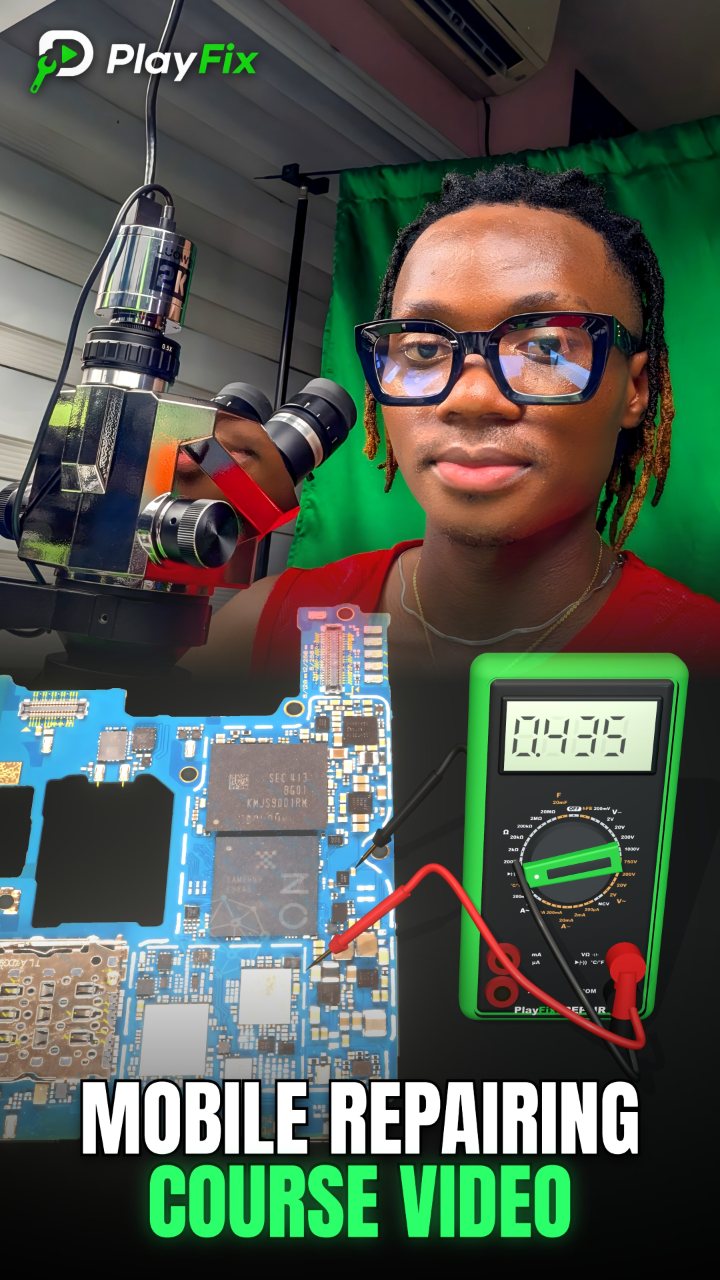
How Mobile Phone Charging Circuit Works | Mobile Repairing Course Video
4:51 · Phone not charging repair
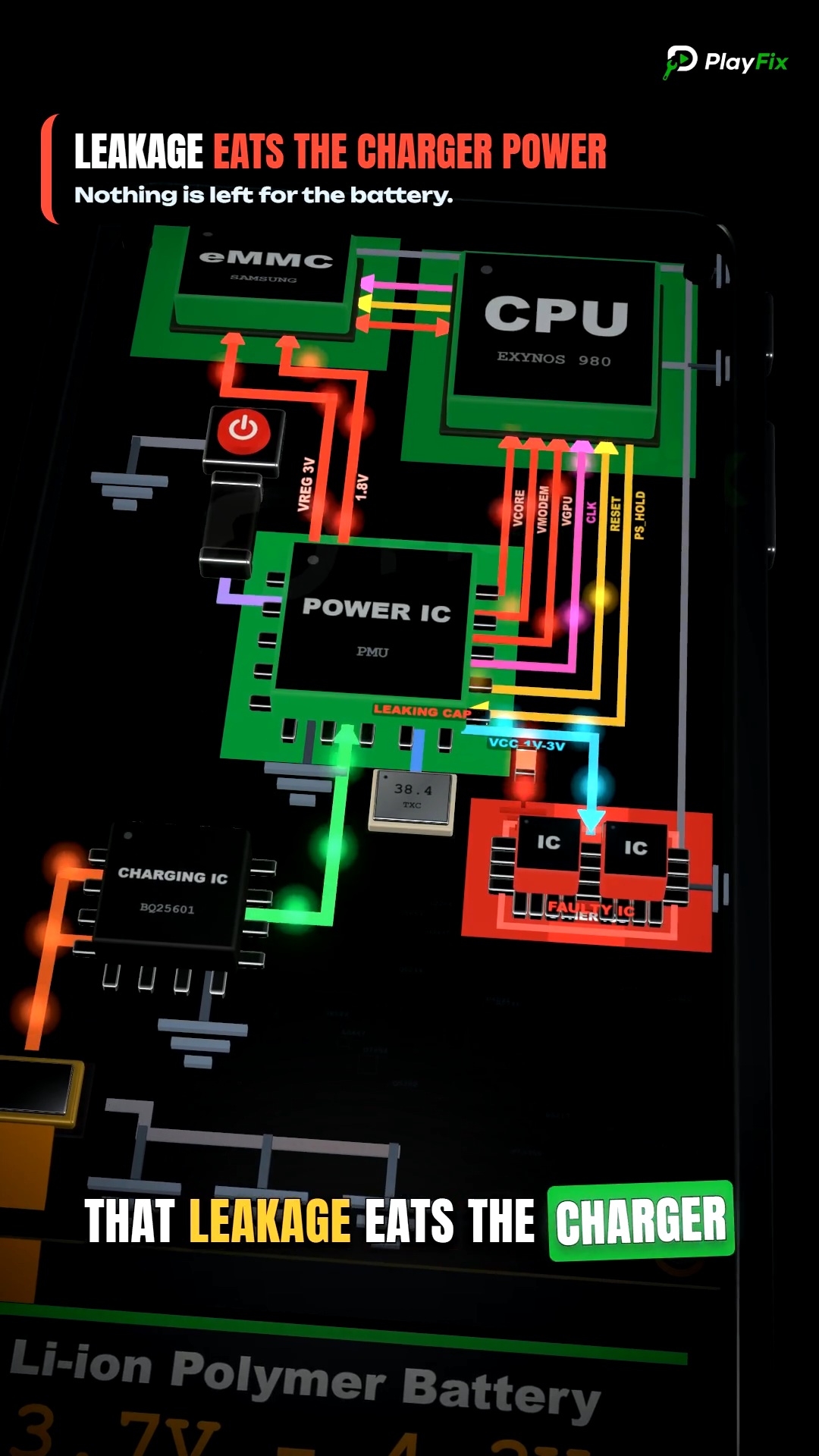
Charging faults range from a dirty or damaged charging port to a shorted VBUS line, a failed over-voltage protection (OVP) chip or a damaged charging IC. Fake charging, where the phone shows the charging icon but the battery percentage does not rise, usually points to the charging path or battery communication rather than the charger.
Start with the simple causes. Try a known-good cable and charger, clean lint and corrosion from the port, and check whether the phone charges while switched off. A USB ammeter tells you more than the charging icon: a phone that draws almost no current has an open path, while one that draws high current and gets warm often has a short.
If the port is fine, measure the VBUS line on the board. A short to ground on VBUS is common after a faulty charger or liquid damage and usually comes from the OVP chip or a filter capacitor. Inject a limited voltage and look for the component that heats up.
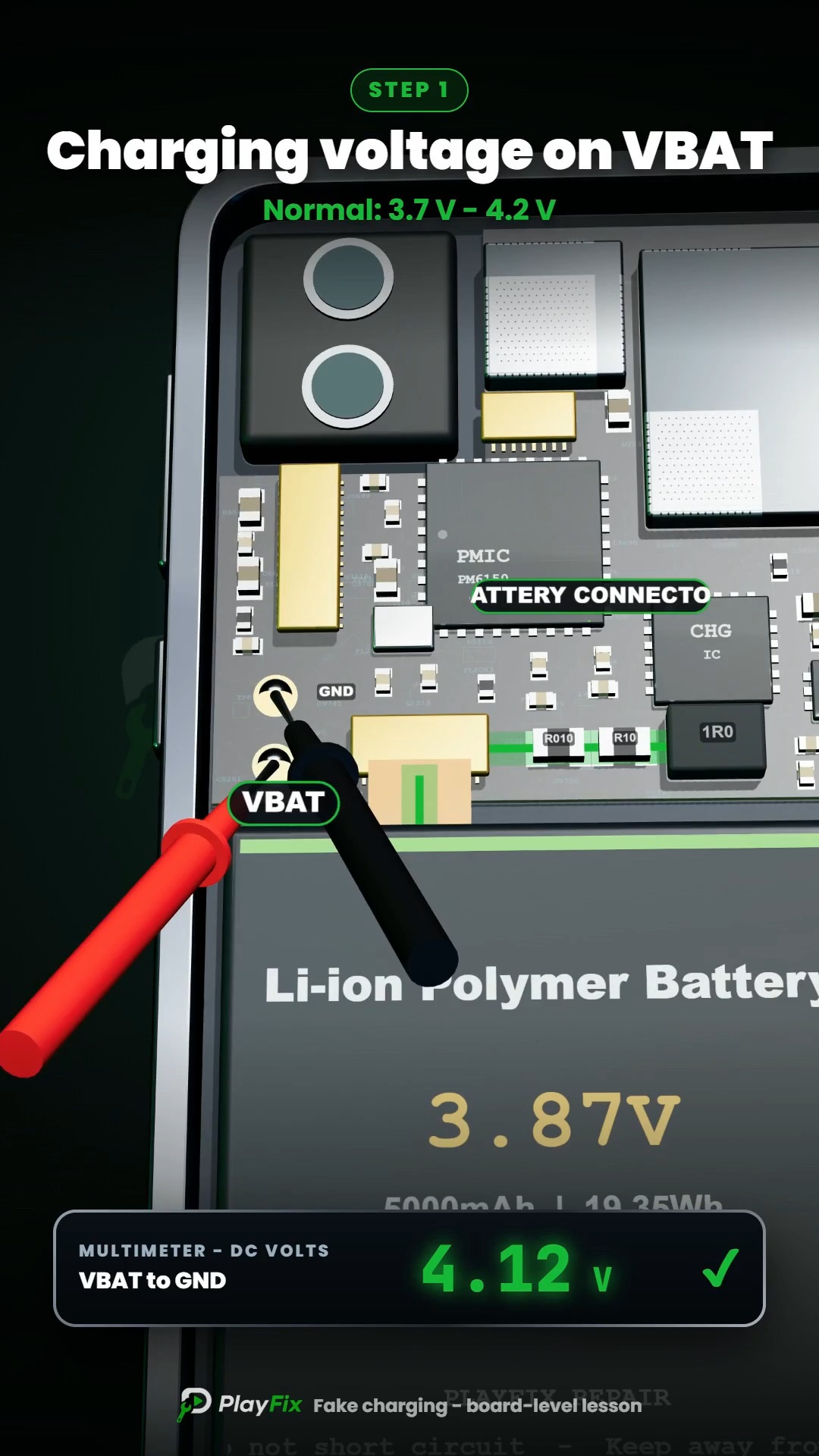
Fake charging, where the icon appears but the percentage never rises, points to the charging IC, the battery connector, the battery temperature (NTC) or the battery ID line. Compare readings with a known-good board of the same model whenever you can.
4:51 · Phone not charging repair
3:46 · Phone not charging repair

1:34 · Phone not charging repair
3:46 · Phone not charging repair
5:34 · Phone not charging repair

19:08 · Phone not charging repair

2:32 · Phone not charging repair

4:14 · Phone not charging repair

2:14 · Phone not charging repair

6:56 · Phone not charging repair

9:49 · Phone not charging repair

English repair videos with English and French PDF learning materials.

Advanced English video training for professional mobile repair work.

Learn how mobile-phone block diagrams connect ICs, power supplies, outputs and enable signals through clear 3D circuit animations.

All PlayFix courses and the Block Diagram Master Book in one lifetime purchase.
Charging faults range from a dirty or damaged charging port to a shorted VBUS line, a failed over-voltage protection (OVP) chip or a damaged charging IC. Fake charging, where the phone shows the charging icon but the battery percentage does not rise, usually points to the charging path or battery communication rather than the charger.
Measure the charging current with a USB ammeter or DC power supply. Check the VBUS line for a short to ground. Inspect the OVP and charging IC area for burns or corrosion. Confirm the battery connector and battery lines are healthy.