
Water damaged mobile phone troubleshooting and power IC reballing
6:44 · Water damaged phone repair
Liquid damage causes corrosion that can short supply lines, break connections under chips and slowly kill a phone that worked at first. Repair starts with disconnecting the battery and cleaning the board with isopropyl alcohol or an ultrasonic cleaner, then testing each damaged line.
Disconnect the battery as soon as possible. Corrosion is an electrochemical process and continues while voltage is present, so a phone that still works after getting wet can fail days later.
Remove shields, then clean the board with high-purity isopropyl alcohol and a soft brush or an ultrasonic cleaner. Look under the microscope for green or white residue, especially around connectors, filters and the charging section.
After cleaning, measure the main rails for shorts before you apply power. Corroded components often need to be removed, the pads cleaned and the parts refitted or replaced.
6:44 · Water damaged phone repair
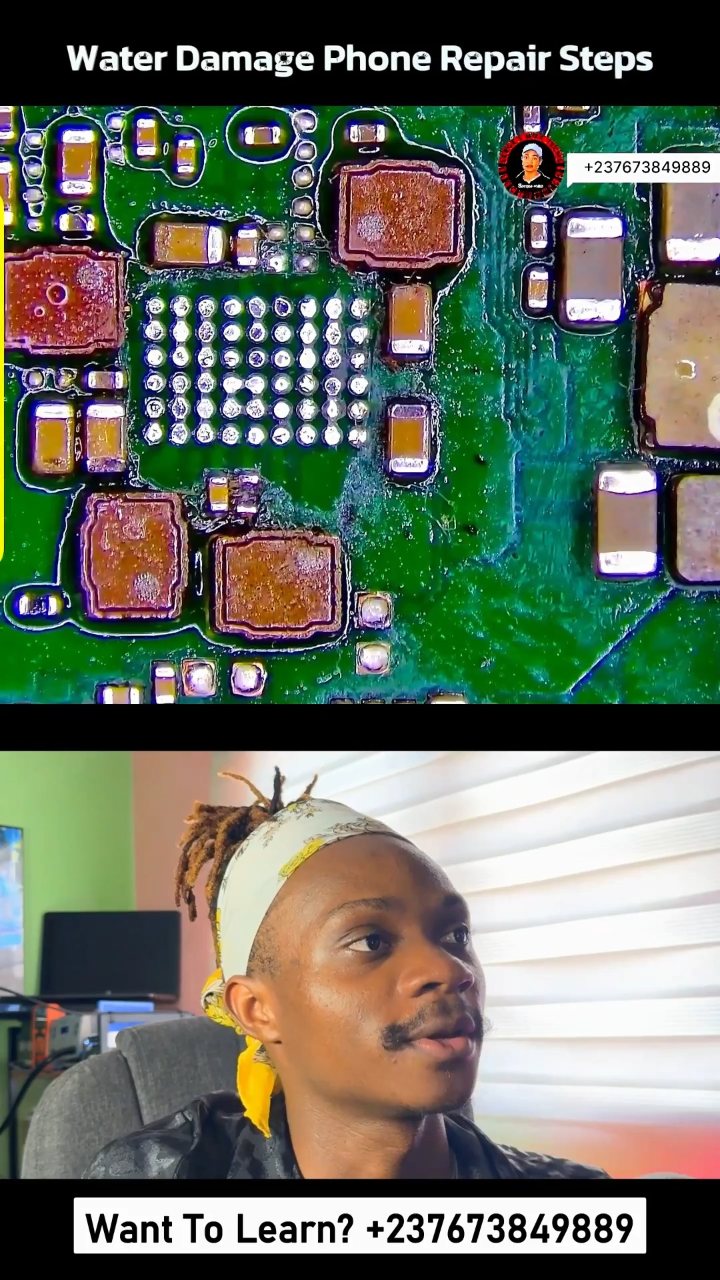
5:33 · Water damaged phone repair
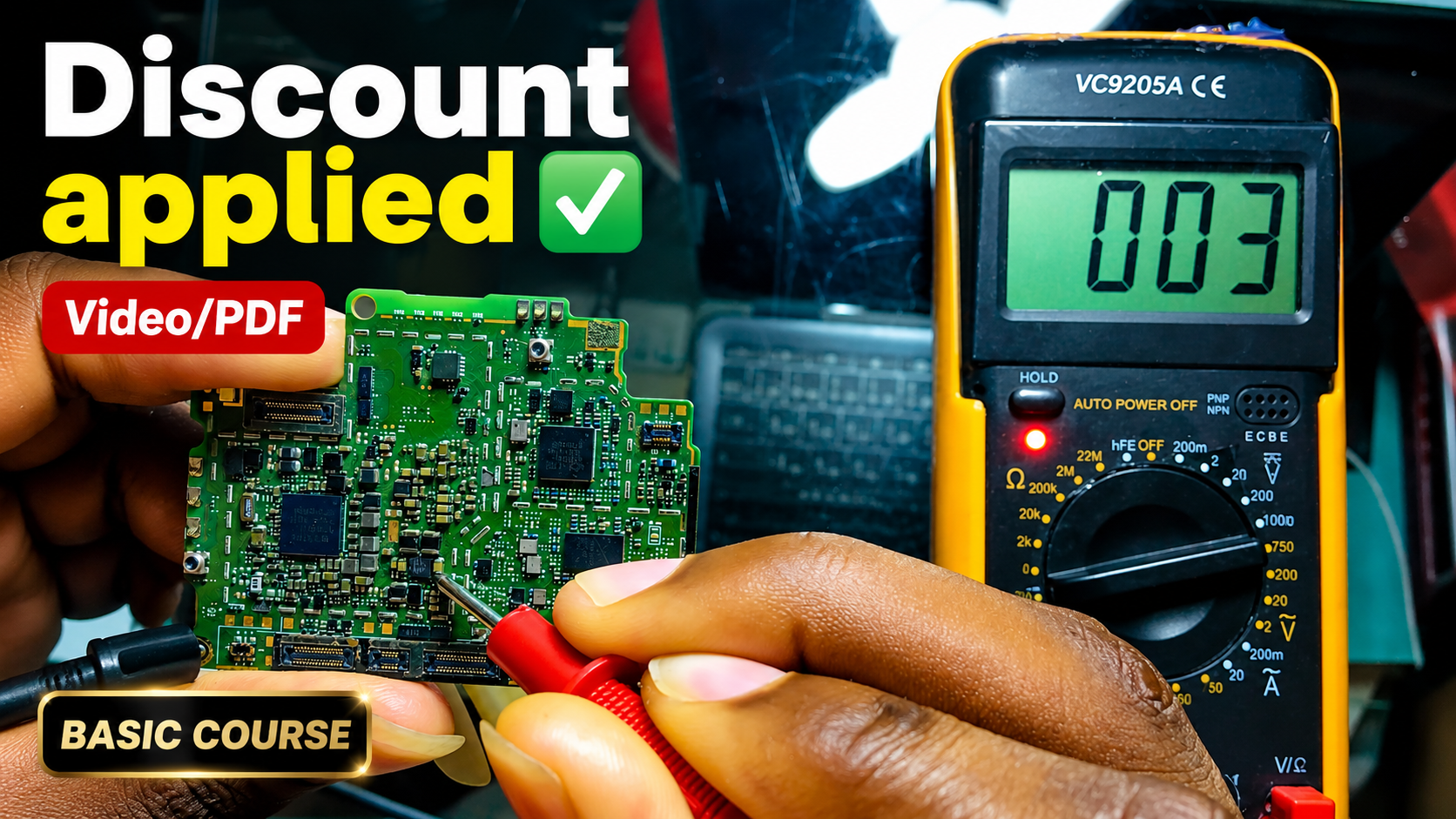
English repair videos with English and French PDF learning materials.

Advanced English video training for professional mobile repair work.
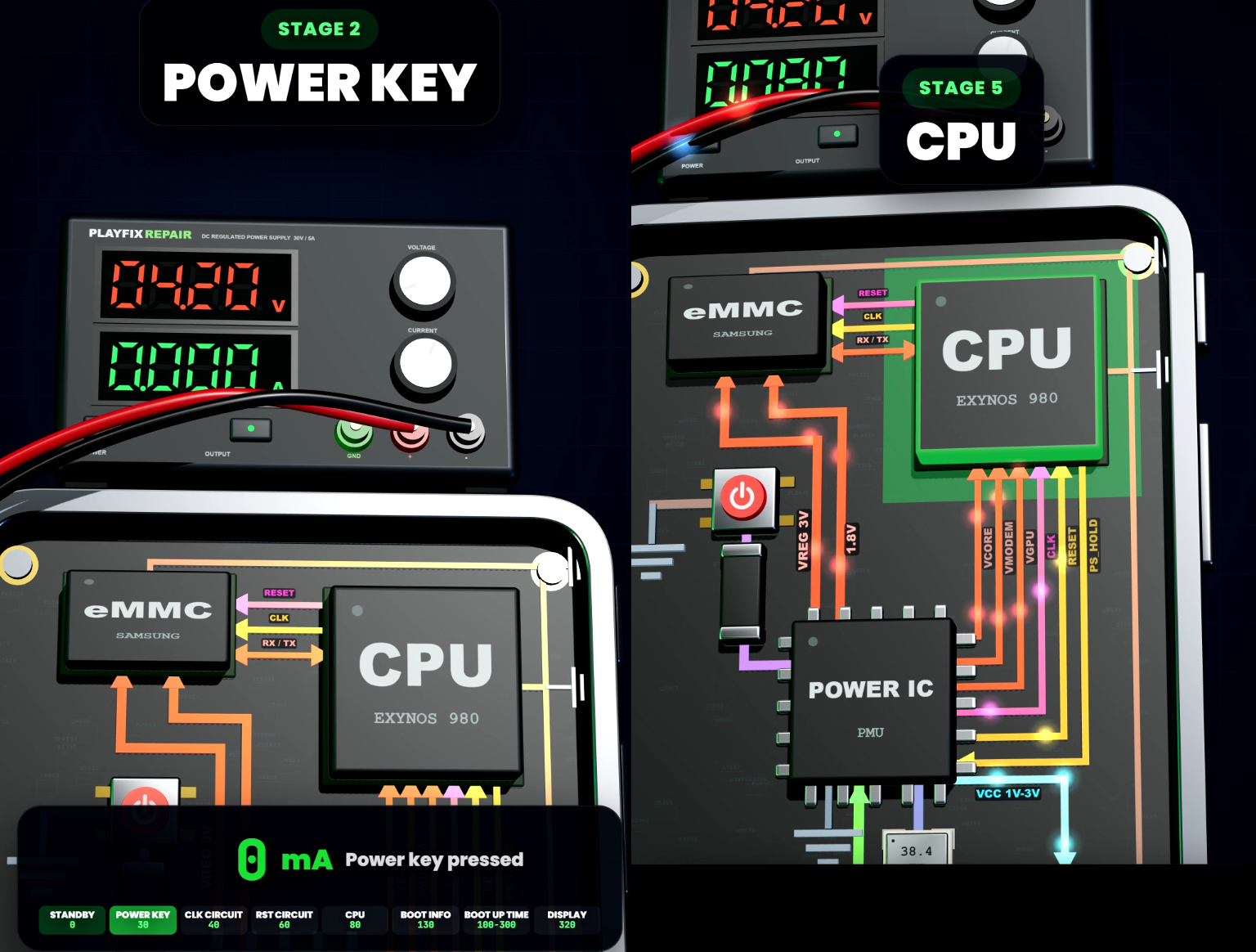
Learn how mobile-phone block diagrams connect ICs, power supplies, outputs and enable signals through clear 3D circuit animations.
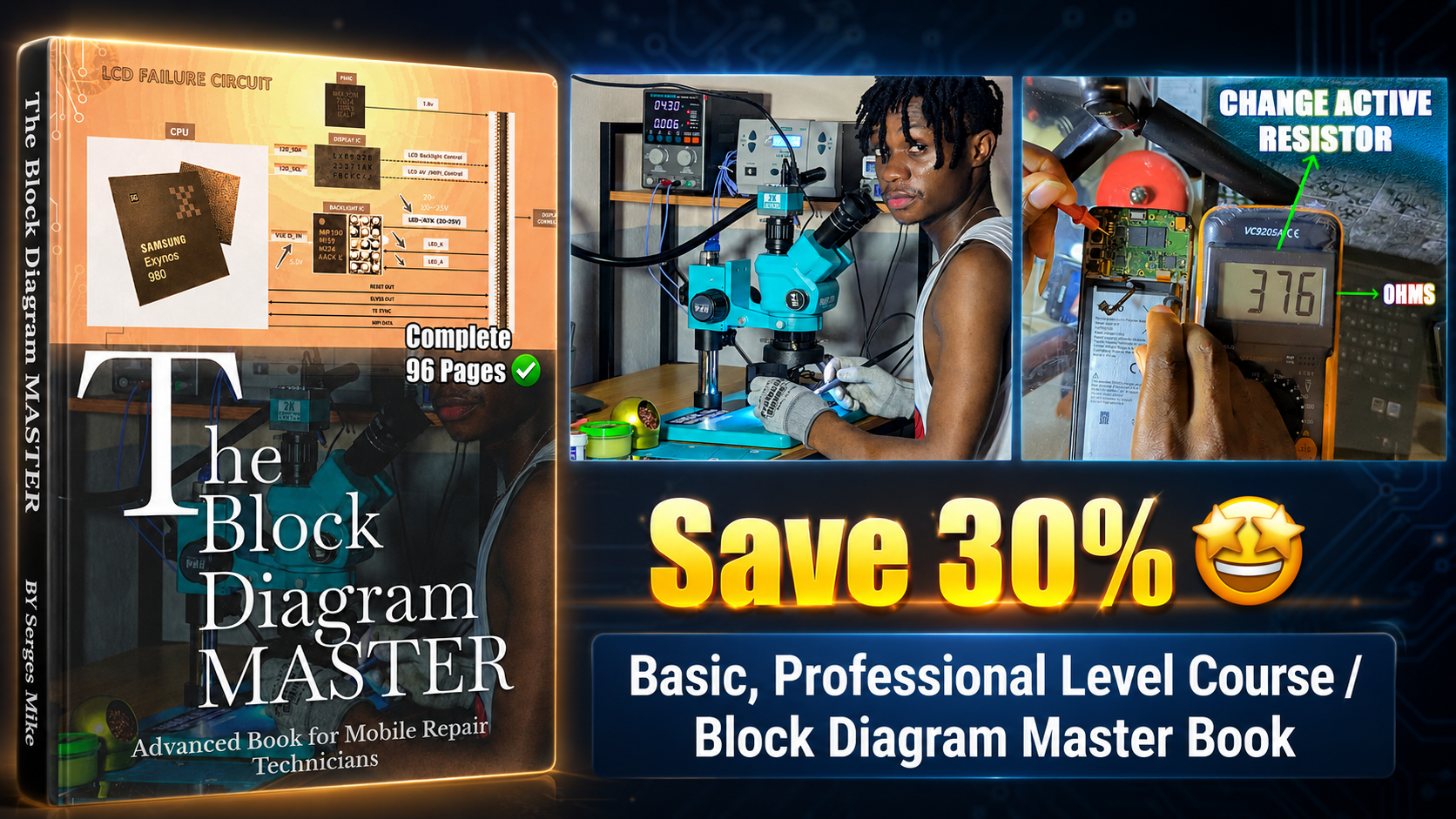
All PlayFix courses and the Block Diagram Master Book in one lifetime purchase.
Liquid damage causes corrosion that can short supply lines, break connections under chips and slowly kill a phone that worked at first. Repair starts with disconnecting the battery and cleaning the board with isopropyl alcohol or an ultrasonic cleaner, then testing each damaged line.
Disconnect the battery straight away. Clean corrosion with isopropyl alcohol. Check supply lines for shorts after cleaning. Reflow or replace corroded components.