
Xiaomi Redmi A3x Unlock - Test Point
1:16 · Unlocking and test point methods
Test point methods put a phone into a service mode (such as EDL) by connecting a specific board point to ground while plugging in USB, so service software can flash or repair the device. Only work on devices you own or are authorised to service.
A test point forces the processor into an emergency download mode so the phone can be flashed even when it does not boot. The exact point differs between models and board revisions, so confirm it for your specific phone.
Disconnect the battery if the method requires it, use a fine tweezer or probe, and confirm in the computer device manager that the phone is detected in the expected mode before flashing. Always respect the owner's data and only service devices you are authorised to work on.
1:16 · Unlocking and test point methods
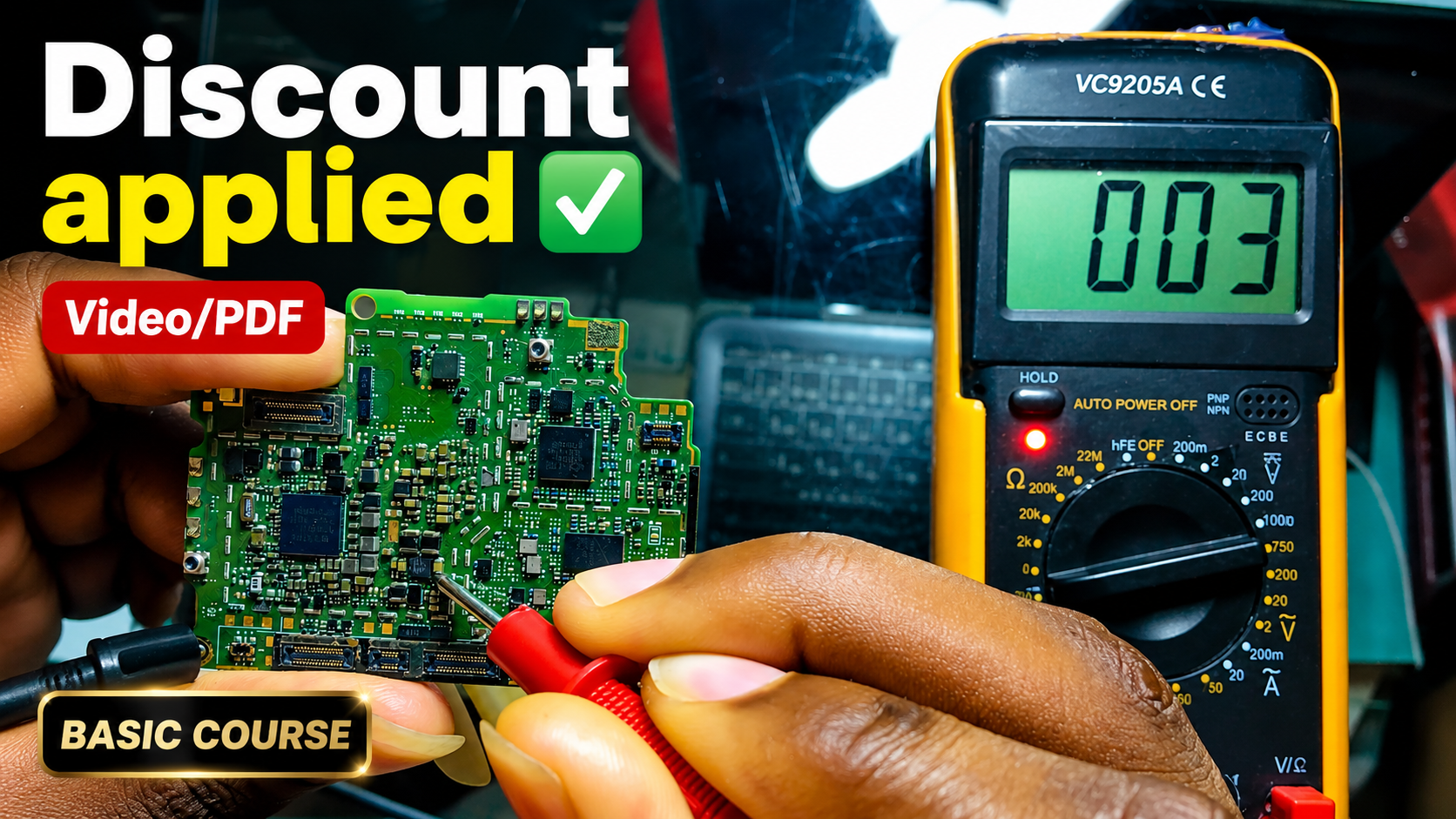
English repair videos with English and French PDF learning materials.

Advanced English video training for professional mobile repair work.
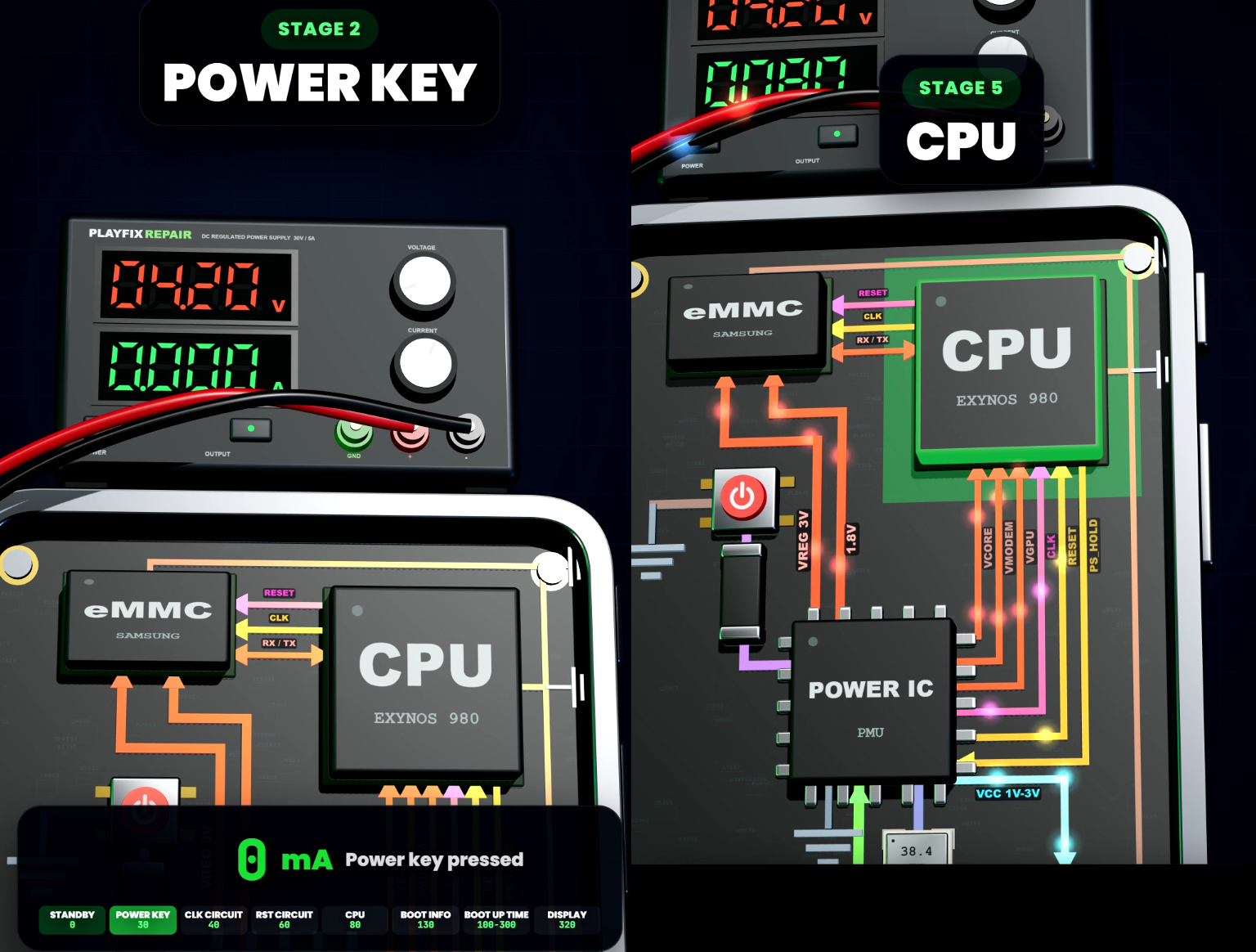
Learn how mobile-phone block diagrams connect ICs, power supplies, outputs and enable signals through clear 3D circuit animations.

All PlayFix courses and the Block Diagram Master Book in one lifetime purchase.
Test point methods put a phone into a service mode (such as EDL) by connecting a specific board point to ground while plugging in USB, so service software can flash or repair the device. Only work on devices you own or are authorised to service.
Locate the correct test point for the exact model. Use a fine probe and avoid touching nearby parts. Confirm the device is detected in the right mode.