
Understanding VPH and Vdd main in Android and iPhone Repair
2:32 · Short circuit troubleshooting on phone boards
iPhone repair ranges from screen, touch and camera replacement to board-level faults such as restart loops, no display or touch caused by a damaged line or IC. A methodical approach with a DC power supply, a multimeter and the schematic keeps repairs fast and safe.
Separate part faults from board faults first: a known-good screen, camera or battery quickly shows whether the problem stays with the board. Restart loops that repeat at a fixed interval usually point to a missing sensor or a failing line the phone checks after boot.
For board faults, measure the lines of the failed function in diode mode and compare with a good board, then follow the schematic to filters, connectors and the controlling IC.
Use a microscope and controlled heat around iPhone boards: components are tiny and many lines run through stacked layers.
2:32 · Short circuit troubleshooting on phone boards
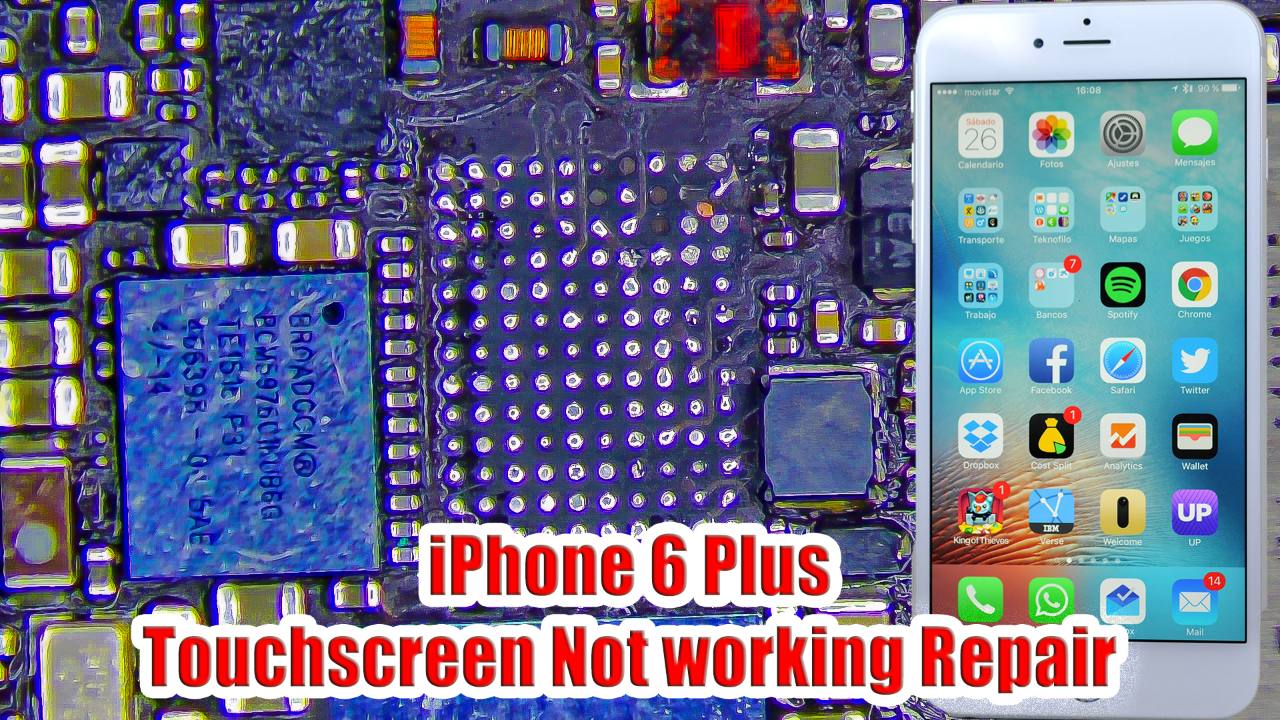
4:14 · No display and backlight repair
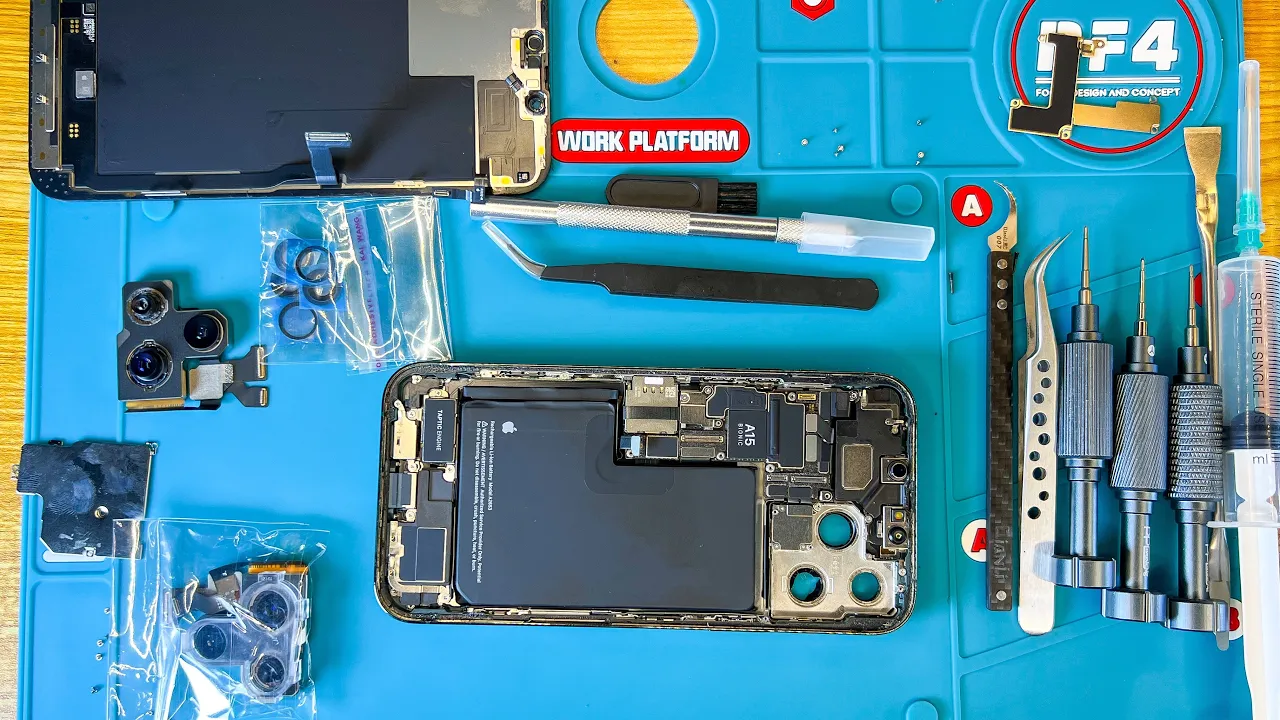
8:35 · Phone camera and lens repair
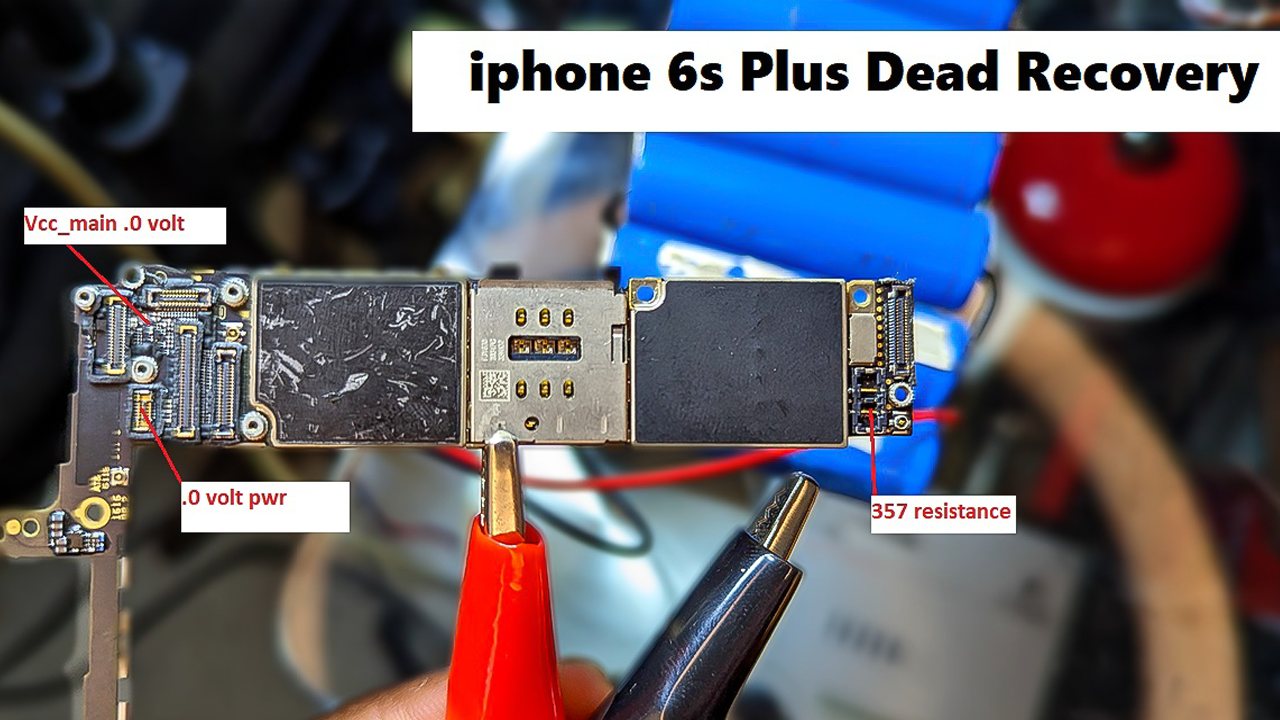
19:36 · Short circuit troubleshooting on phone boards

8:42 · Dead phone repair (no power, no boot)
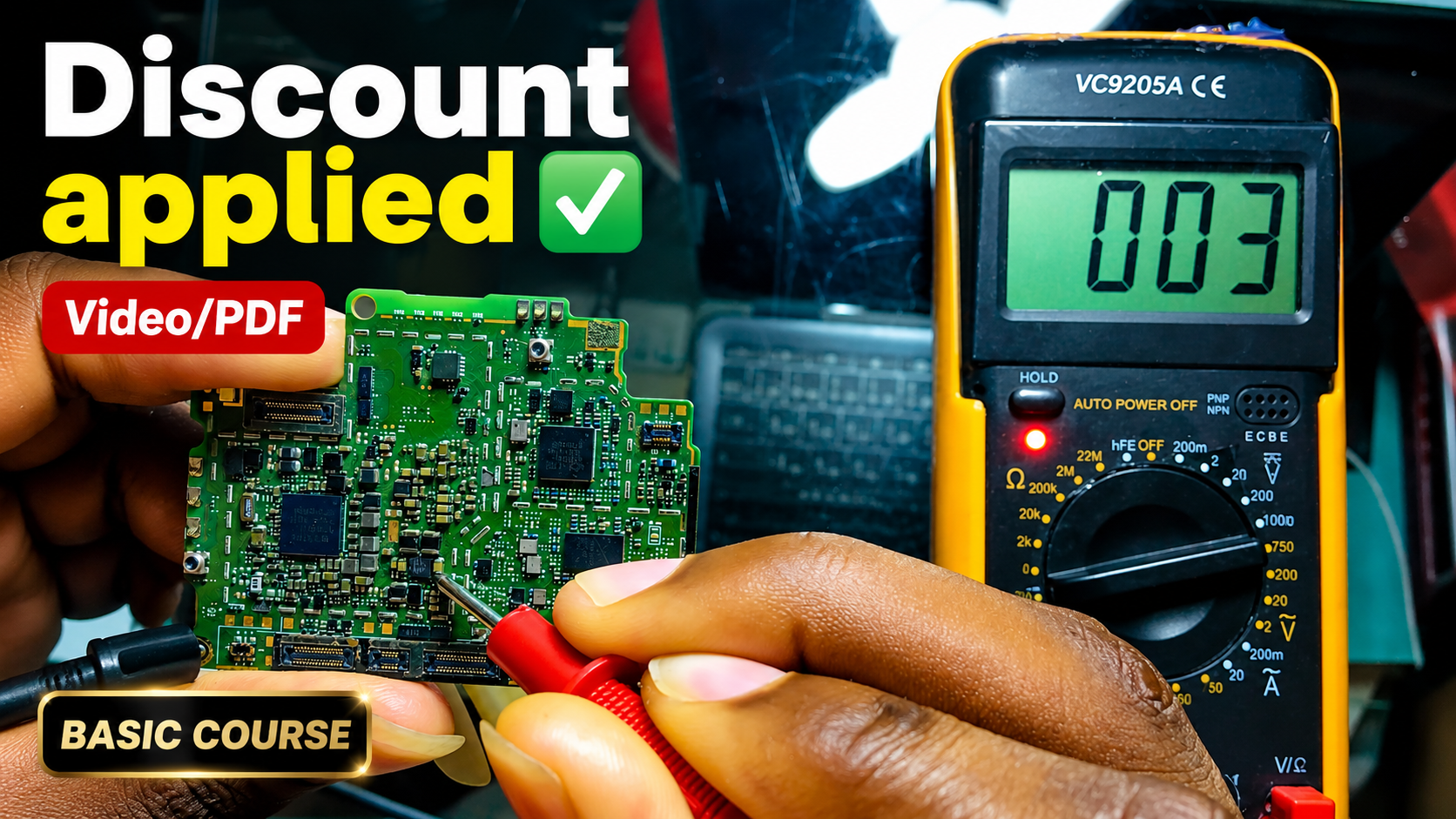
English repair videos with English and French PDF learning materials.

Advanced English video training for professional mobile repair work.
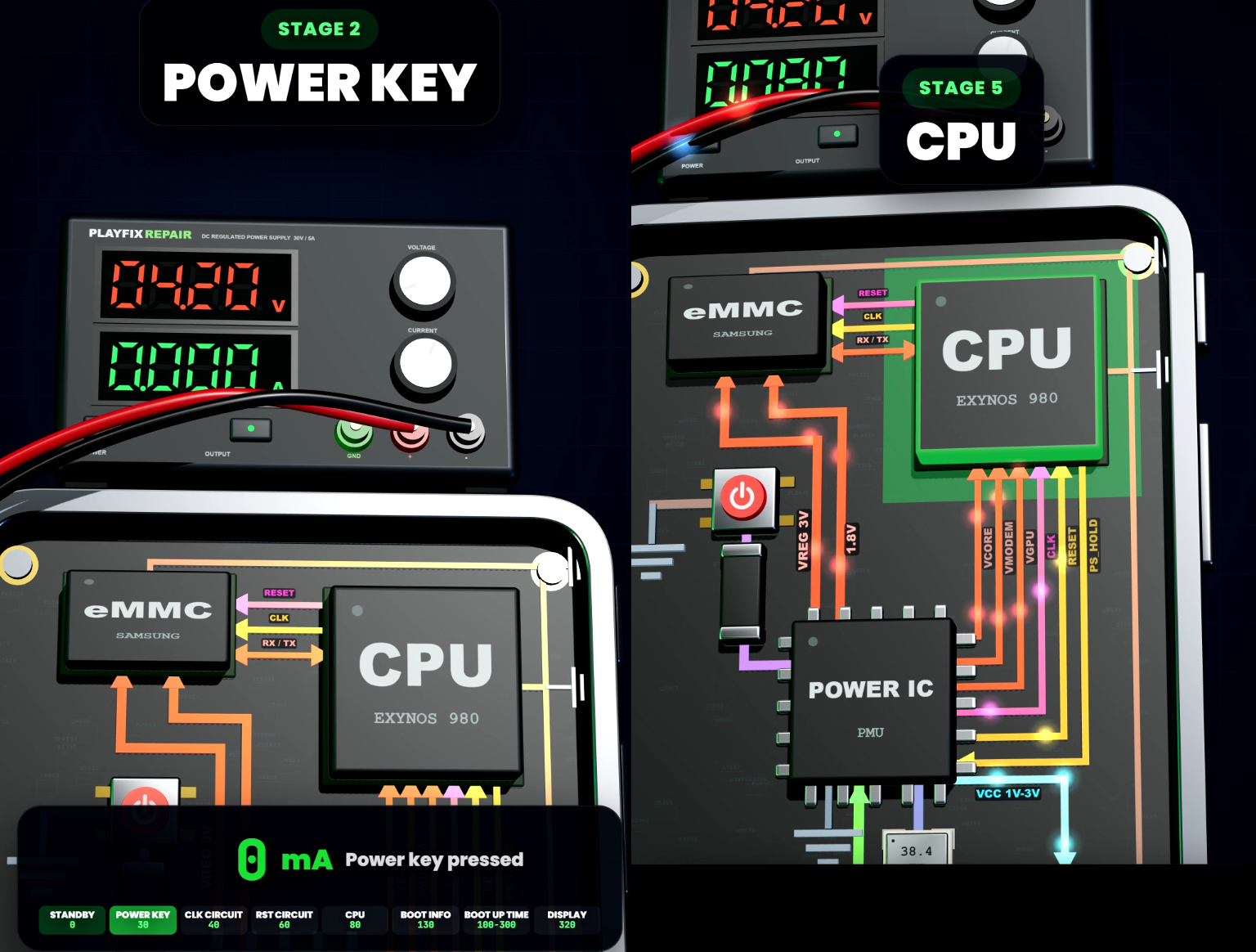
Learn how mobile-phone block diagrams connect ICs, power supplies, outputs and enable signals through clear 3D circuit animations.

All PlayFix courses and the Block Diagram Master Book in one lifetime purchase.
iPhone repair ranges from screen, touch and camera replacement to board-level faults such as restart loops, no display or touch caused by a damaged line or IC. A methodical approach with a DC power supply, a multimeter and the schematic keeps repairs fast and safe.
Check whether the fault follows the part or stays with the board by testing a known-good part. Read the DC power supply current for boot or restart faults. Measure the lines of the faulty function in diode mode. Inspect connectors and filters for damage or corrosion.