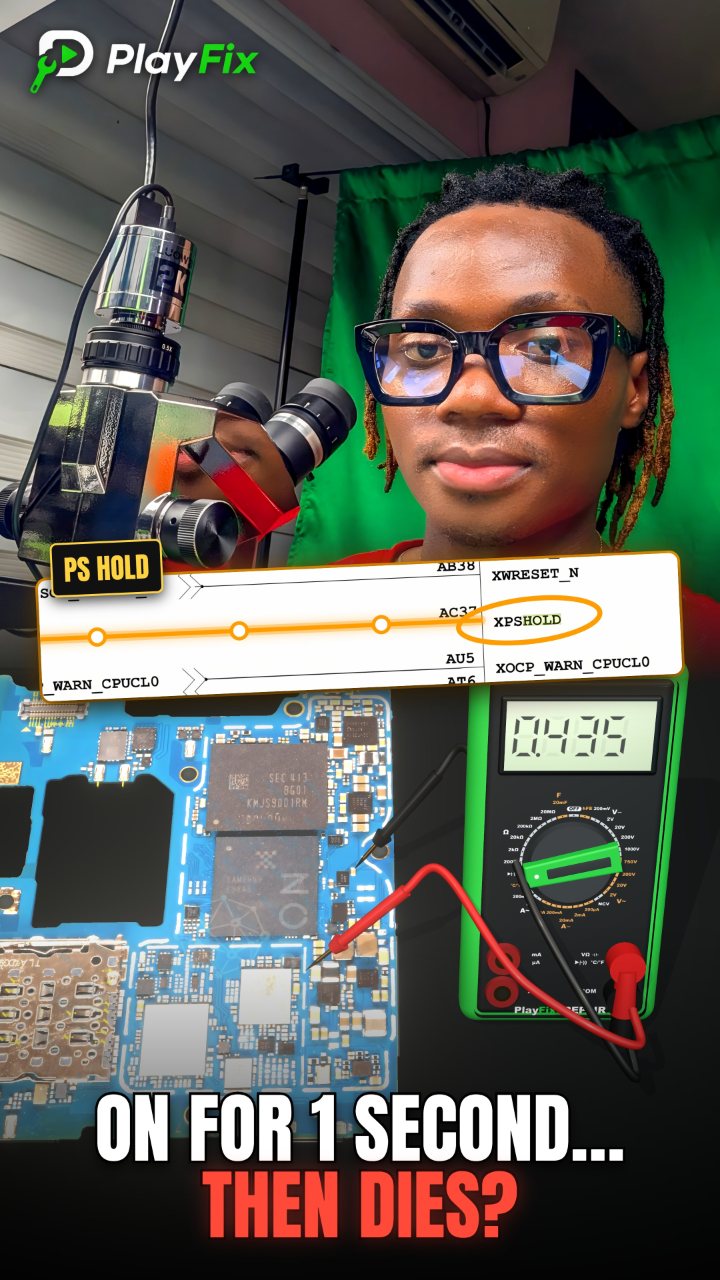
Dead Phone Current Jumps Up On DC Power Supply, Then Drops to Zero? Check PS HOLD
1:46 · Dead phone repair (no power, no boot)
A dead phone shows no sign of life, or draws current from the power supply without booting. Technicians diagnose it by reading the current draw on a DC power supply, checking the main supply rails (VPH / VDD_MAIN), and following the boot sequence through the power IC, CPU, RAM and the PS_HOLD signal.
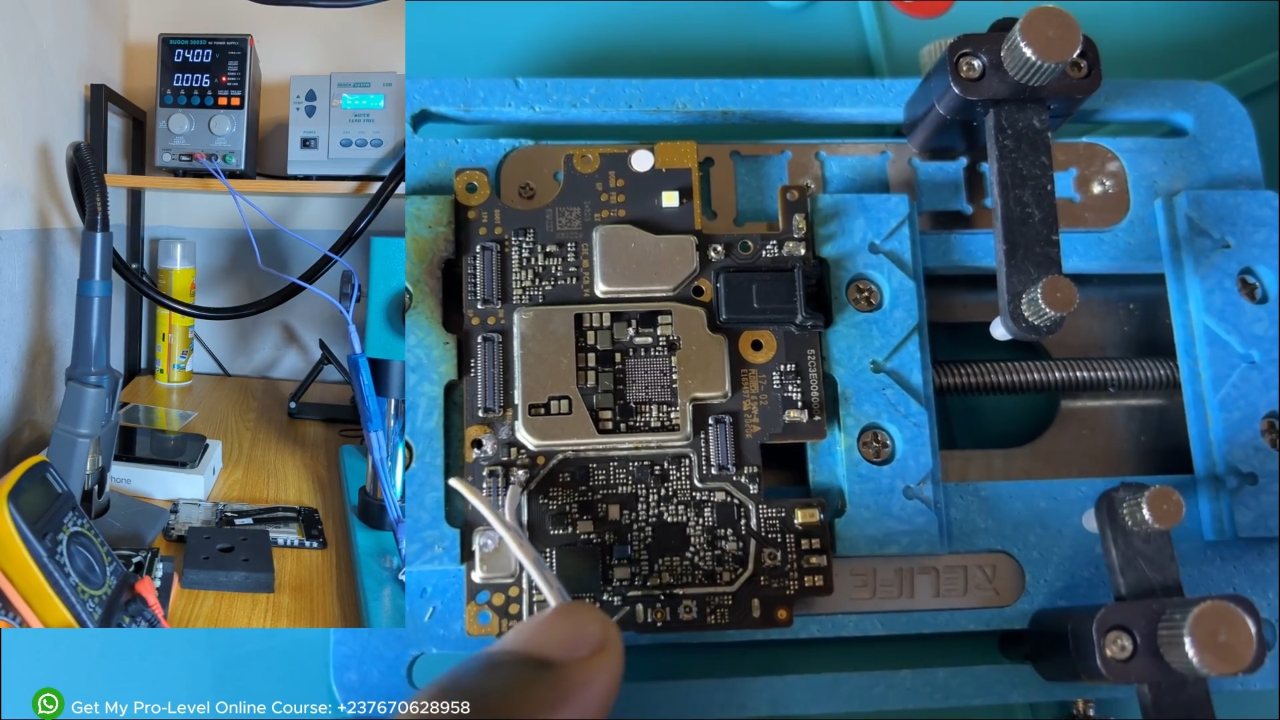
Power the board from a DC power supply instead of the battery so you can watch the current. The reading tells you where to look: an instant high current means a short on the main rail, no current means the power key, battery line or power IC is not starting, and a current that rises then drops or loops points to the boot stage (CPU, RAM, storage or firmware).
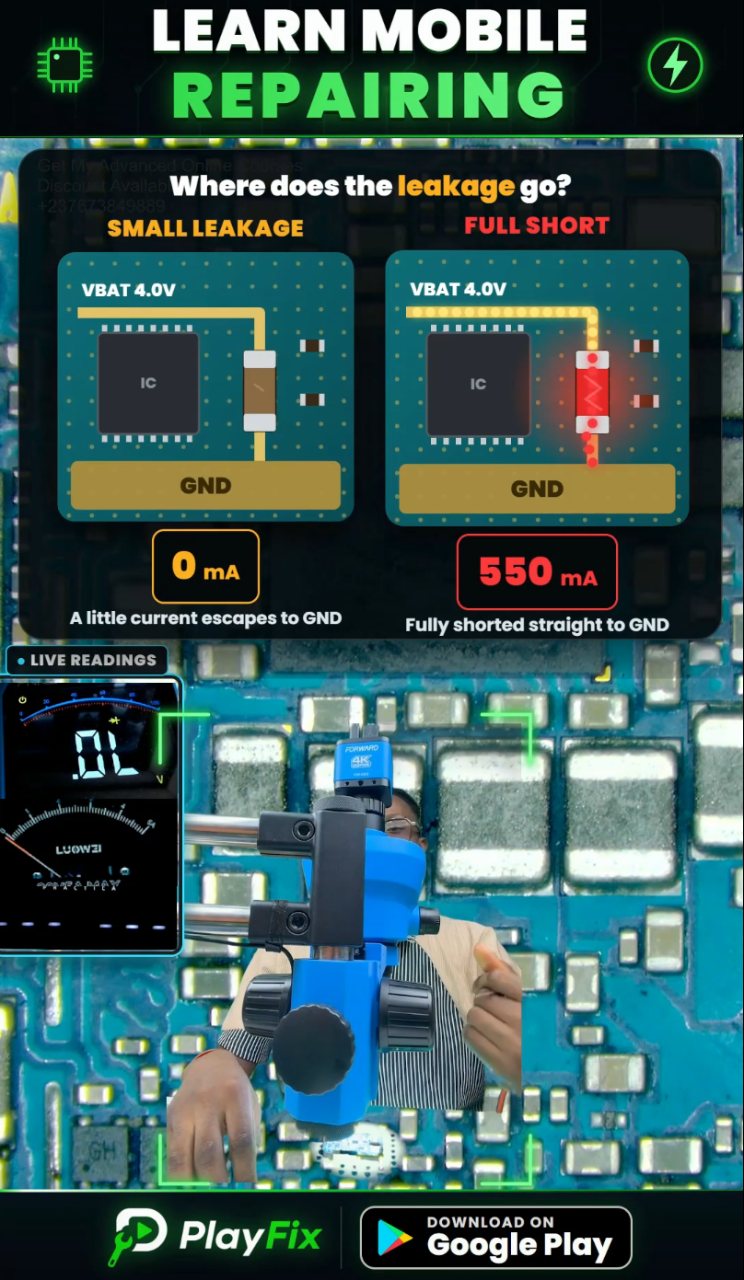
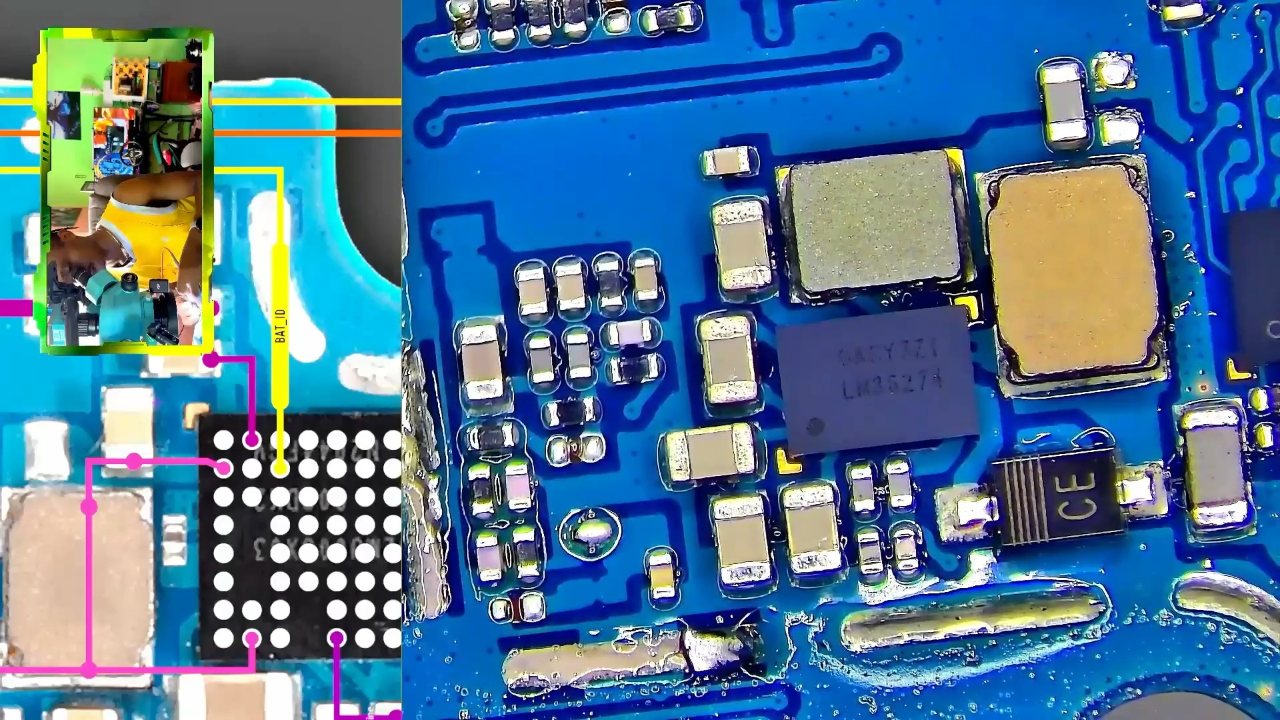
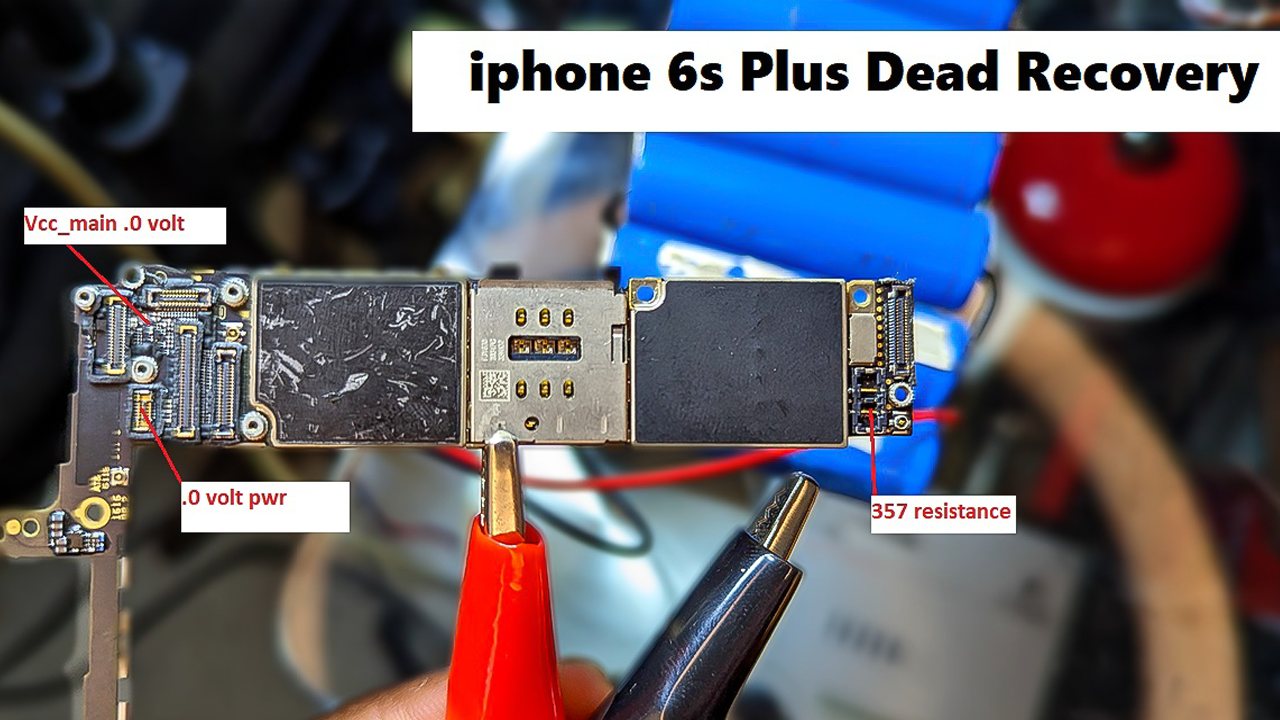
Check VPH / VDD_MAIN first, because every other rail is created from it. If it is shorted, find the heating capacitor or IC with a thermal camera, rosin flux or by touch. If the main rail is healthy, check the outputs of the power management IC and the PS_HOLD signal that keeps the phone switched on.
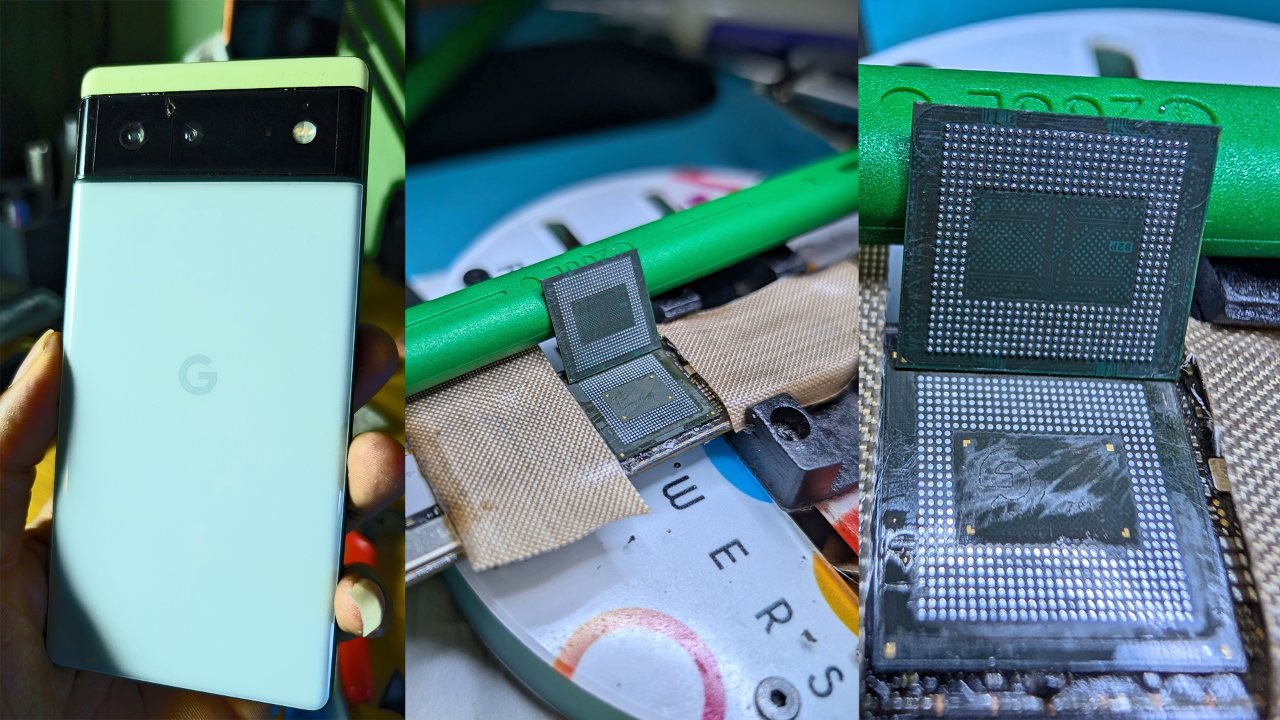
Phones that were already worked on in another shop often hide extra faults such as lifted pads, missing parts or poor reballing. Inspect the board under a microscope before you start replacing chips.
1:46 · Dead phone repair (no power, no boot)
2:44 · Dead phone repair (no power, no boot)
3:42 · Dead phone repair (no power, no boot)
3:18 · Short circuit troubleshooting on phone boards
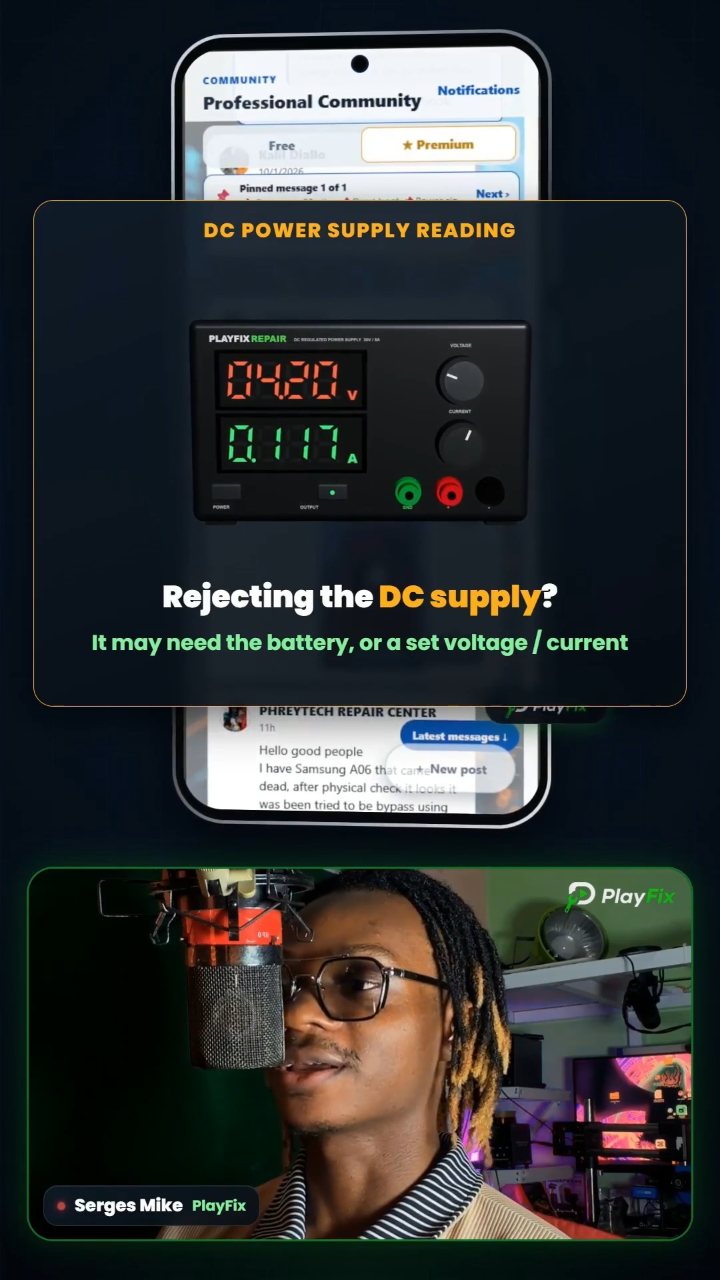
5:48 · Dead phone repair (no power, no boot)
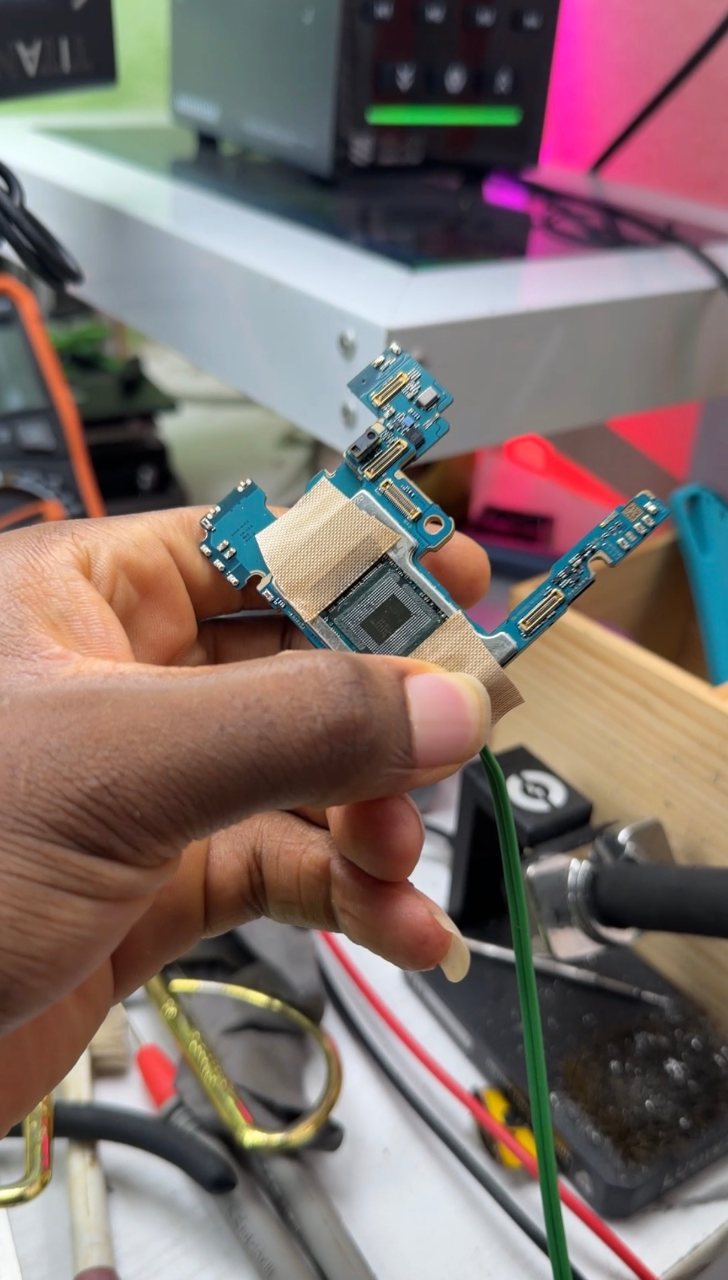
0:09 · Dead phone repair (no power, no boot)

13:33 · Dead phone repair (no power, no boot)
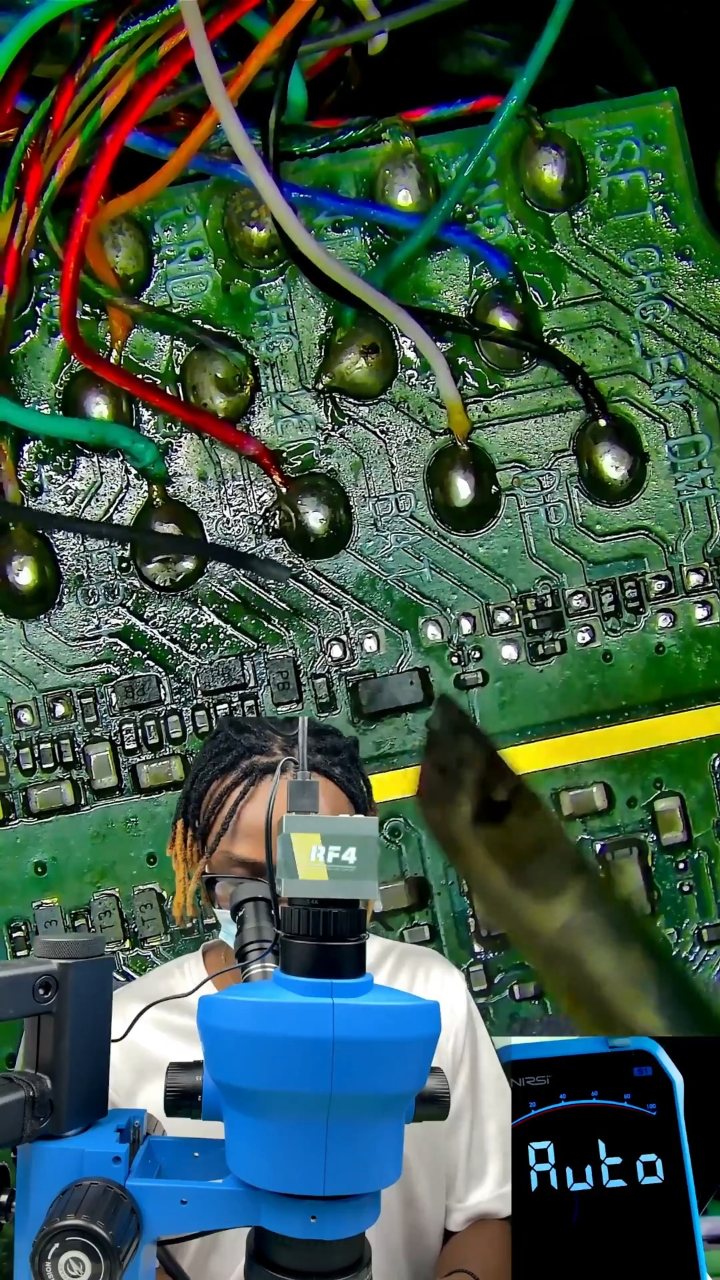
0:57 · No sound, microphone and headset repair
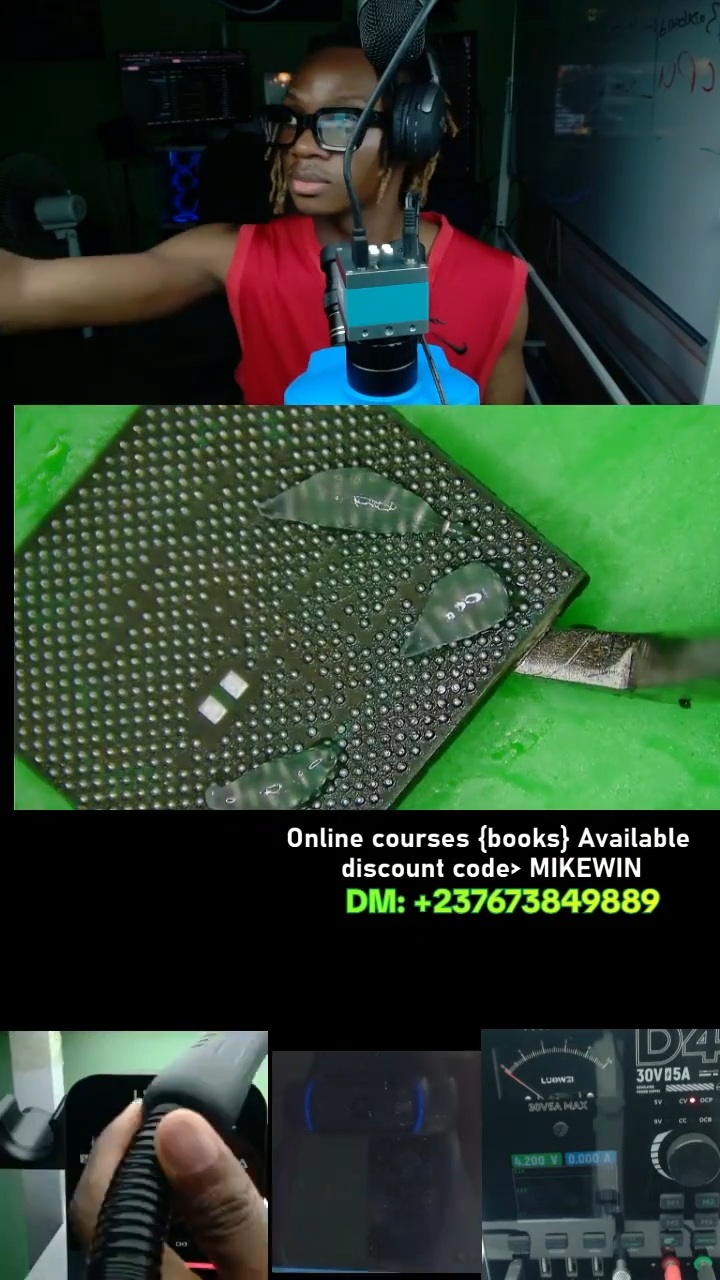
4:07 · Dead phone repair (no power, no boot)

3:01 · Dead phone repair (no power, no boot)

5:42 · Dead phone repair (no power, no boot)

12:48 · Short circuit troubleshooting on phone boards
31:20 · Short circuit troubleshooting on phone boards

3:46 · Short circuit troubleshooting on phone boards
12:43 · Short circuit troubleshooting on phone boards

8:53 · Short circuit troubleshooting on phone boards

2:14 · Phone not charging repair
14:13 · Short circuit troubleshooting on phone boards
19:36 · Short circuit troubleshooting on phone boards
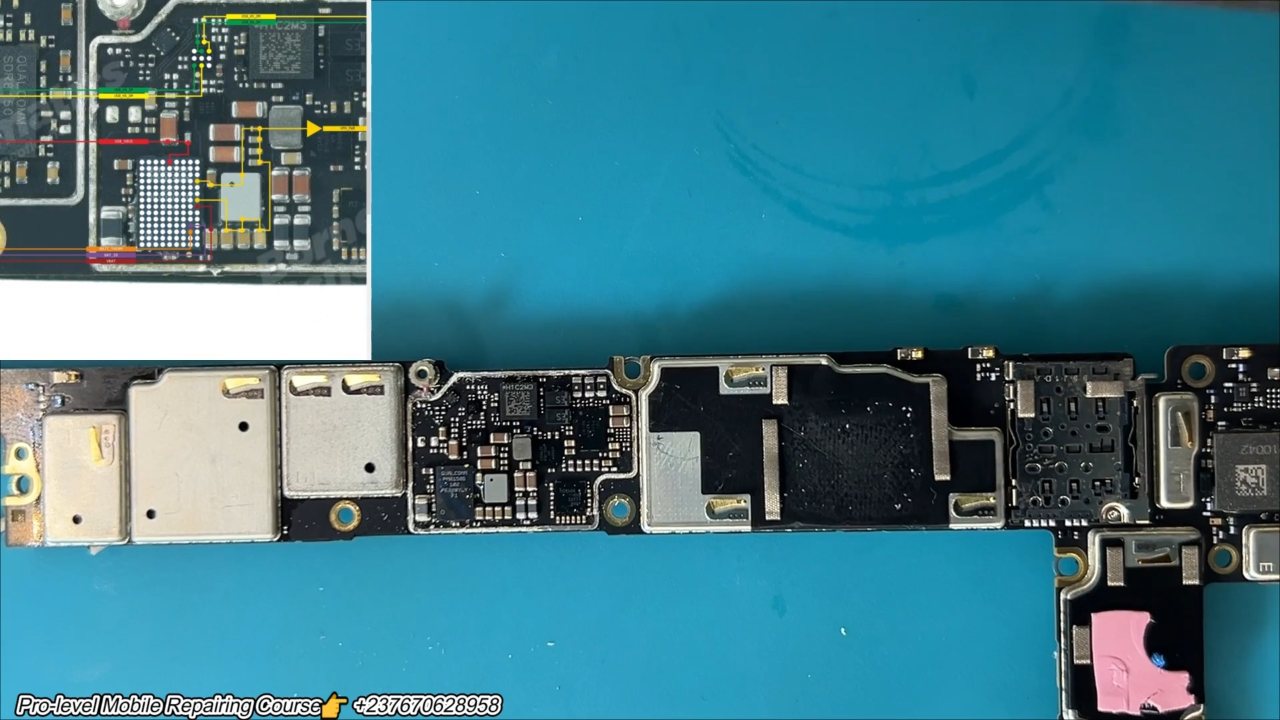
19:47 · Short circuit troubleshooting on phone boards
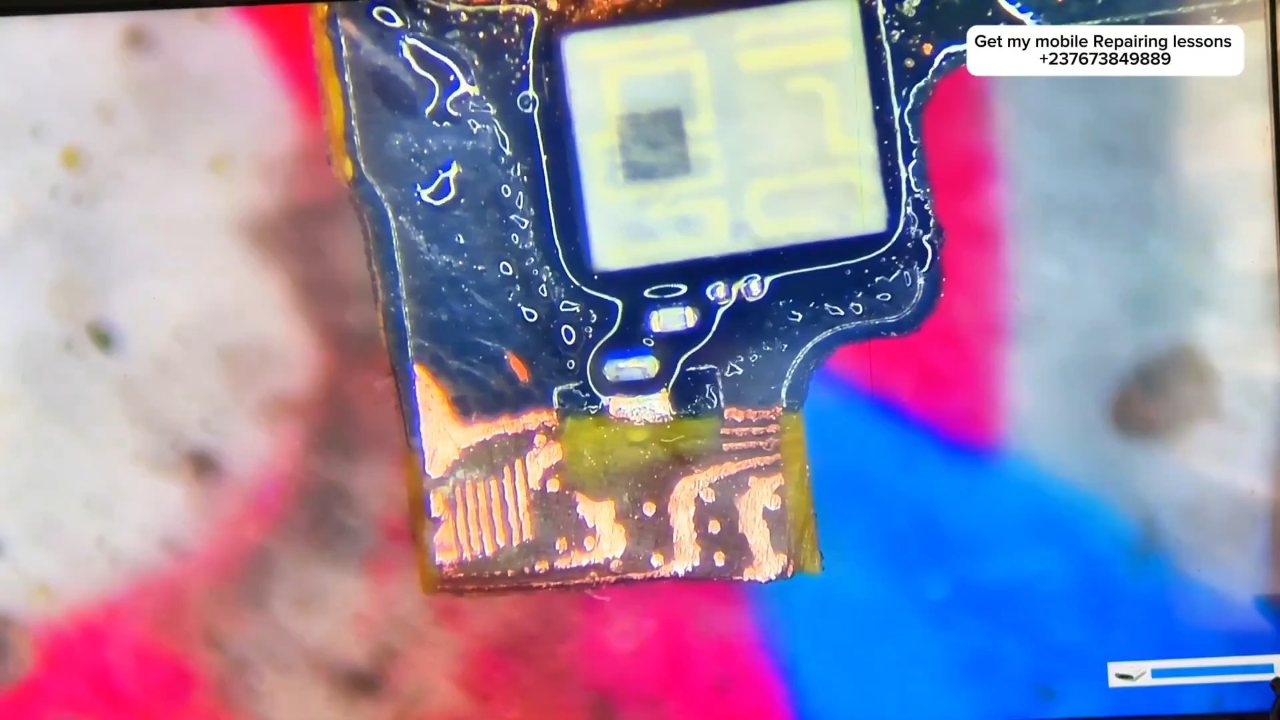
2:17 · Dead phone repair (no power, no boot)

4:21 · Dead phone repair (no power, no boot)

7:00 · No display and backlight repair

8:42 · Dead phone repair (no power, no boot)

2:08 · Dead phone repair (no power, no boot)

English repair videos with English and French PDF learning materials.

Advanced English video training for professional mobile repair work.
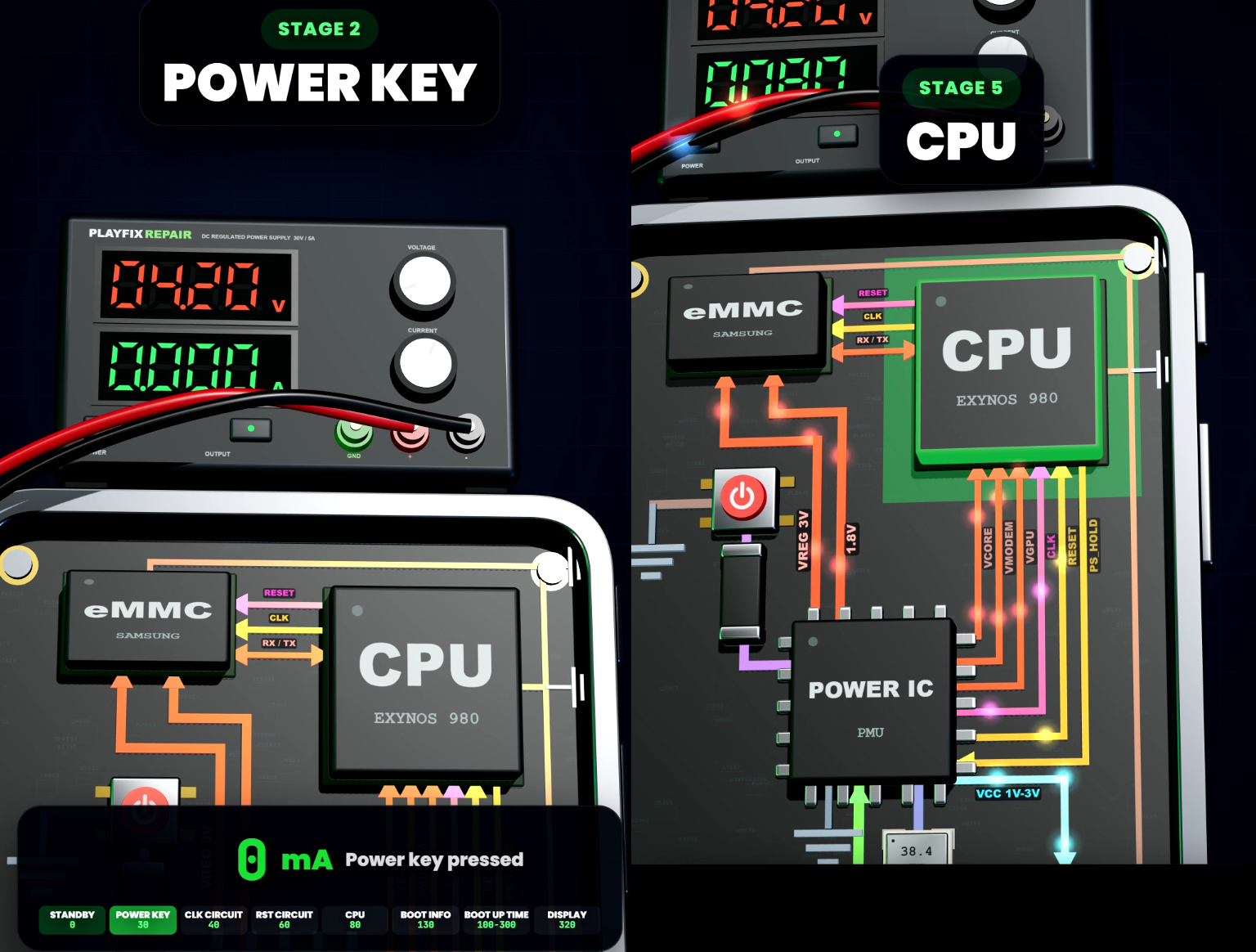
Learn how mobile-phone block diagrams connect ICs, power supplies, outputs and enable signals through clear 3D circuit animations.

All PlayFix courses and the Block Diagram Master Book in one lifetime purchase.
A dead phone shows no sign of life, or draws current from the power supply without booting. Technicians diagnose it by reading the current draw on a DC power supply, checking the main supply rails (VPH / VDD_MAIN), and following the boot sequence through the power IC, CPU, RAM and the PS_HOLD signal.
Read the current draw on a DC power supply while pressing power. Check VPH / VDD_MAIN for a short circuit. Confirm the power IC outputs and the PS_HOLD signal. Inspect the CPU and RAM area for heat or damage.