Phone won't turn on? Causes and fixes
Short answer: A phone that will not turn on usually has a completely drained or failed battery, a faulty power button or charging port, or a fault on the board such as a short on the battery line, a failed power management IC (PMIC) or corrupted software. Charge it for 30 minutes first, then check the battery and current draw.
Simple causes to rule out first
- Battery fully drained: charge for at least 30 minutes with a known-good charger
- Faulty charger, cable or dirty charging port
- Stuck or broken power button
- A frozen phone: try the forced restart combination for the model
- Screen not working while the phone is actually on (it vibrates or rings)
Board-level causes
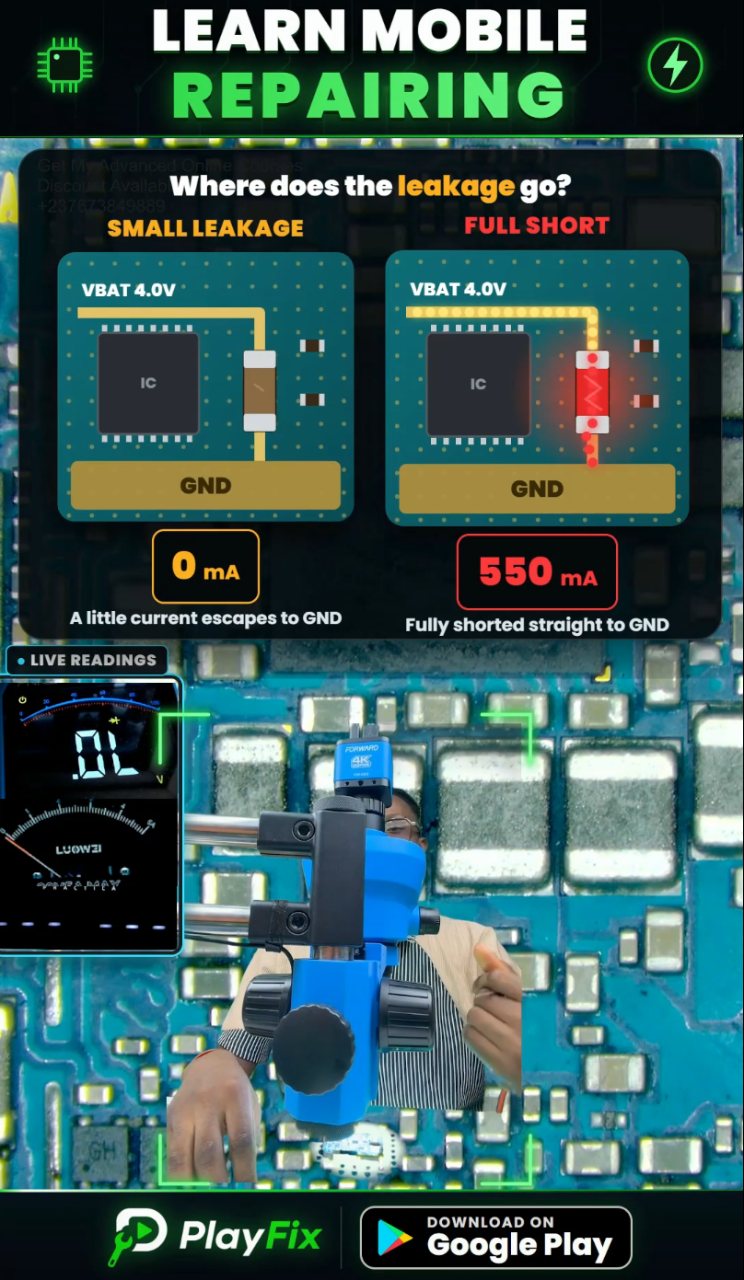
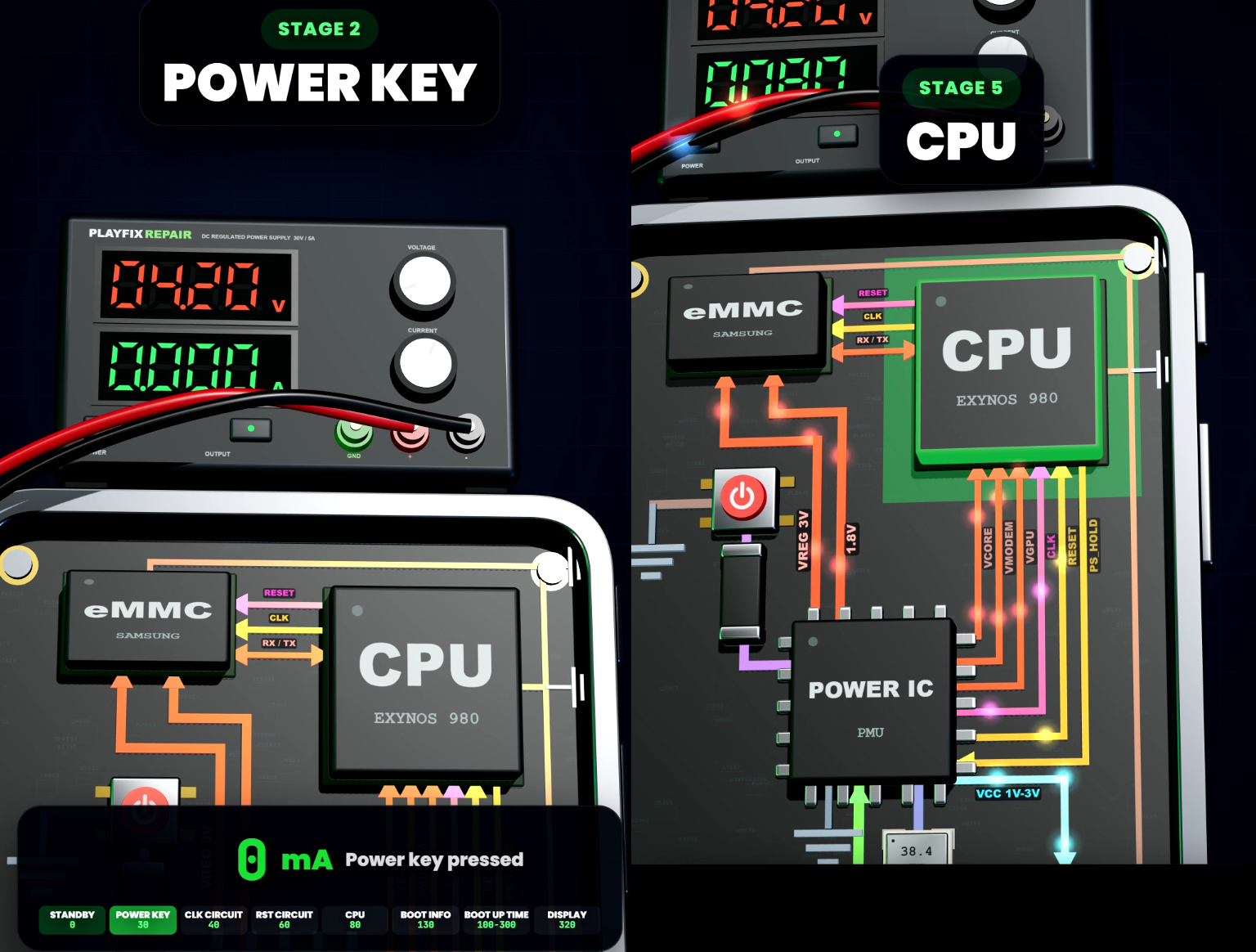
If the phone still shows no sign of life, connect it to a DC power supply in place of the battery and read the current. No current at all points to an open circuit or the power path. A high steady current points to a short on a power rail.
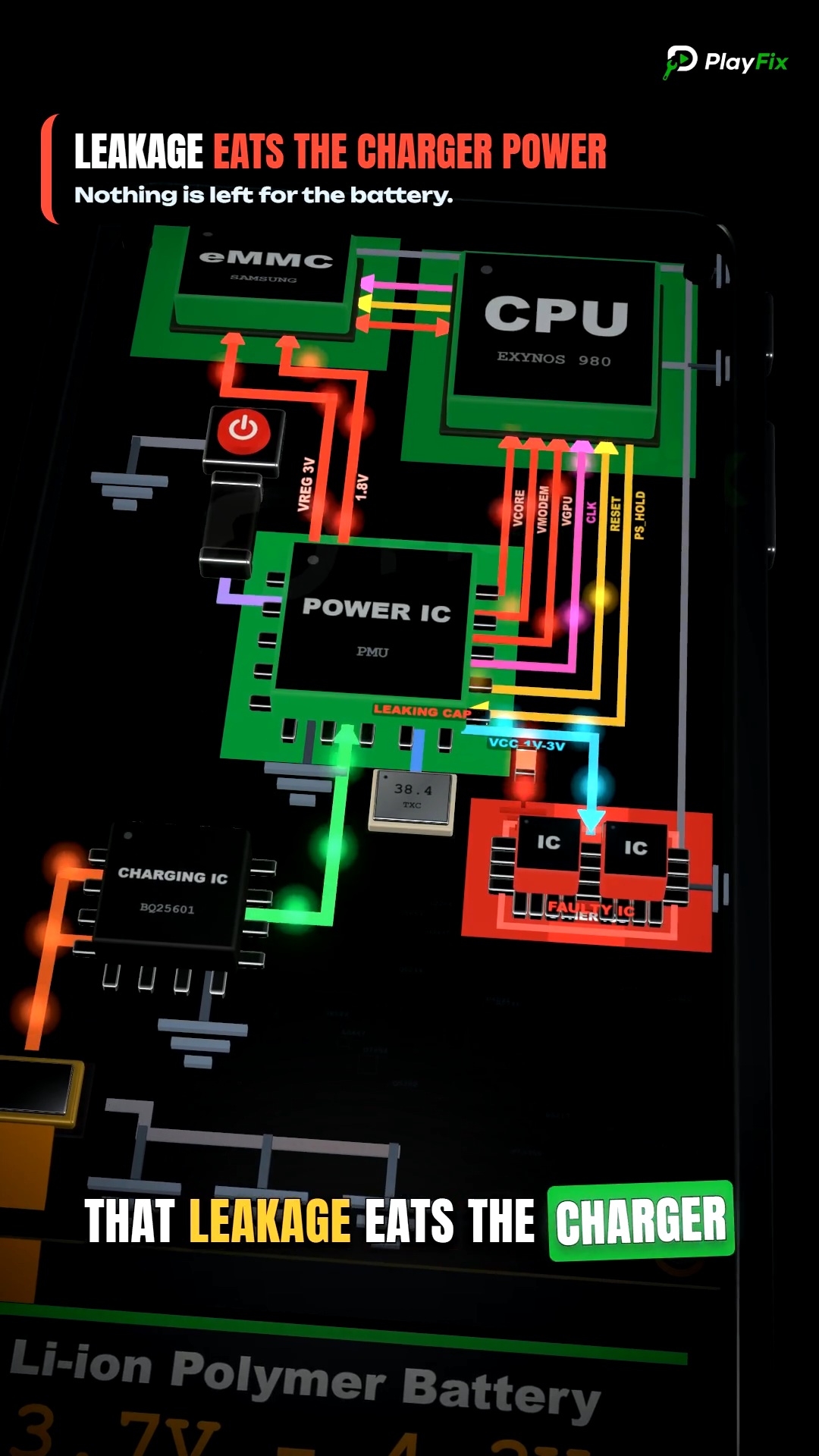
Common board faults are a short on the main battery line (VBAT), a failed PMIC, damaged power-button lines and, less often, CPU or memory faults that need advanced repair.
Dead phone diagnosis order
- Charge with a known-good charger and cable, and check whether the phone vibrates or makes a sound.
- Try a forced restart.
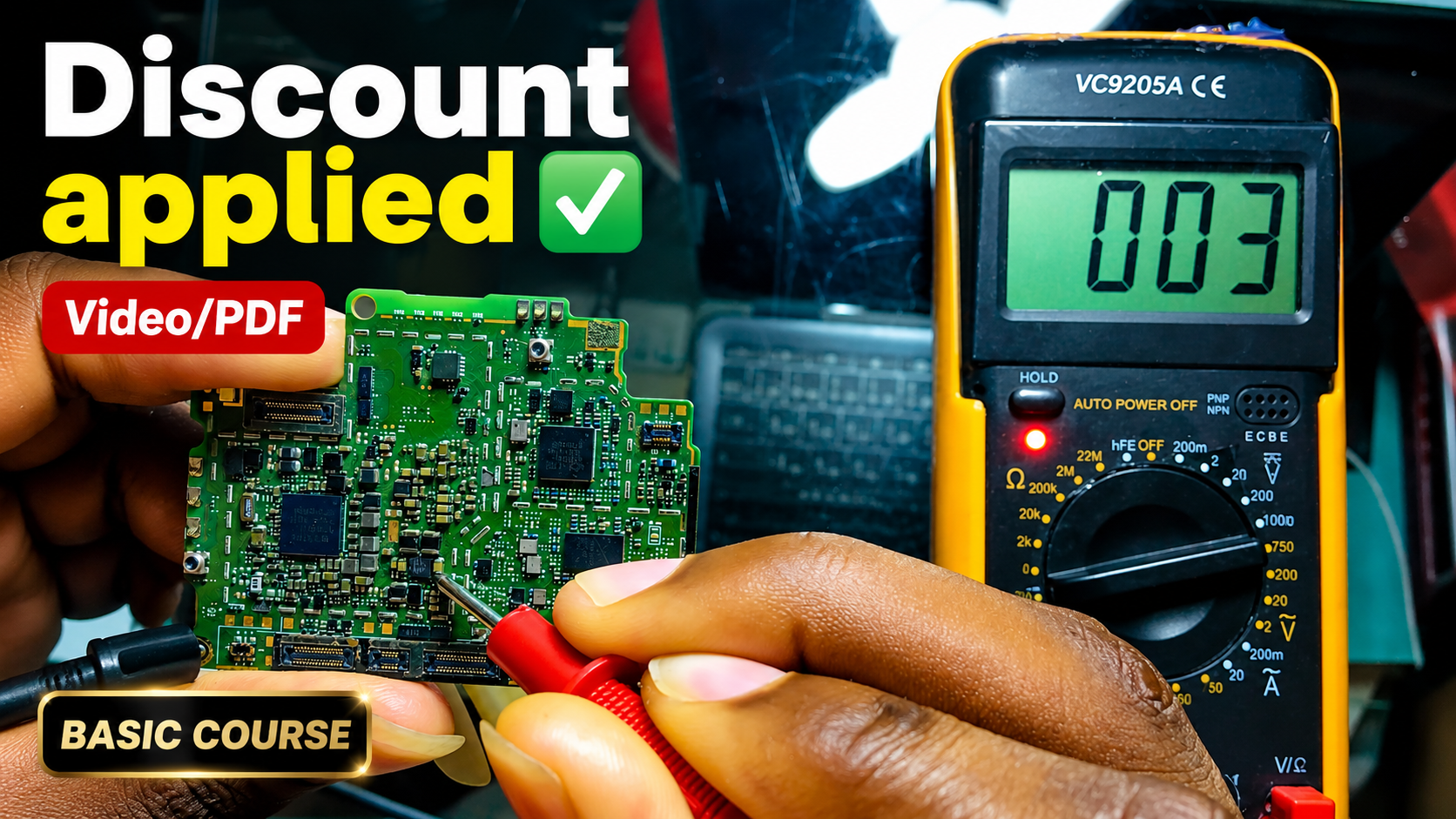
- Open the phone and measure the battery voltage; replace a battery that will not hold charge.
- Power the board from a DC power supply and read the current before and after pressing power.
- If there is a short, find the heating component with voltage injection and replace it.
- If there is no current, check the power-button line and the battery connector, then the PMIC area.