
Quick Network Lesson for Mobile Phone Technicians
1:11 · No SIM card and network repair
No SIM and network faults can come from the SIM tray and connector, the SIM supply and data lines, or the baseband section. Measuring the SIM lines and checking the connector pins usually narrows the fault down quickly.
Try a known-good SIM card and inspect the tray and connector pins for bends and corrosion. A SIM card needs supply (VSIM), clock, reset and data lines; if any of them is missing the phone shows No SIM.
Measure each SIM line in diode mode and compare with a good board, then check the small filters, resistors and protection diodes between the connector and the processor.
1:11 · No SIM card and network repair

8:19 · No SIM card and network repair
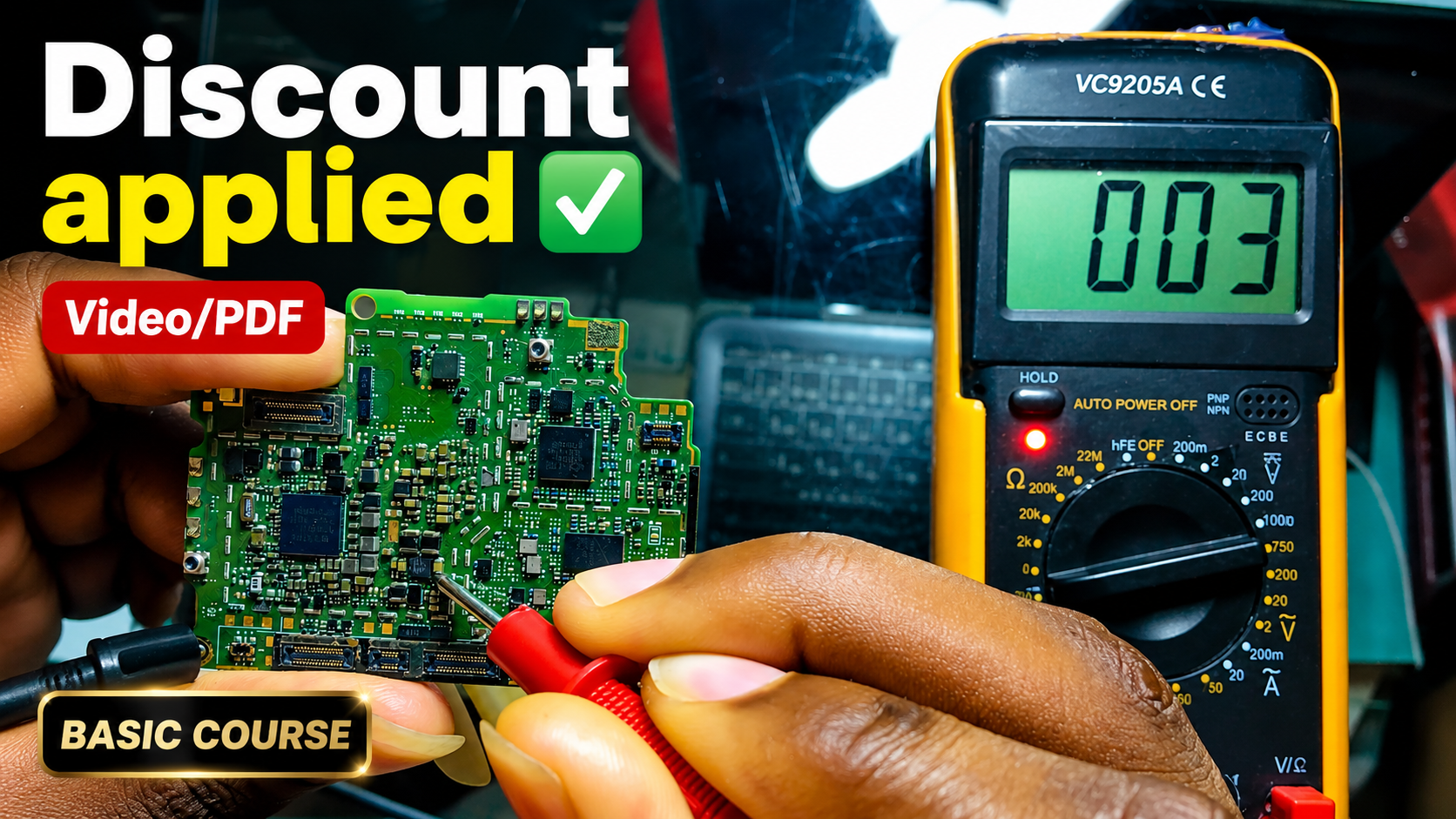
English repair videos with English and French PDF learning materials.

Advanced English video training for professional mobile repair work.

Learn how mobile-phone block diagrams connect ICs, power supplies, outputs and enable signals through clear 3D circuit animations.

All PlayFix courses and the Block Diagram Master Book in one lifetime purchase.
No SIM and network faults can come from the SIM tray and connector, the SIM supply and data lines, or the baseband section. Measuring the SIM lines and checking the connector pins usually narrows the fault down quickly.
Inspect the SIM connector pins. Measure the SIM supply and data lines. Check filters and protection diodes on the SIM path.