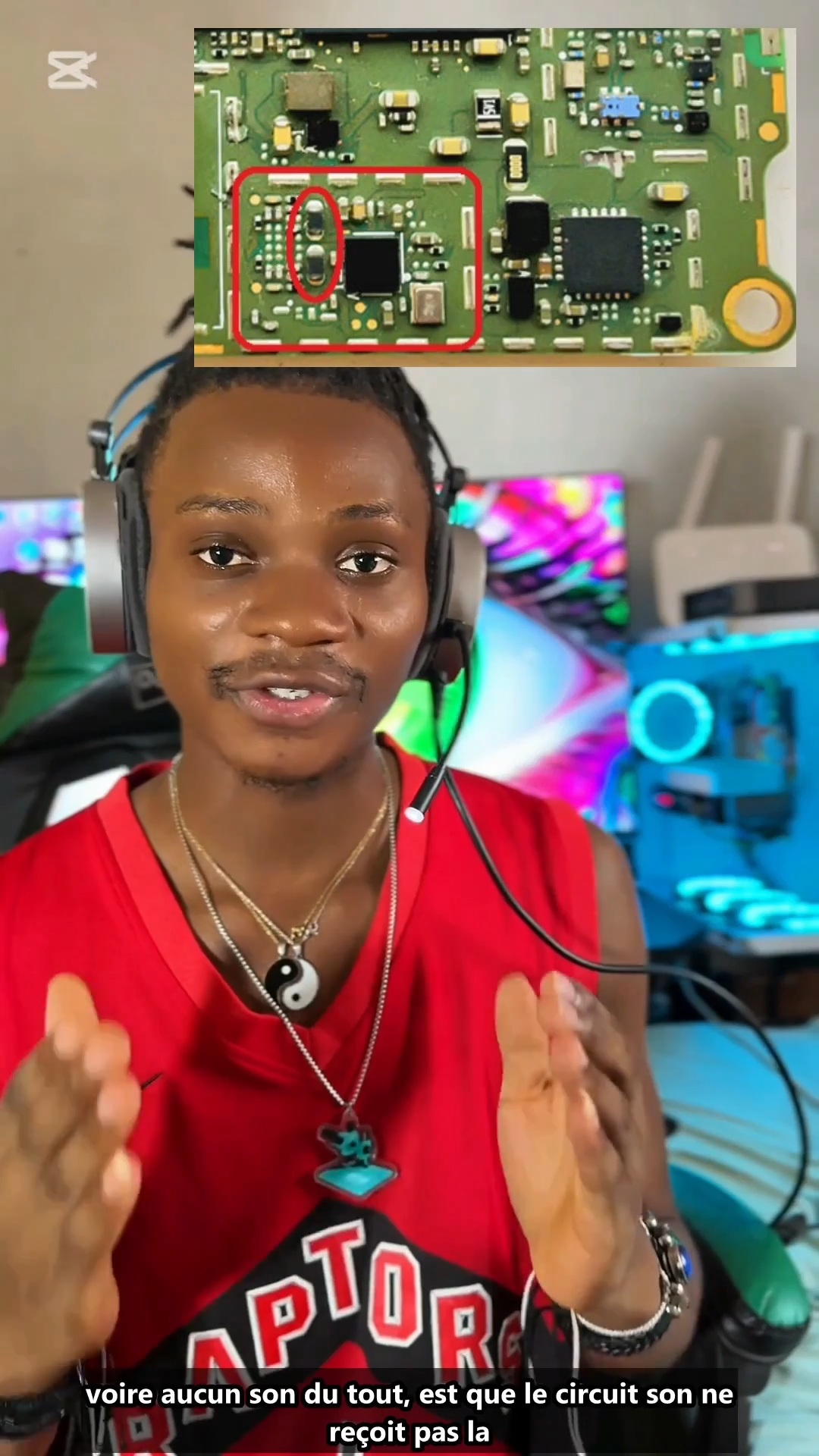
Android phone sound problem troubleshooting and audio circuit guide
3:28 · No sound, microphone and headset repair
Audio faults include no sound, a dead microphone and headset problems. Check the speaker, microphone or jack first, then the flex and connectors, then the audio IC with its supply lines and filters on the board.
Separate parts from board faults: measure the speaker coil resistance, try a known-good microphone or flex, and test with a headset to see whether the fault is only on one path.
On the board, follow the audio path on the schematic from the connector through its filters and coils to the audio amplifier or codec. Broken filters and corroded parts near the connector are common after drops and liquid damage.
3:28 · No sound, microphone and headset repair
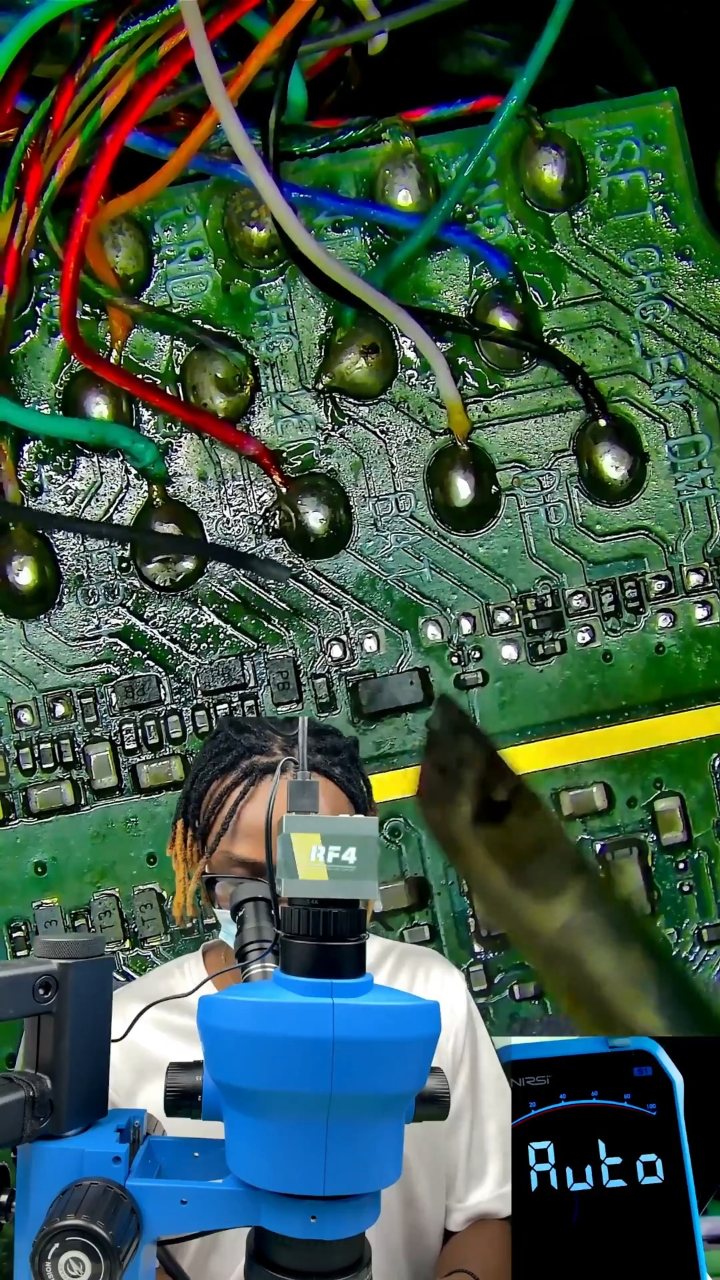
0:57 · No sound, microphone and headset repair
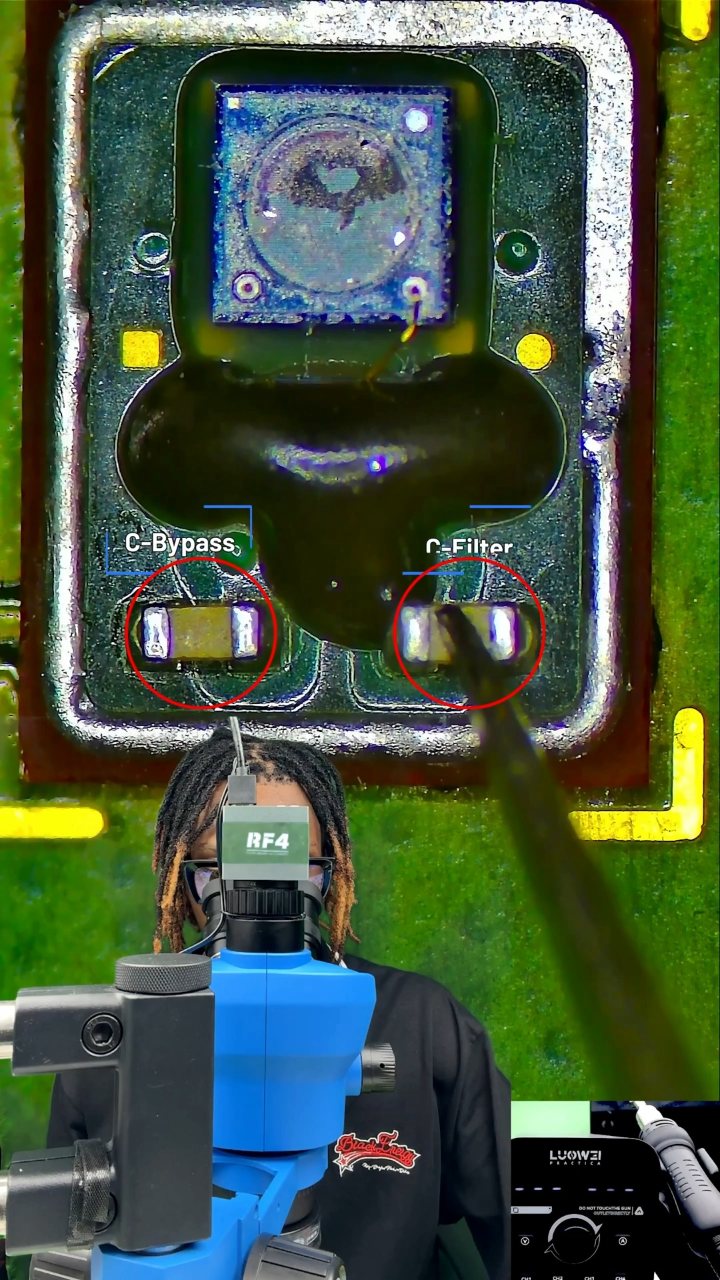
0:42 · Phone repair course basics and circuit theory

2:07 · No sound, microphone and headset repair
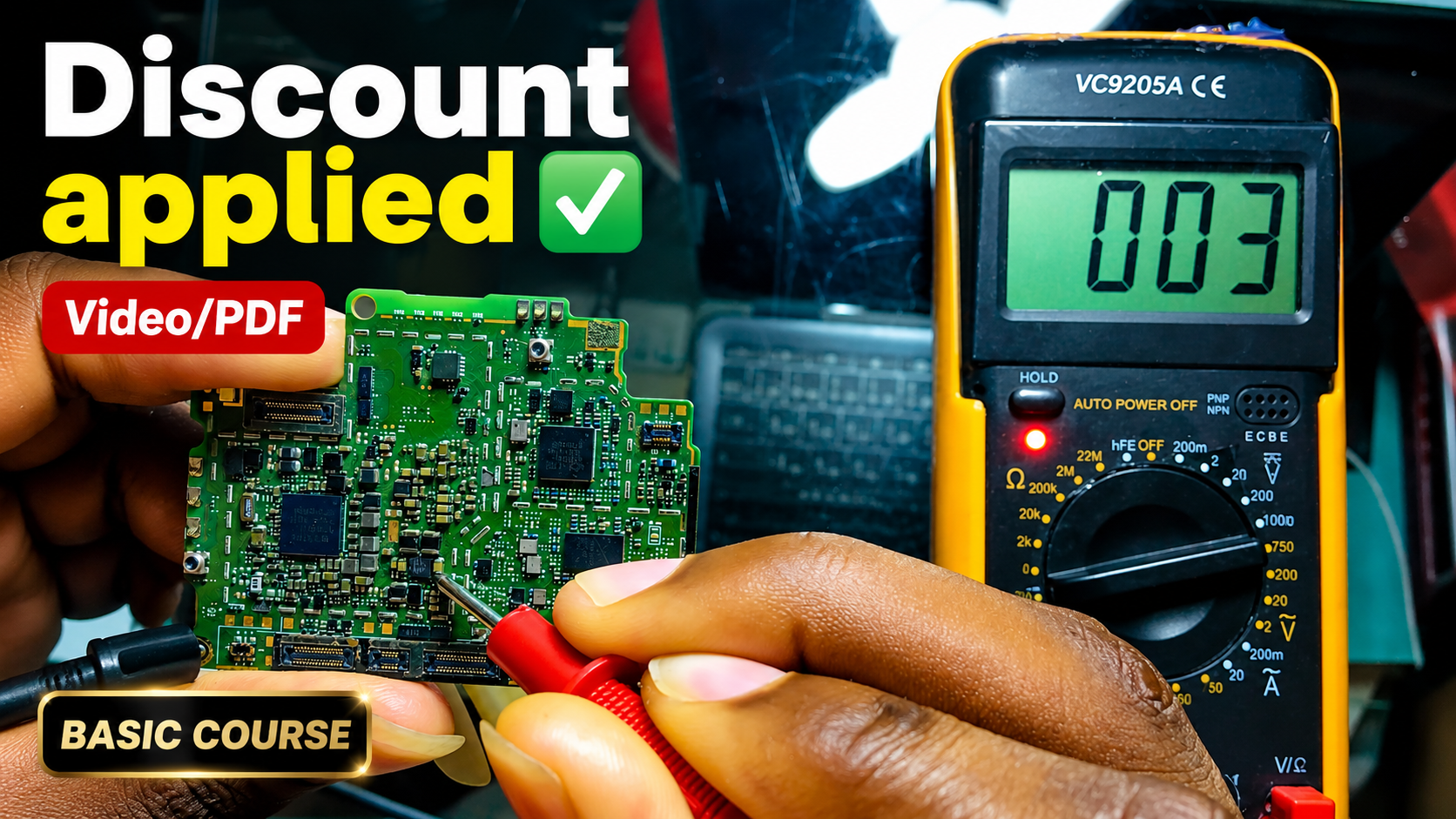
English repair videos with English and French PDF learning materials.

Advanced English video training for professional mobile repair work.
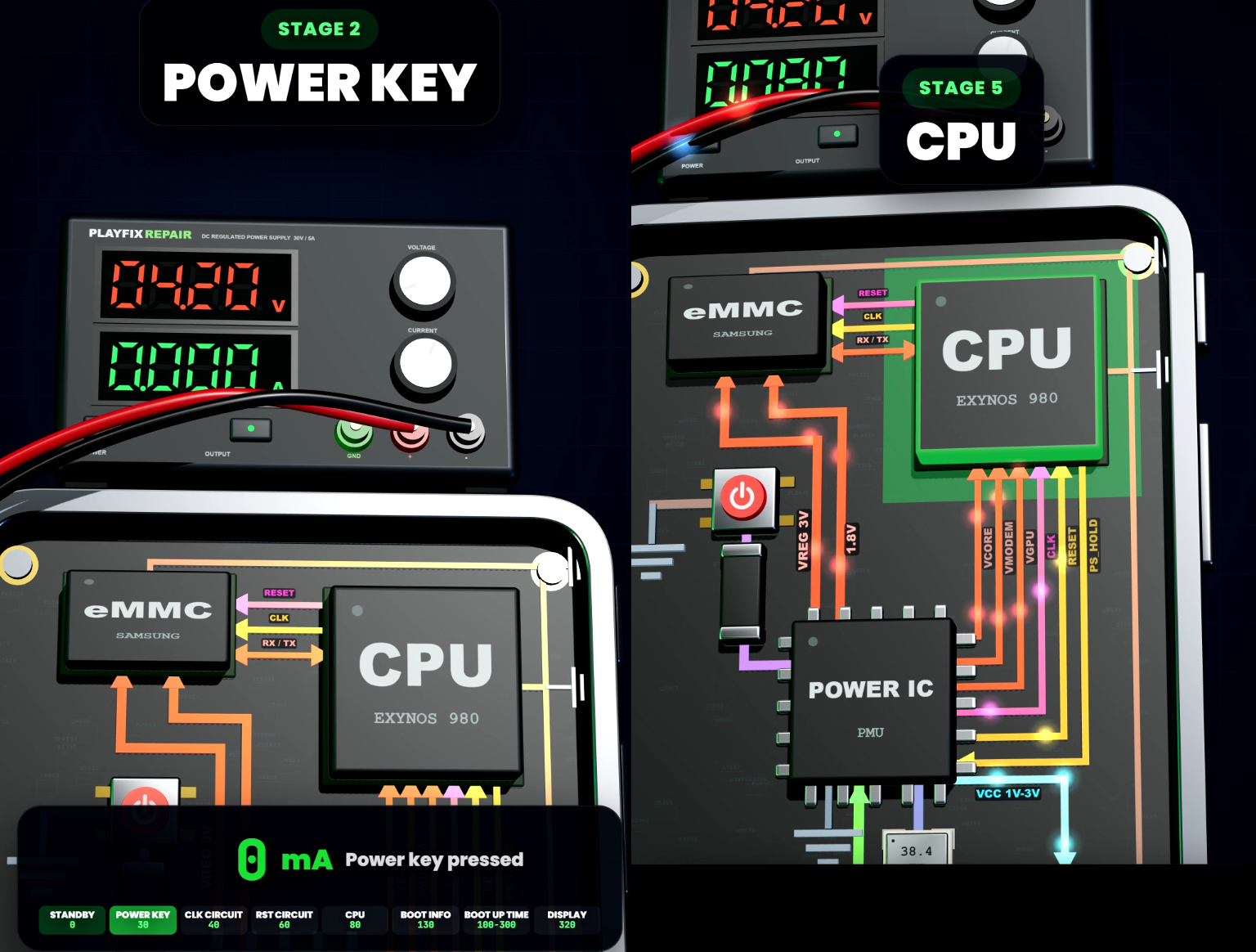
Learn how mobile-phone block diagrams connect ICs, power supplies, outputs and enable signals through clear 3D circuit animations.
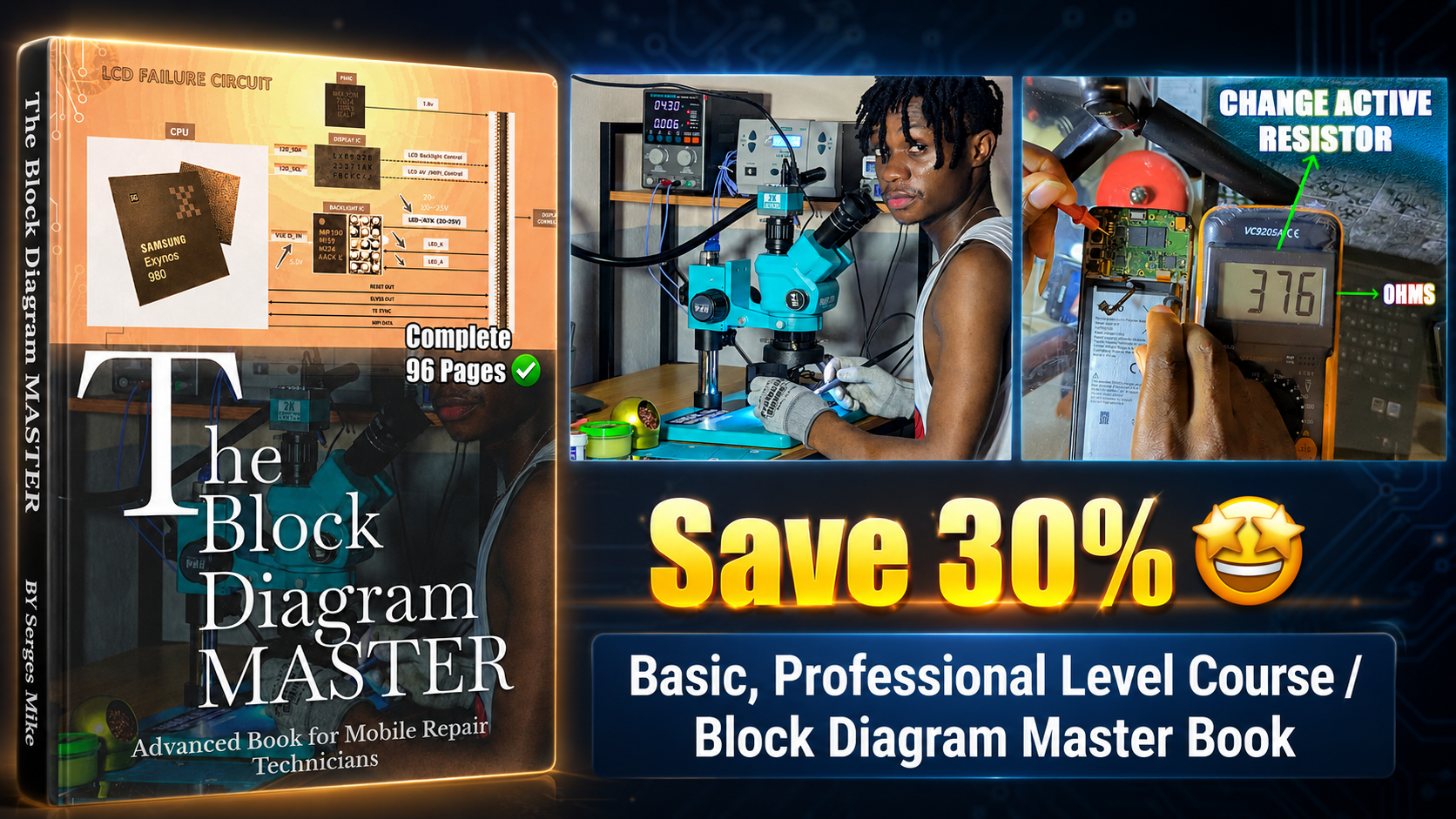
All PlayFix courses and the Block Diagram Master Book in one lifetime purchase.
Audio faults include no sound, a dead microphone and headset problems. Check the speaker, microphone or jack first, then the flex and connectors, then the audio IC with its supply lines and filters on the board.
Test the speaker or microphone directly. Check flex cables and connectors. Measure the audio IC supply lines. Inspect filters and coils on the audio path.