How to fix a water damaged phone
Short answer: To fix a water damaged phone, switch it off at once, open it, disconnect the battery, and clean every trace of liquid and corrosion off the board with high-percentage isopropyl alcohol, ideally in an ultrasonic cleaner. Dry it fully, then test the board with a power supply before reassembling.
Why speed matters
Liquid itself does little harm. The damage comes from power running through wet or contaminated contacts, which causes shorts and starts corrosion. The sooner the battery is disconnected, the better the chance of a clean repair.
Salt water and sugary drinks are worse than clean water because they leave conductive residue and corrode faster.
What not to do
- Do not charge the phone to see if it works
- Do not put it in rice, it does not remove the residue that causes corrosion
- Do not use a hair dryer on high heat, it can warp parts and push liquid deeper
- Do not keep pressing the power button
Water damage repair steps
- Power the phone off and remove the SIM tray and any case.
- Open the phone and disconnect the battery straight away.
- Remove shields and take photos so you can see where liquid reached and where there is white or green corrosion.
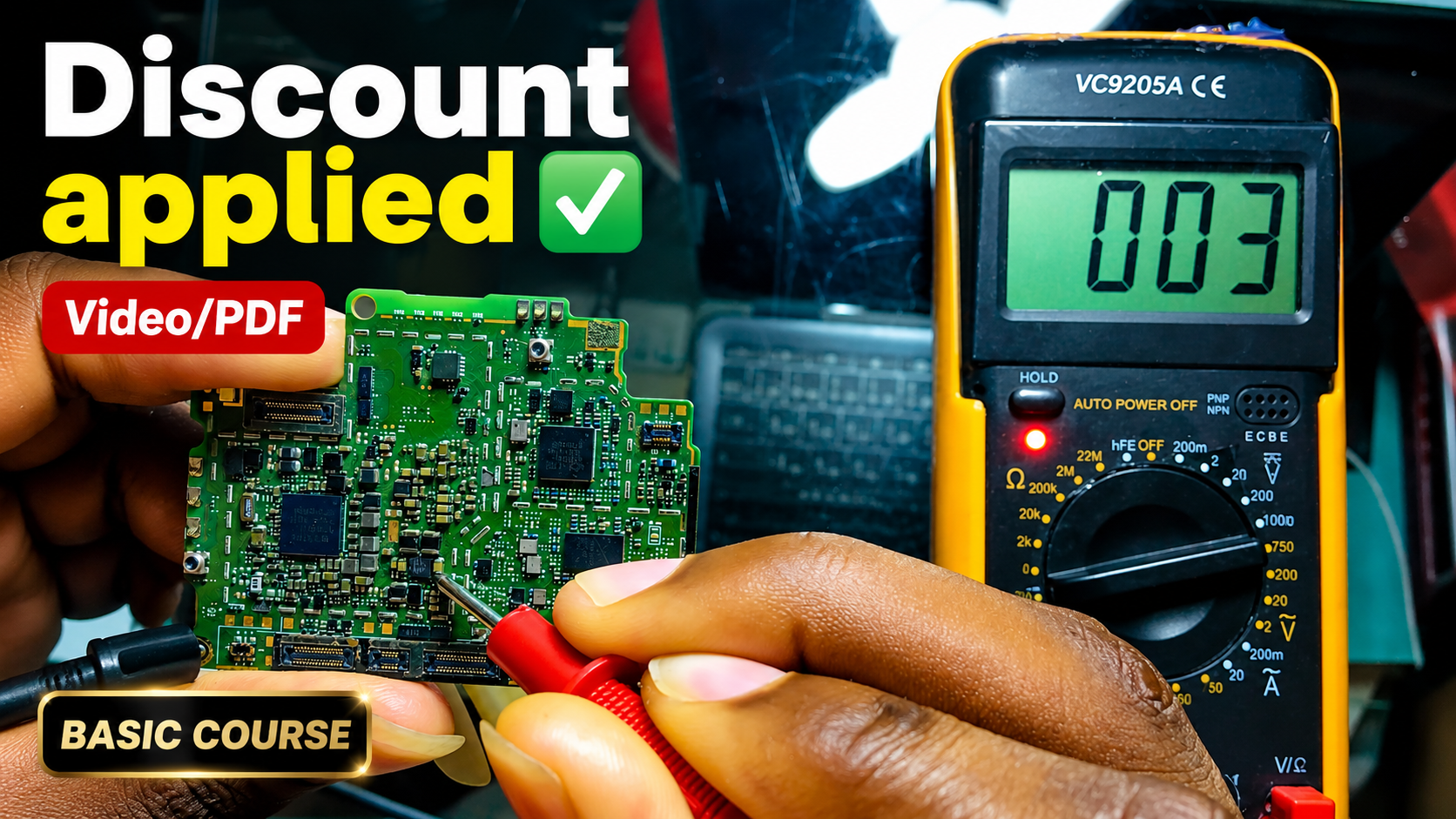
- Clean the board with 99% isopropyl alcohol and a soft brush, working around connectors and under chips.
- Use an ultrasonic cleaner for a deeper clean when the damage is heavy, then dry the board completely.
- Inspect under a microscope and replace any corroded connectors or components.
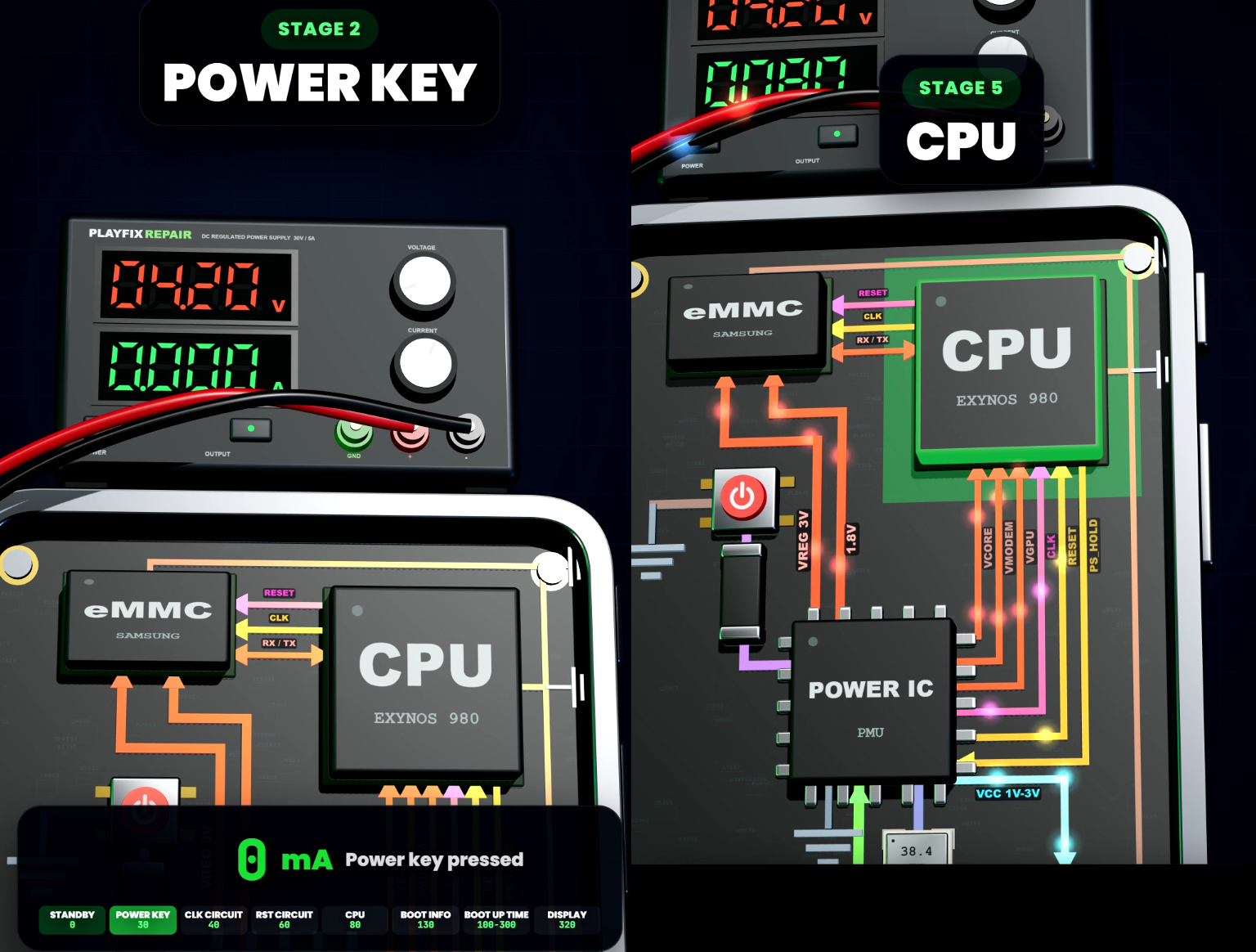
- Power the board on a DC power supply with a current limit and check for shorts and abnormal current before fitting the battery.
- Test charging, display, touch, audio, camera, Wi-Fi and the SIM before returning the phone.