How to test a capacitor on a phone motherboard
Short answer: To test a capacitor on a phone motherboard, set the multimeter to diode or resistance mode and measure across the capacitor with the phone powered off and the battery disconnected. A reading near zero means the capacitor is shorted. A normal capacitor shows a rising value and then settles.
Why capacitors fail on phones
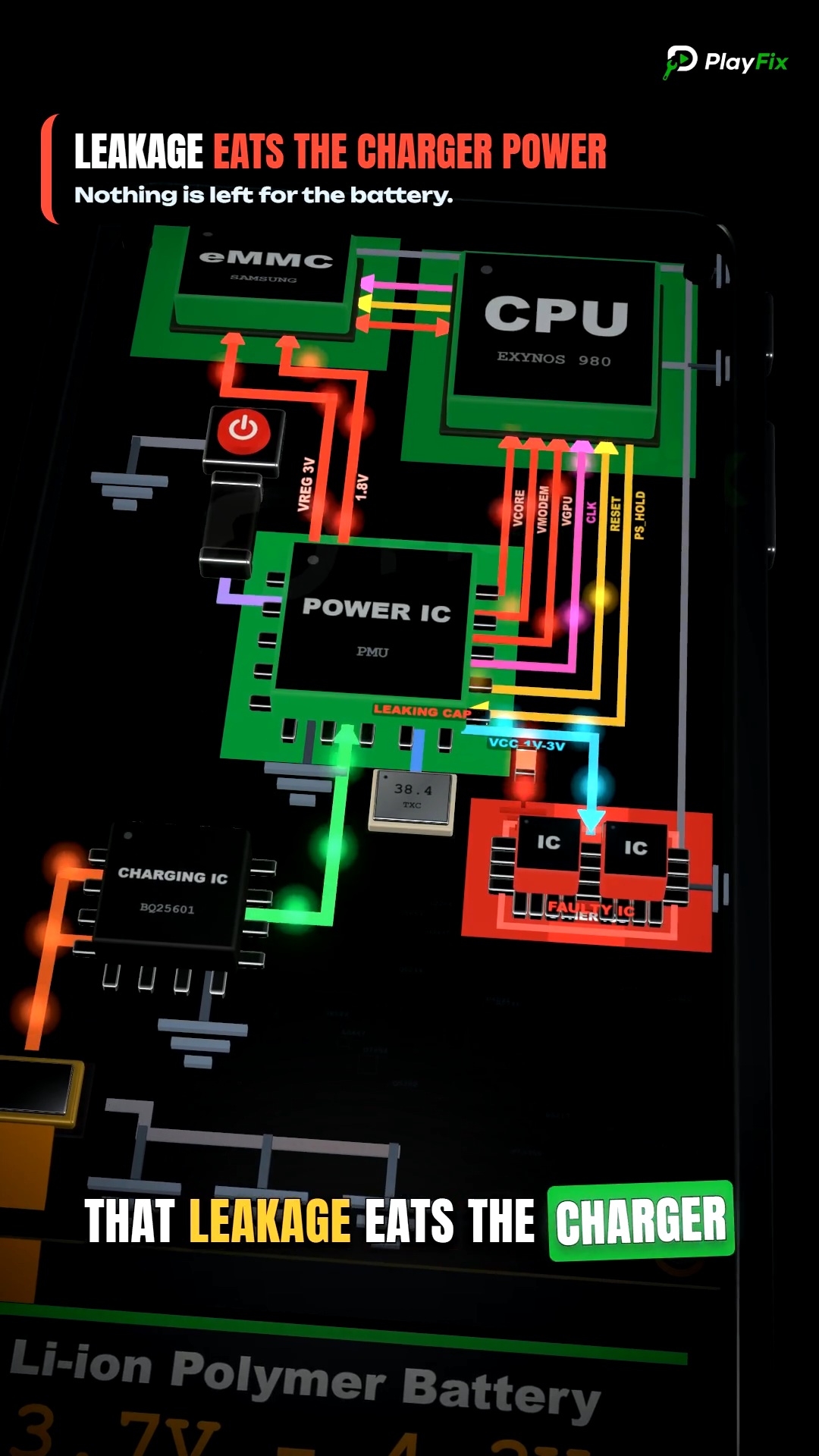
Phone boards use many tiny ceramic capacitors to filter power rails. A shorted capacitor pulls a rail to ground, which shows up as a dead phone, a hot spot, or high current on the power supply.
Liquid damage, drops and bad chargers are the usual causes.
What you need
- A digital multimeter with diode mode
- A DC power supply with a current limit
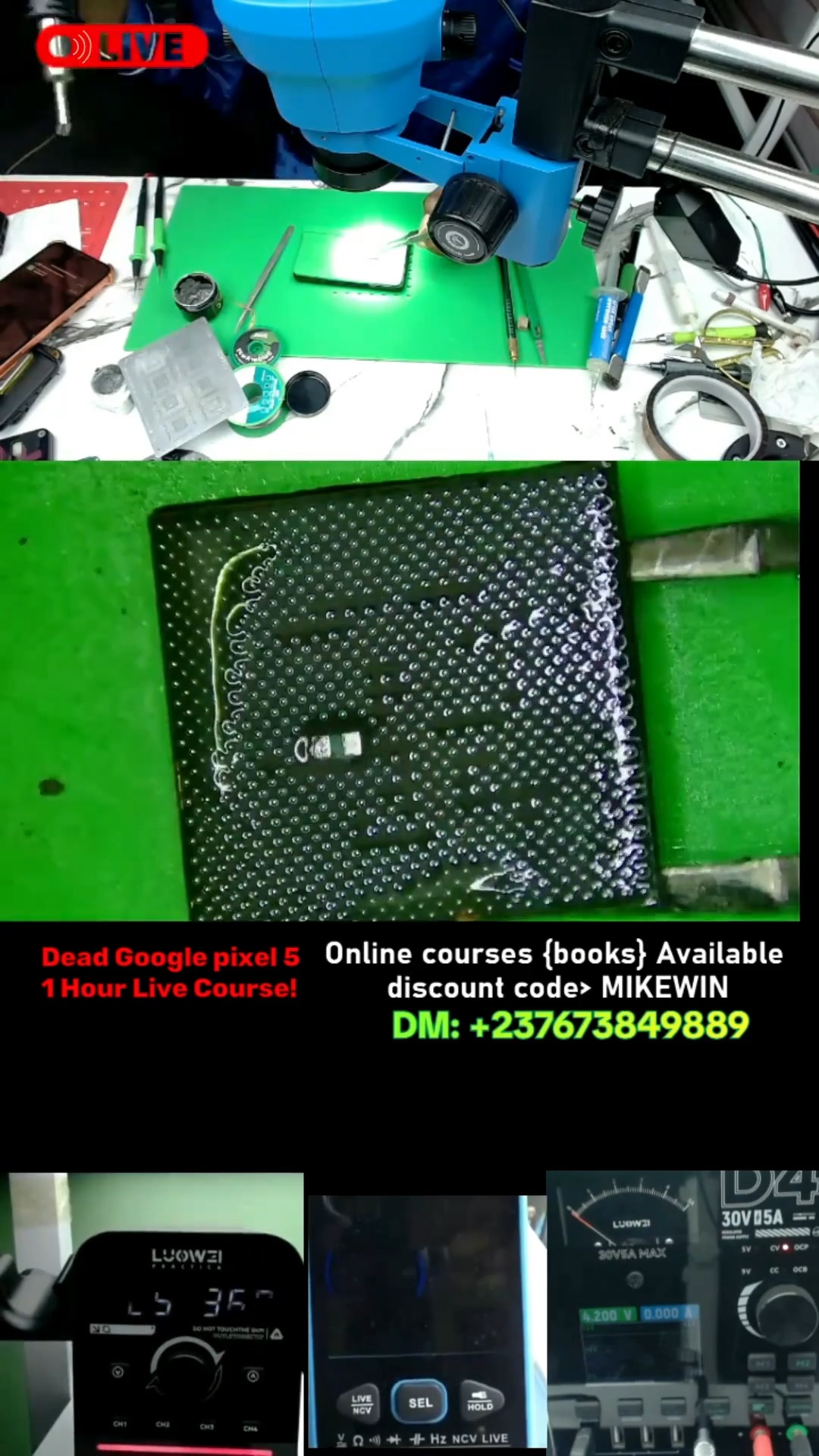
- Magnification so you can place the probes on small parts
- Flux, hot air or a soldering iron to remove the part
Testing a capacitor step by step
- Disconnect the battery and make sure the board is not powered.
- Set the multimeter to diode mode and place the probes across the capacitor pads.
- Read the value. Near zero ohms or 0.000 in diode mode means a short.
- Compare with a known-good board or with the same capacitor in the same rail on the schematic.
- To find which capacitor on a shorted rail is bad, inject a low limited voltage into the rail and look for the part that heats up first.
- Remove the suspect capacitor and measure the rail again. If the short is gone, replace it with the correct value.