Tablet repair guide: common faults and fixes
Short answer: Tablet repair uses the same principles as phone repair: check the battery and charging path first, then the display and its flex cables, then the motherboard. Most tablet faults are a worn battery, a damaged charging port, a cracked screen or a shorted power line on the board.
Common tablet faults
- Tablet will not charge or charges very slowly
- Cracked glass or a screen that shows lines or no picture
- Tablet will not turn on or keeps rebooting
- Battery drains quickly or the tablet shuts off at a high percentage
- Water damage
- No sound or a dead touch screen
What is different from a phone
Tablets are larger and often glued more heavily, so opening them takes heat and patience. The batteries are bigger and the connectors are often easier to reach, but the display is more fragile and costly.
The board work is the same: use a power supply to look for shorts, measure the charging path and replace faulty components.
A simple tablet diagnosis order
- Try a known-good charger and cable and check the charging port for damage.
- Open the tablet carefully and disconnect the battery.
- Inspect for swollen batteries, liquid and burnt parts.
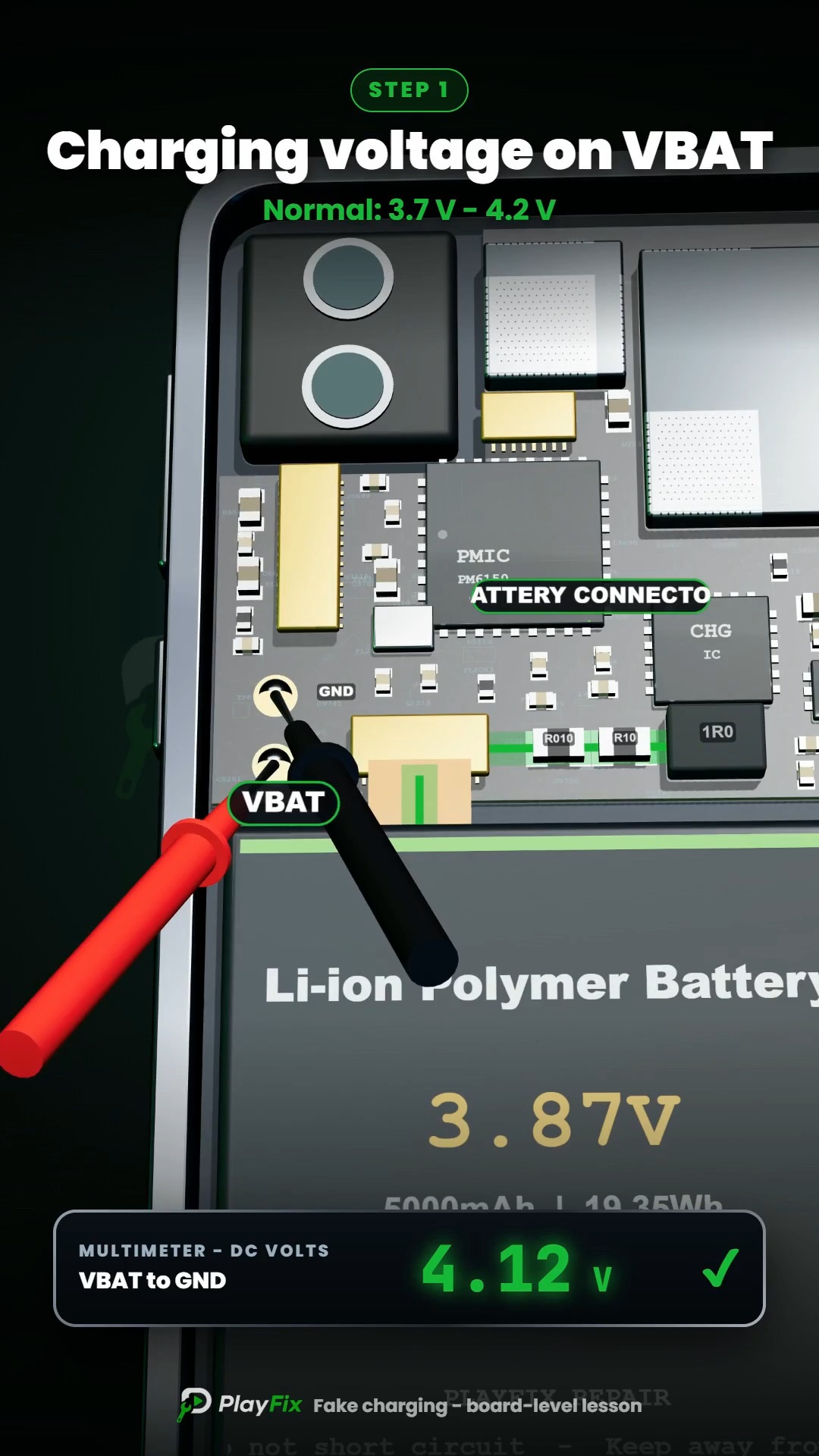
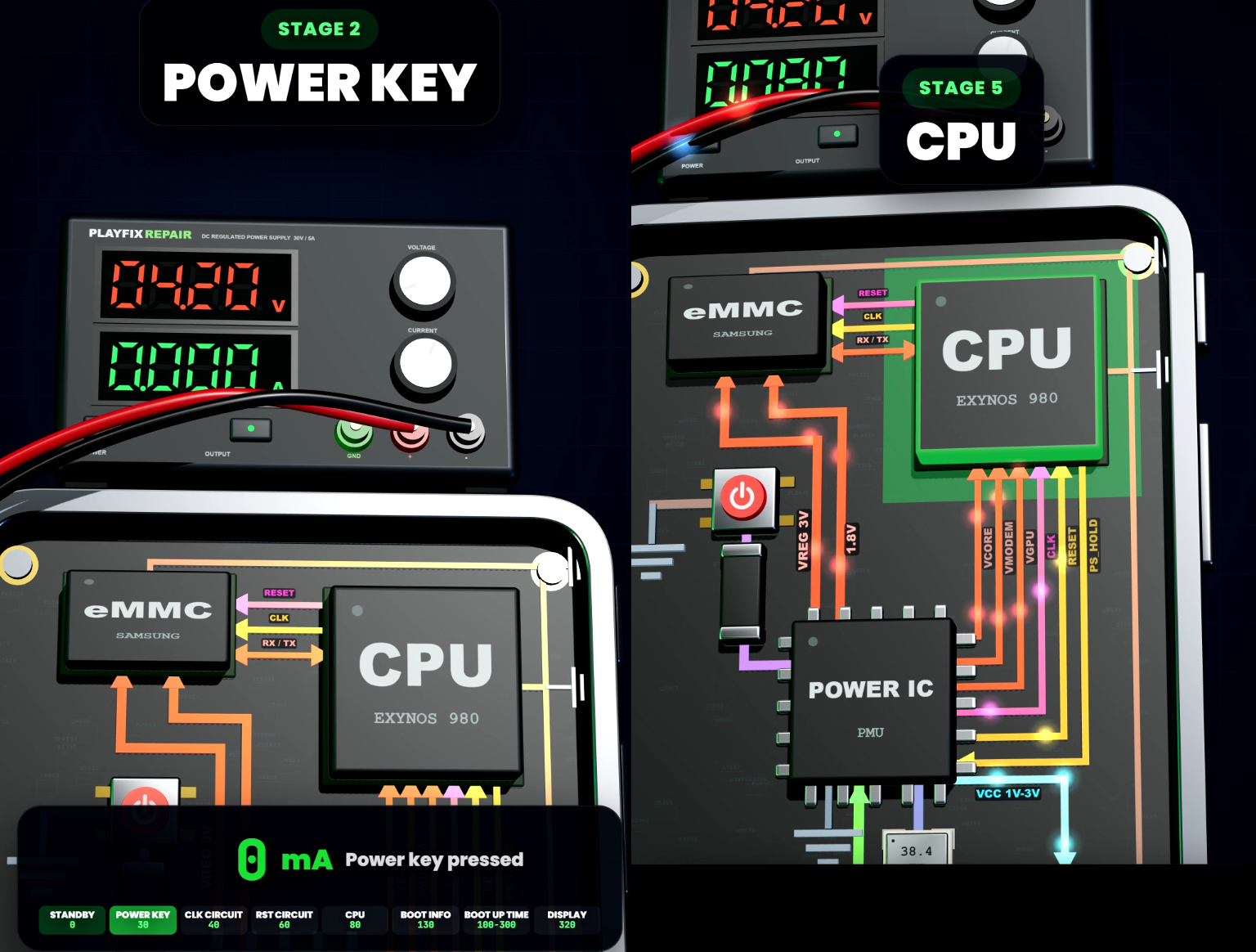
- Power the board with a current-limited supply and read the current.
- If the screen is the problem, test with a known-good display before changing the board.
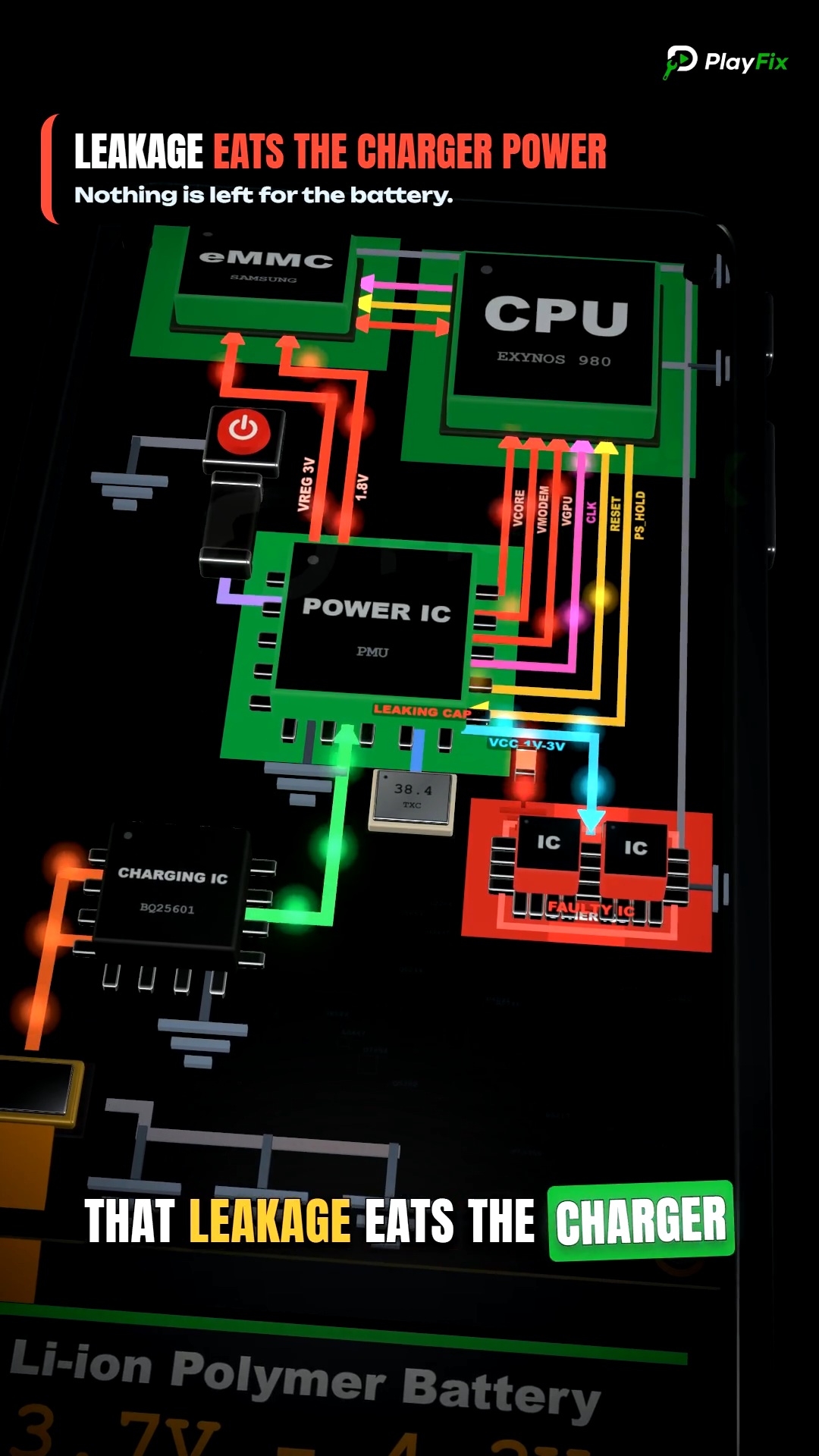
- Measure for shorts on the battery and charging lines if the tablet is dead.
- Reassemble and test charging, display, touch, audio and Wi-Fi.