Phone screen black but the phone is on: causes and fixes
Short answer: If a phone is on but the screen stays black, the cause is usually a damaged screen, a loose or damaged display connector, or a fault in the backlight or display power circuit on the board. Test with a known-good screen first: if it works, replace the screen; if not, the fault is on the board.
Quick checks
- Call the phone or plug in the charger to confirm it is on
- Shine a torch on the screen: a faint image means the backlight has failed
- Look for cracks or ink spots on the screen
- Reseat the display connector
Board faults
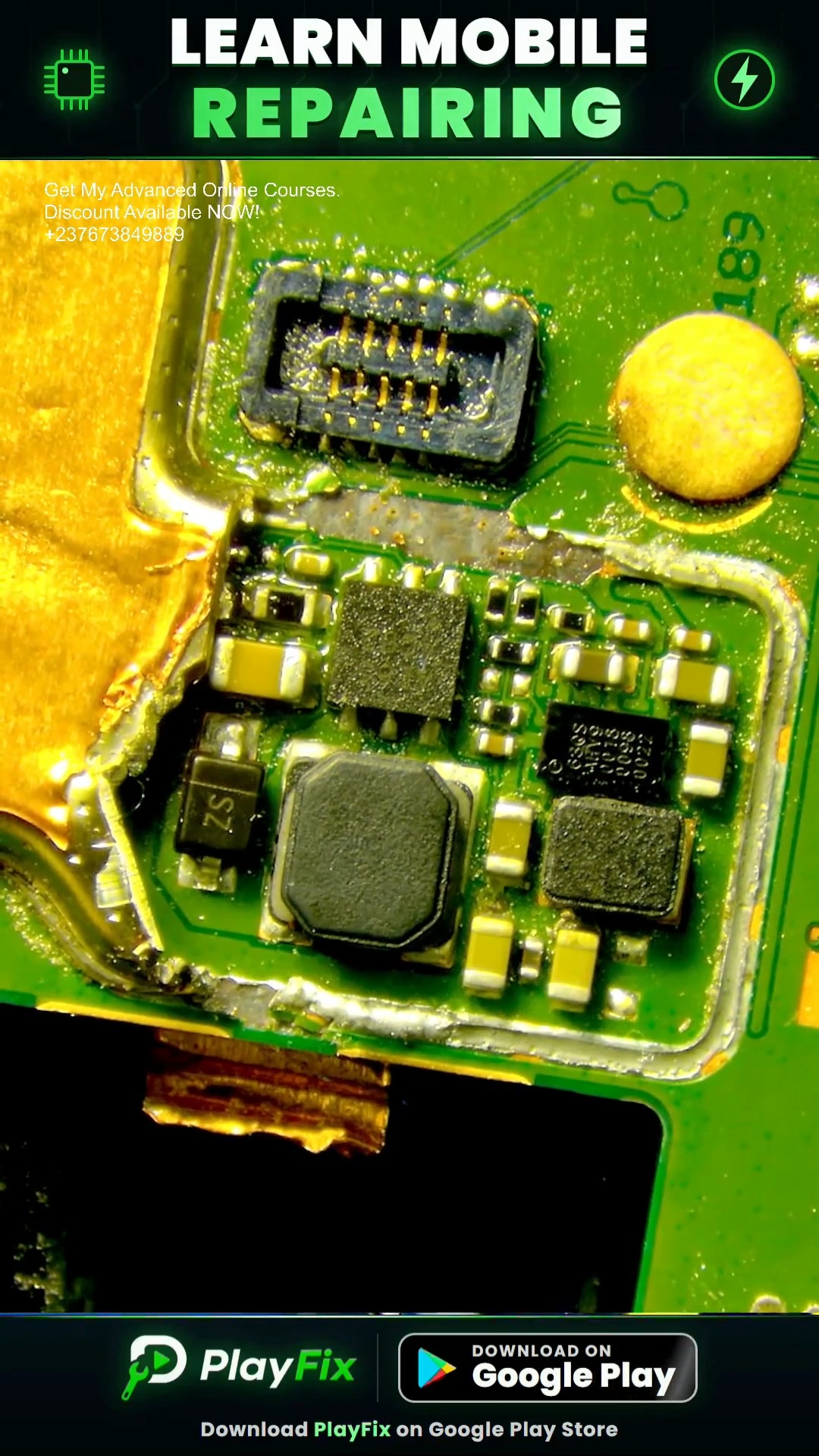
Many LCD phones use a backlight circuit with a coil, a diode, a filter capacitor and a backlight IC. A failed part there gives a dark screen with a faint picture. A missing display supply voltage gives no picture at all.
Diagnosis steps
- Confirm the phone is on (sound, vibration or computer connection).
- Test with a known-good screen.
- If the new screen works, replace the screen.
- If not, inspect the display connector under a microscope for damage or corrosion.
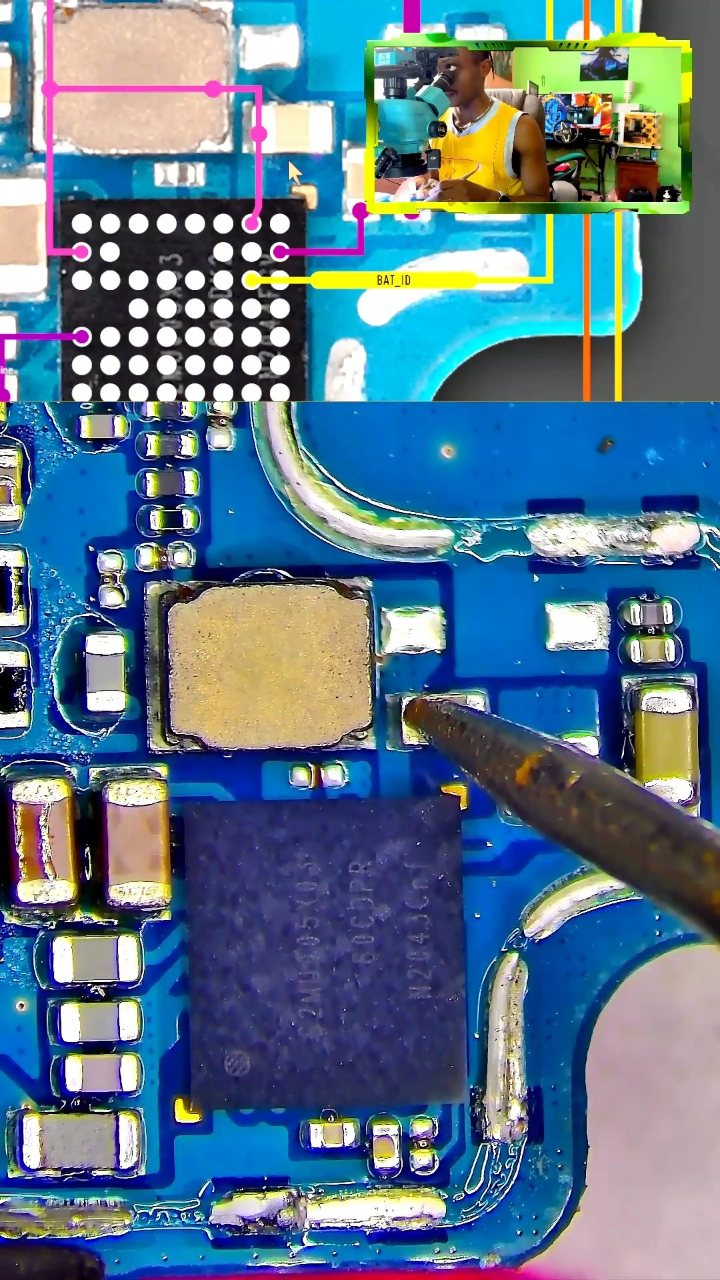
- Measure the backlight and display power lines on the board against the schematic.
- Replace the faulty coil, diode, capacitor, filter or IC, then test again.