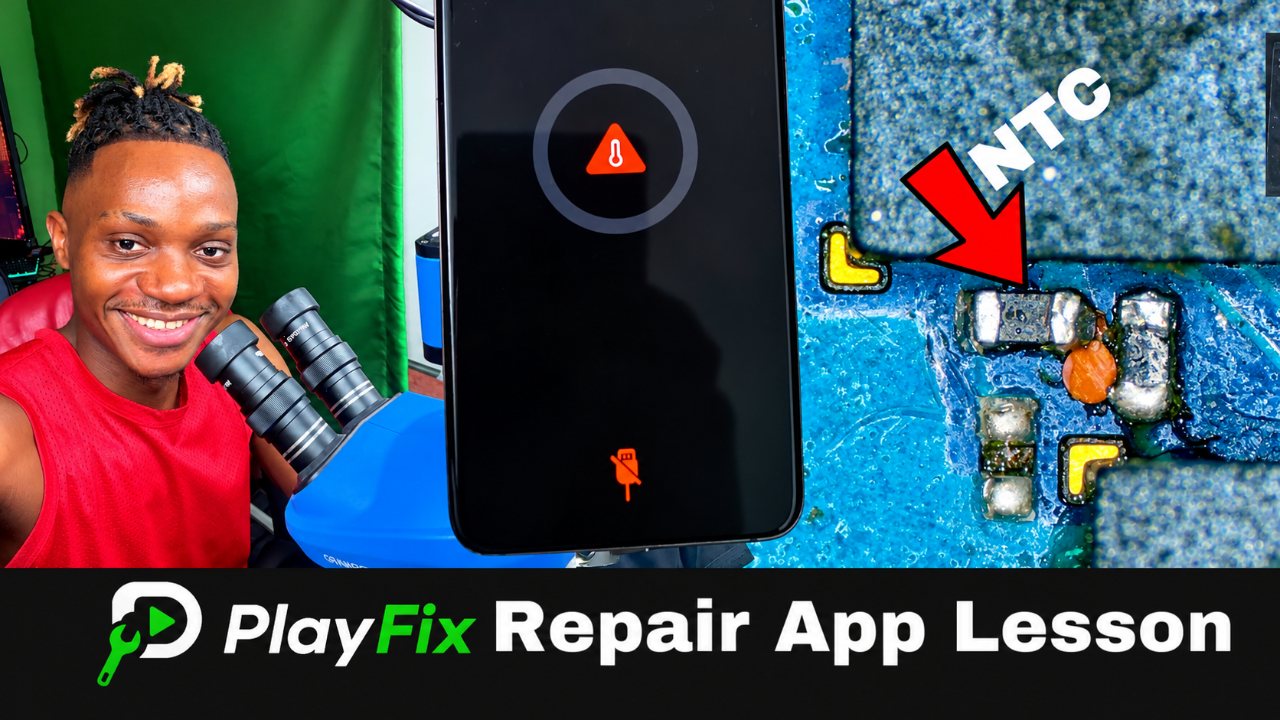
Part 1: How to Fix All Samsung Charging Temperature icon error — Part 1
9:06 · How to repair temperature icon problem on a samsung phone that won't charge. Part 1 of 3.
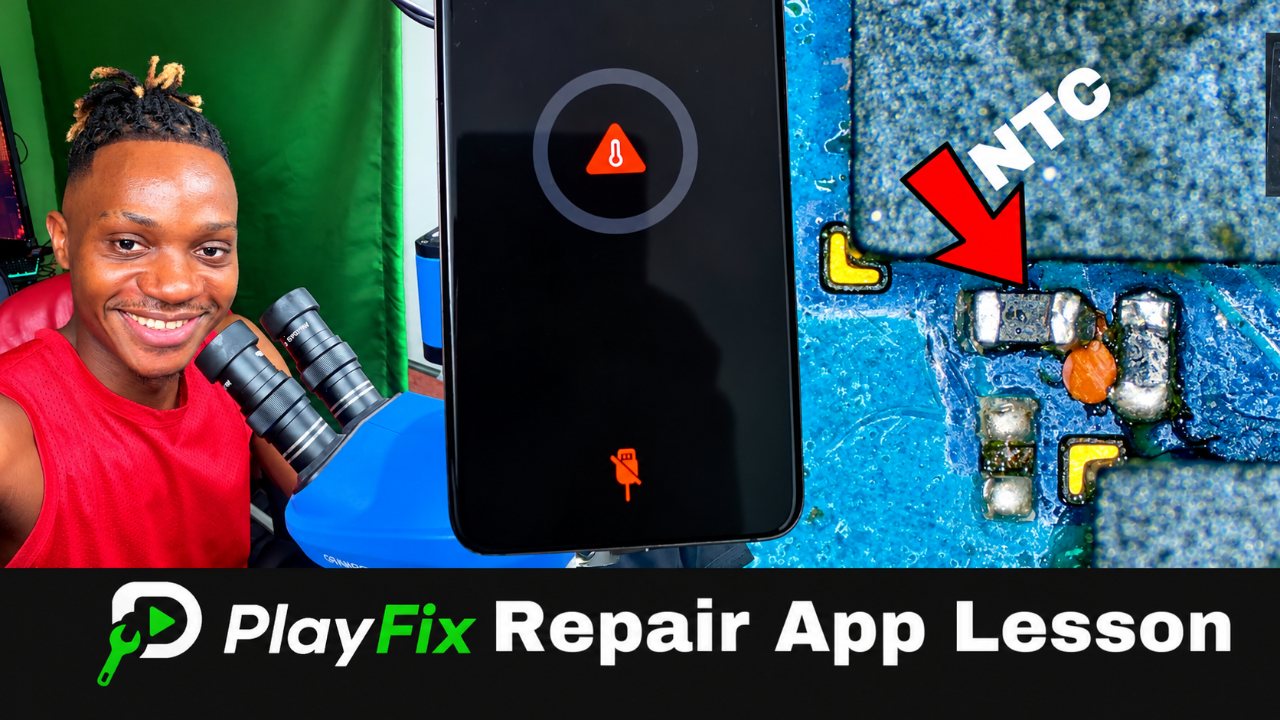
How to repair temperature icon problem on a samsung phone that won't charge.
These lessons have viewing requirements. Sign in to see your access options; this page is a public preview, not a video player.
Open course on PlayFix9:06 · How to repair temperature icon problem on a samsung phone that won't charge. Part 1 of 3.
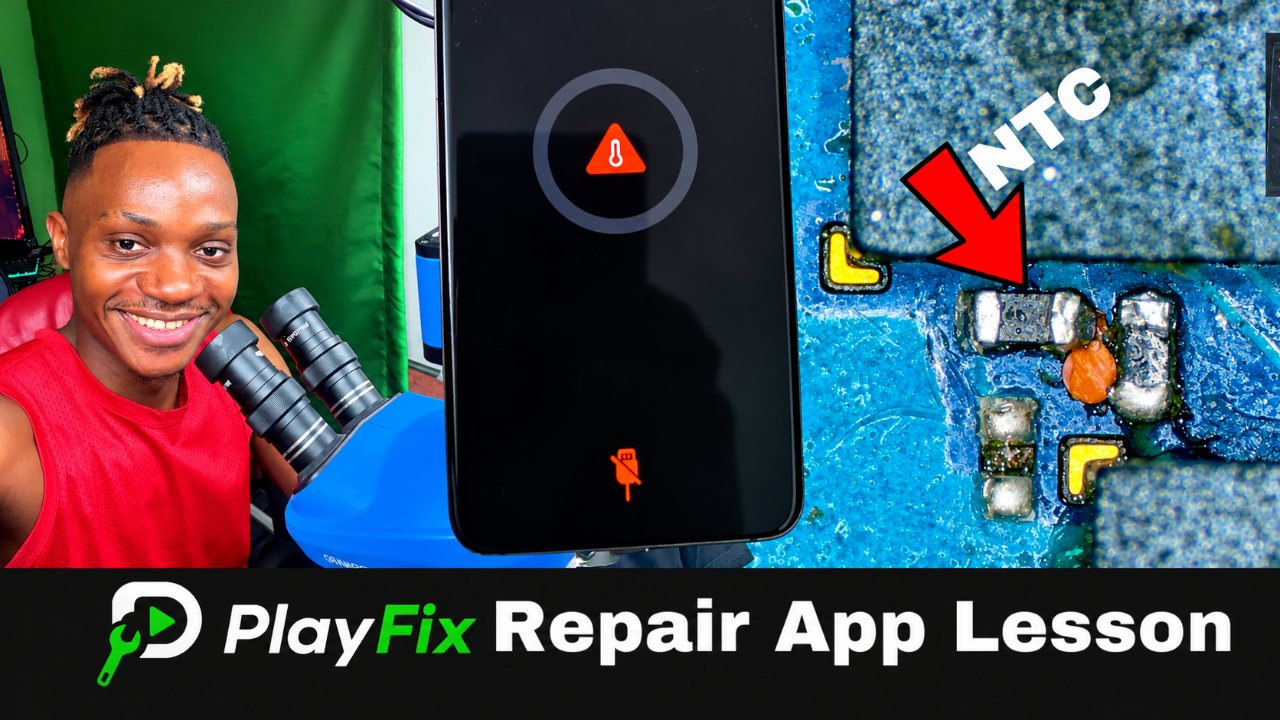
9:06 · How to repair temperature icon problem on a samsung phone that won't charge. Part 2 of 3.
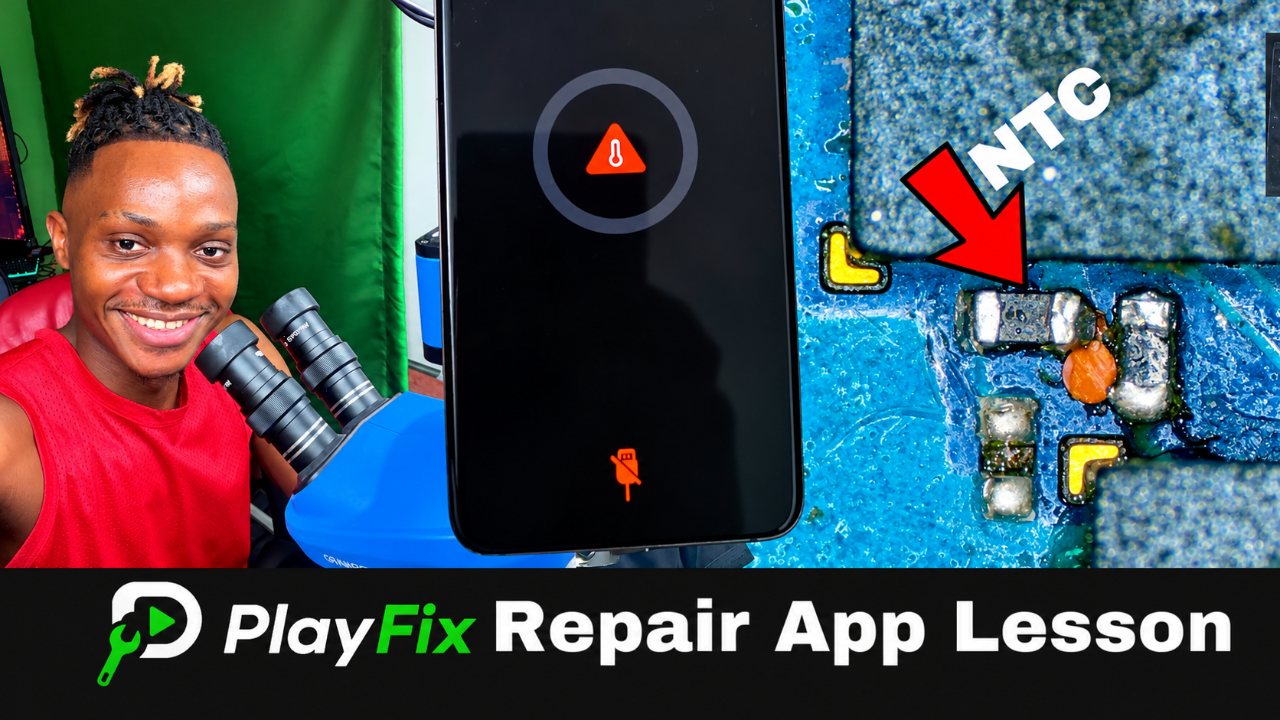
9:08 · How to repair temperature icon problem on a samsung phone that won't charge. Part 3 of 3.
Charging faults range from a dirty or damaged charging port to a shorted VBUS line, a failed over-voltage protection (OVP) chip or a damaged charging IC. Fake charging, where the phone shows the charging icon but the battery percentage does not rise, usually points to the charging path or battery communication rather than the charger.
Samsung Galaxy phones, especially the A series, are among the most repaired phones worldwide. Common board-level faults are dead boots from a shorted main rail or a failed power IC, current-trigger faults tied to the RAM or CPU, and charging faults on the VBUS line.