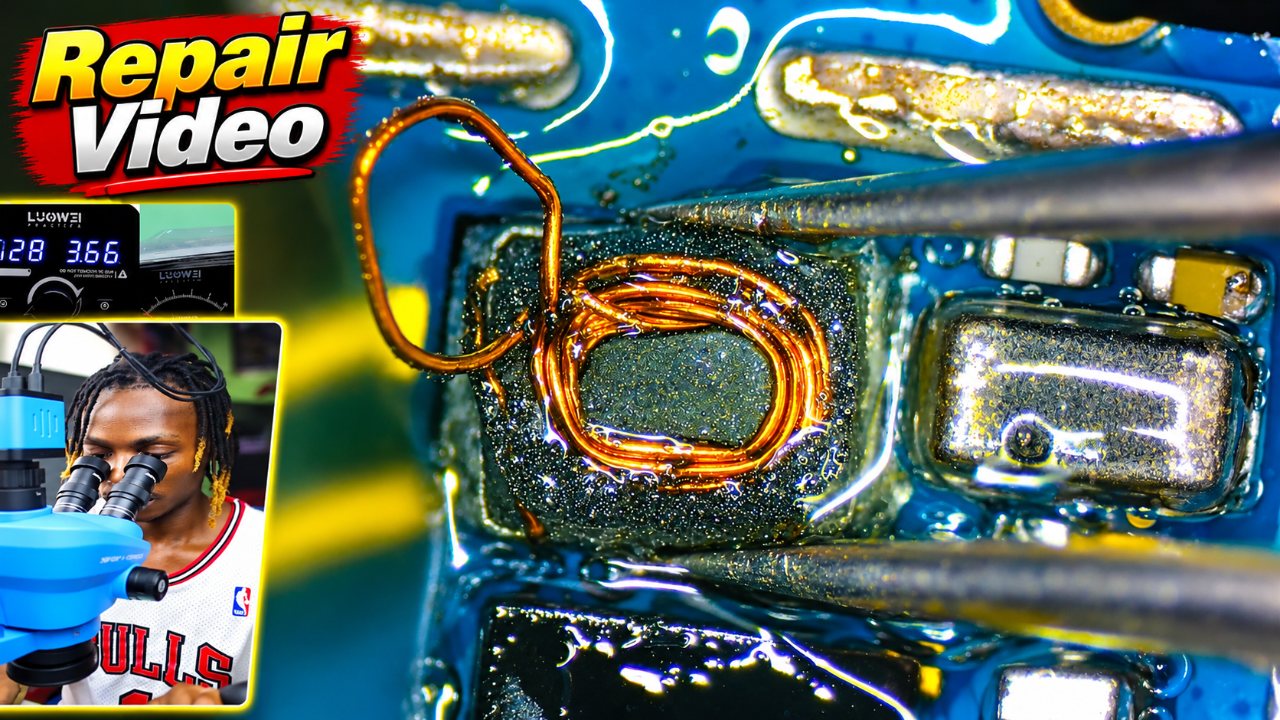
How to Repair Water Damage Phone with Power and Display Problem
💡 Learn Mobile Repairing with Our Courses! If you're serious about mastering mobile repairing, check out our exclusive courses designed for beginners and profe
This is a preview of a rewarded PlayFix lesson. Sign in to see its viewing options; playback is not available on this preview page.
Open lesson on PlayFixNo display and backlight repair
Display problems include no image, a blank or blue screen, a dim backlight, graphics corruption and touch failure. They can come from the screen itself, the display connector, the display filters or the backlight circuit (boost coil, diode, capacitor and backlight IC).
Water damaged phone repair
Liquid damage causes corrosion that can short supply lines, break connections under chips and slowly kill a phone that worked at first. Repair starts with disconnecting the battery and cleaning the board with isopropyl alcohol or an ultrasonic cleaner, then testing each damaged line.
What a technician checks
- Test with a known-good screen first
- Check the display connector and its filters for damage
- Measure the backlight boost circuit output
- Inspect the backlight IC, coil and diode for burns
- Disconnect the battery straight away
- Clean corrosion with isopropyl alcohol