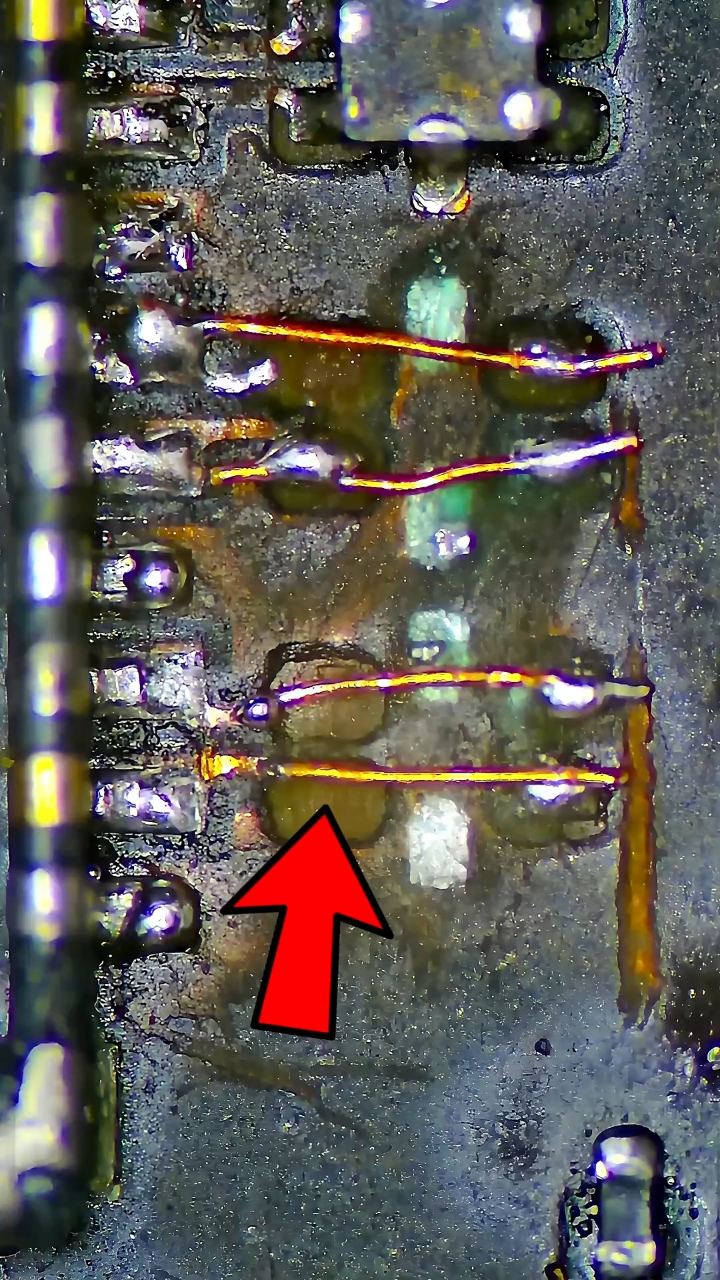
Google Pixel 6 With No Display - Full Micro-Soldering Troubleshooting
Part 1 of Google Pixel 6 With No Display - Full Micro-Soldering Troubleshooting, a mobile phone repair course on PlayFix.
This is a preview of a rewarded PlayFix lesson. Sign in to see its viewing options; playback is not available on this preview page.
Open lesson on PlayFixNo display and backlight repair
Display problems include no image, a blank or blue screen, a dim backlight, graphics corruption and touch failure. They can come from the screen itself, the display connector, the display filters or the backlight circuit (boost coil, diode, capacitor and backlight IC).
Micro-soldering for phone repair
Micro-soldering covers the precise board work behind most chip-level phone repairs: removing shields, lifting and reballing BGA chips, repairing torn pads, running jumper wires and replacing connectors. Good flux, temperature control and magnification matter as much as the iron or hot-air station.
What a technician checks
- Test with a known-good screen first
- Check the display connector and its filters for damage
- Measure the backlight boost circuit output
- Inspect the backlight IC, coil and diode for burns
- Protect nearby parts before applying hot air
- Use enough flux and controlled temperature